
Fathom logo

Fathom

Meeting notes land in your inbox before you've left the call

38 views
Fathom screenshot

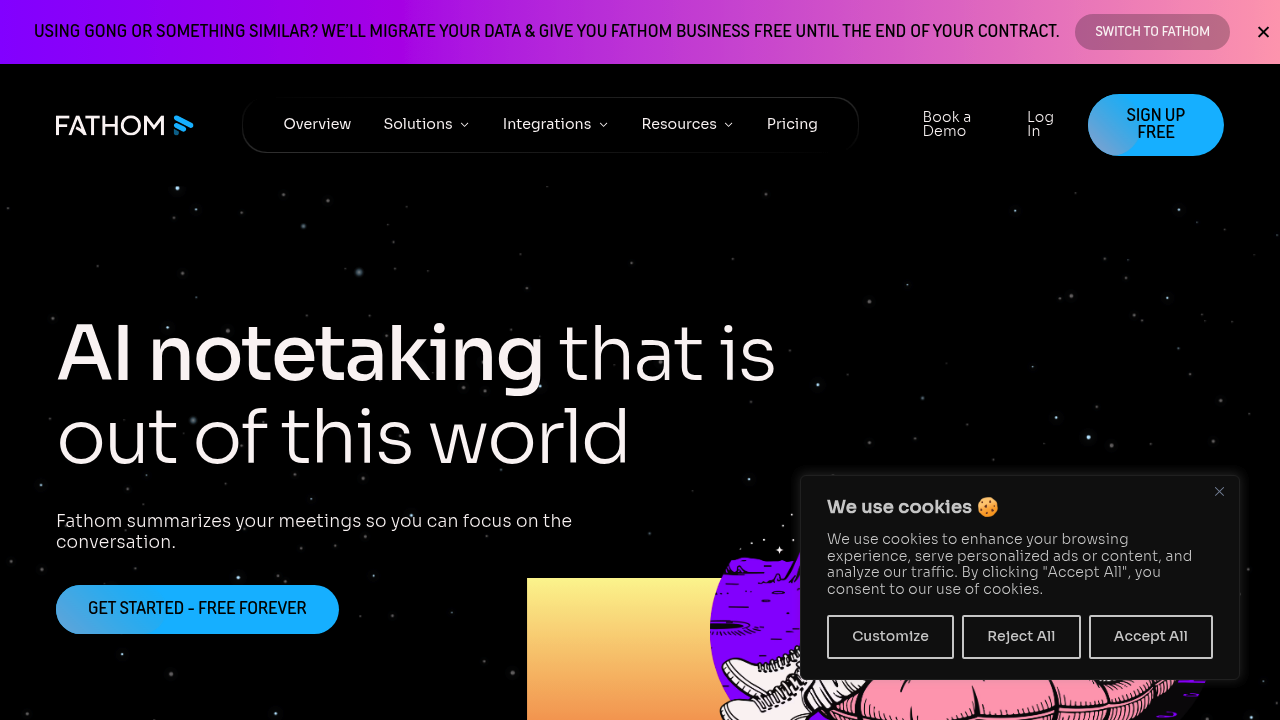
Meeting notes land in your inbox before you've left the call. Fathom emails summaries and action items automatically the moment your meeting wraps up. No dashboard clicking—no hunting for what was said.

CRM updates happen without you lifting a finger. Sales teams get automatic Salesforce and HubSpot syncing (no copying from transcripts). A customer success manager jumps from one client call to the next. Fathom handles documentation in the background. Users reportedly save over six hours weekly on follow-up work.

Ask questions about past meetings instead of scrolling through recordings. Type "What did Sarah say about the Q3 budget?" and get an answer pulled straight from your meeting history. Custom summary formats let you shape output to match how your team actually works—not generic bullet points.

AI Scorecards target sales coaching specifically. Managers track talk ratios and competitor mentions across calls. Engagement metrics reveal who's participating (and who isn't).

Fathom works across Google Meet, Zoom, and Microsoft Teams. The free plan includes core transcription and summary features. No time limits. No meeting caps. Feature request tracking synthesizes customer feedback themes from multiple calls—product managers don't piece together scattered notes anymore.

The interface won't win design awards. It gets the job done though. If you've manually written meeting recaps for years, watching them generate automatically feels almost unsettling at first.


Frequently asked

7 questions
Is Fathom really free?
Yes, Fathom has a Free Forever plan with all the core features—automatic transcription, AI summaries, and action item extraction. There aren't any meeting limits or time caps on the free version. You can use it indefinitely without paying anything.
How much time does Fathom actually save?
Users report saving over 6 hours per week on follow-up work like writing notes, updating CRMs, and tracking action items. The AI handles all that automatically, so you can jump from one meeting to the next without manual documentation. Summaries hit your inbox before you've even closed the meeting window.
Does Fathom work with Microsoft Teams?
Yes, Fathom works with Microsoft Teams, Zoom, and Google Meet. It also integrates with tools like Slack, Salesforce, HubSpot, Notion, and Asana so your notes sync automatically without copying and pasting.
Can I search through past meetings in Fathom?
Yep, the Ask Fathom feature lets you search your meeting history with natural questions. Type something like 'What did the client say about pricing?' and it pulls the answer from your recordings. No more scrolling through hour-long transcripts.
What can sales teams do with Fathom?
Sales teams get automatic CRM updates in Salesforce and HubSpot without manual data entry. AI Scorecards track metrics like talk ratios and competitor mentions across calls for coaching. It's built to help reps stay in conversations instead of scrambling to take notes.
Can I customize how Fathom summarizes meetings?
Absolutely. You can customize the summary format to match your team's workflow instead of getting generic bullet points. This helps when different departments need different outputs—sales calls get summarized differently than product feedback sessions.
Can I switch to Fathom from other tools like Gong?
Yes, Fathom offers data migration from Gong and will give you free Fathom Business until your existing contract ends. They've got comparison pages for switching from Gong, Fireflies, Otter, and other tools to make the decision easier.

Reviews (0)

No reviews yet. Be the first to share your experience.

Similar tools

See all →