
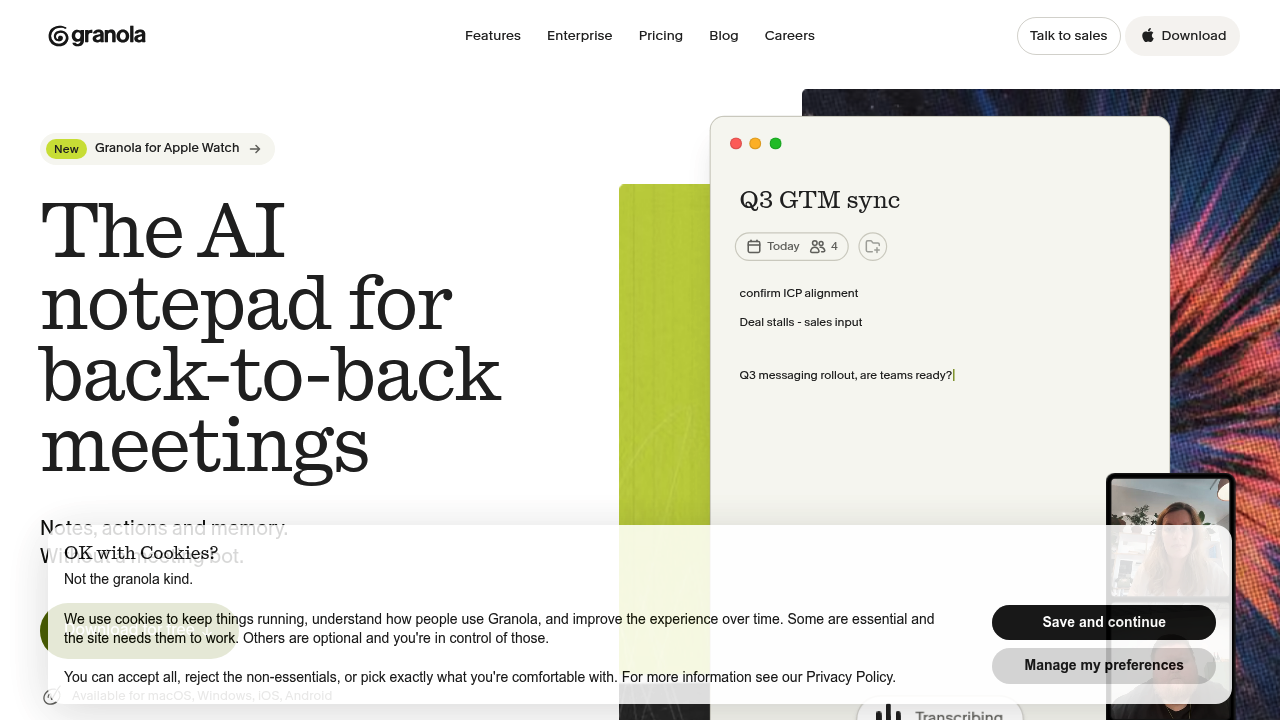
Granola is an AI notepad for back-to-back meetings. It listens through the computer's own audio, so no bot joins the call, and it turns a few typed lines into clear, structured notes after the meeting. A calendar sync prepares a brief before external meetings with attendees, past discussions, and open issues. Notes, action items, and follow-up emails are ready when the call ends. The Basic plan is free with 30 days of history. Business costs $14 per user per month with unlimited history and integrations, and Enterprise is $35 per user per month with SSO and admin controls.
Granola suits people who spend their day in meetings and want to stay present instead of typing. Founders, sales representatives, product managers, recruiters, and consultants use it to keep a record of calls without an obtrusive recorder. Small teams pick Business for shared history and integrations, and larger companies choose Enterprise for security reviews, auto-deletion periods, and admin controls over sharing. Because it works with Zoom, Google Meet, Teams, and every other meeting app, and also handles in-person conversations, it fits both remote and office workers. Notes are private by default and can be shared when needed.
Typical uses include walking into a customer call with a brief that recalls the last conversation, jotting a few bullets while talking, and getting enhanced notes with decisions and owners afterward. A sales lead can ask an AI chat across meetings what a prospect said about budget, then draft a follow-up email. Teams organize notes in shared folders, apply custom templates, and push summaries into Notion, HubSpot, Attio, Affinity, or Zapier. Developers can connect through MCP and the API to use notes in other apps, so nobody needs to paste transcripts into other AI tools. Granola is available for macOS, Windows, iOS, Android, and Apple Watch.