You get 20 minutes free each month. That's enough to test if you'll actually use it. Captions show up in about half a second—matters when you're trying to follow a live conversation.
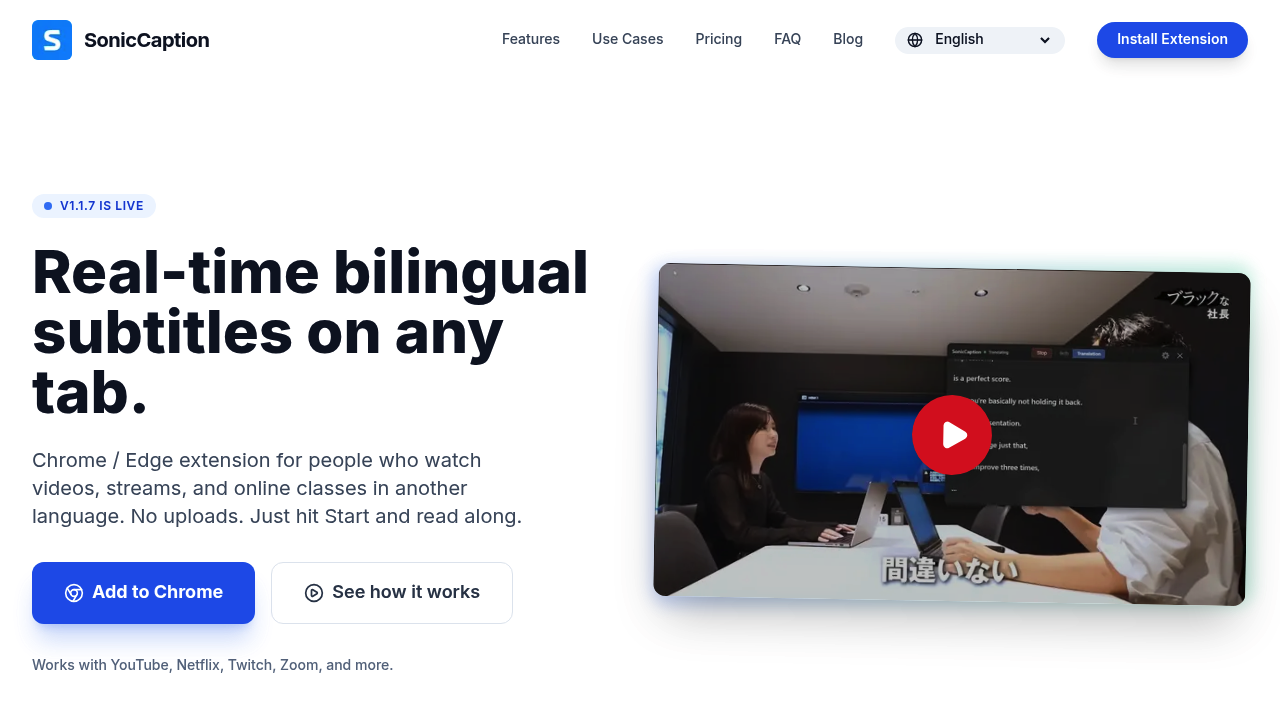
SonicCaption sits in your browser. It adds dual-language subtitles to anything playing audio. YouTube works. Netflix works. So do Twitch, Zoom calls, and Google Meet. It doesn't care what tab you've got open. Original language on one line. Translation underneath. No file uploads. No export-import dance. Just open a video and subtitles appear.
Audio stays in your tab. SonicCaption only processes text segments for translation. Everything runs through the extension without sending full audio streams anywhere.
A product manager joining daily standups in English when it's not their first language? This would help. Captions keep up with real-time speech fast enough that you're not reading yesterday's sentence while today's conversation moves on. Though 20 minutes won't cover a full workday of meetings.
Paid plans start at $10 for 8 hours monthly. Goes up to $79 for 120 hours if you're watching lectures or streams constantly. Works on Chrome and Edge. The creator uses it himself for work meetings, which explains why it handles live calls instead of just pre-recorded content. Version 1.1.7 is the current build. It does what it says without much fuss.