
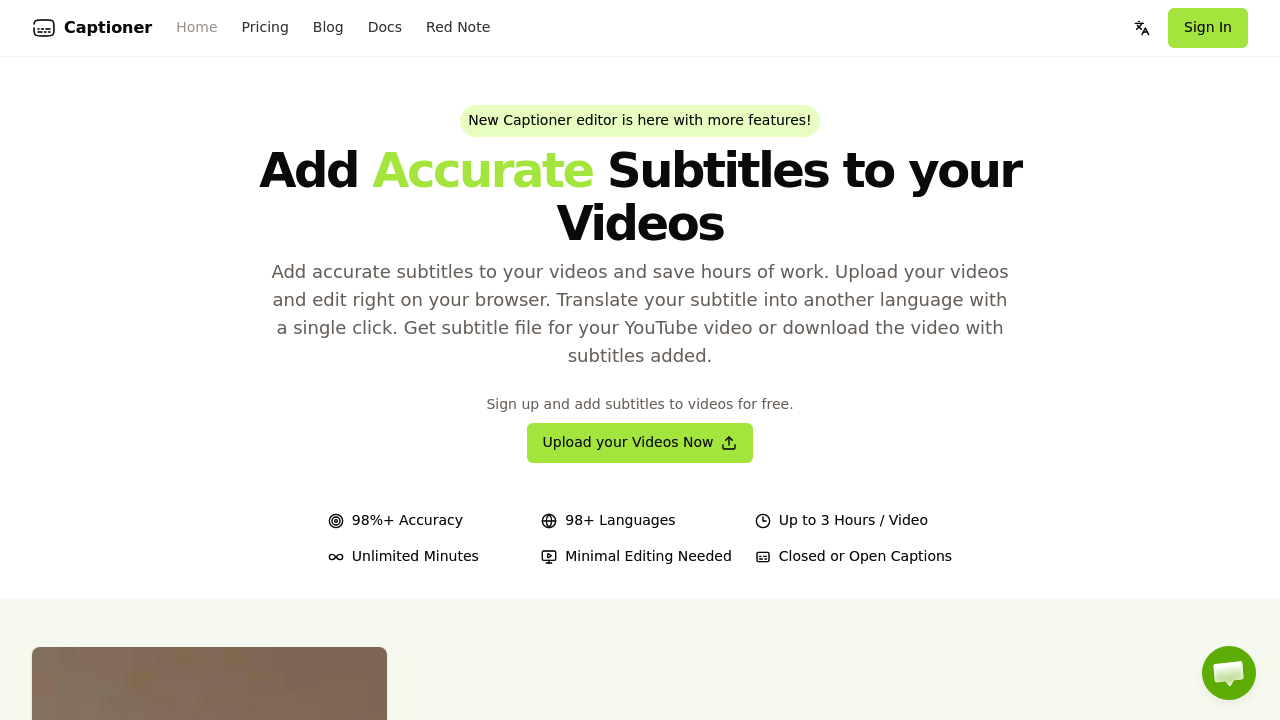
Captioner.io runs Whisper AI optimized specifically for video subtitle generation through a browser-based interface. The system processes video files up to 2GB and generates transcriptions with word-level timestamps, which means each word gets its own timing marker rather than just sentence-level stamps. This granularity matters for editing precision and subtitle synchronization.
The transcription pipeline claims 98% accuracy across 98 languages. It handles videos up to 3 hours long on paid plans. The browser-based architecture means there is no desktop software to install, though it also means you're dependent on your internet connection for the entire workflow. Files get uploaded, processed on their servers, and you edit the results in the browser before exporting.
The output flexibility covers multiple use cases. You can export subtitle files in SBV, SRT, or VTT formats for importing into video editors or uploading directly to YouTube. Alternatively, you can render the video with burned-in subtitles at resolutions up to 4K on paid plans. The burned-in option means the subtitles become part of the video file itself rather than existing as a separate text layer.
Two editing interfaces handle different workflows. Express Editor provides quick editing for simple corrections. Pro Editor offers more granular control for complex subtitle timing adjustments. Both run in the browser. The system also lets you import existing transcript text and automatically align it with your video's audio, similar to YouTube's auto-sync but reportedly with better accuracy.
Translation happens with a single click, converting subtitles between the 98 supported languages without re-transcribing the audio. Font styling options let you customize how burned-in subtitles appear on the final video.
The technical limitations are significant on the free tier. You're restricted to 3 videos per day with a 3-minute maximum per video. Rendering is deliberately slowed. Export tops out at 720p. A watermark appears on all rendered videos. These constraints push serious users toward paid plans quickly.
Paid plans cost $10 monthly when billed yearly or $20 monthly. They remove watermarks, enable unlimited video processing, extend the video length limit to 3 hours, enable 4K exports, and provide priority rendering in the queue. The Pro Editor becomes available only on paid tiers.
Account sharing isn't permitted regardless of plan tier. The 2GB file size limit applies universally, which could constrain users working with high-resolution source footage or long-form content at the upper end of the 3-hour limit.
Integration happens through standard subtitle file formats rather than direct API connections. Export your SRT or VTT files and import them into Adobe Premiere, Final Cut, DaVinci Resolve, or upload directly to YouTube's subtitle system. This file-based workflow is straightforward but not automated.
The word-level timestamp optimization distinguishes this from general-purpose transcription tools. Most transcription services focus on text accuracy for written records. Captioner.io prioritizes timing precision for subtitle synchronization, which involves different technical tradeoffs in how the model processes audio segments.
The browser-based architecture creates both convenience and constraints. No installation simplifies getting started. But processing speed depends on server capacity and your upload bandwidth. The priority rendering on paid plans suggests queue management becomes necessary during peak usage periods.
This service targets content creators producing video for platforms requiring subtitles. The workflow assumes you're starting with finished video rather than live captioning or real-time applications.