
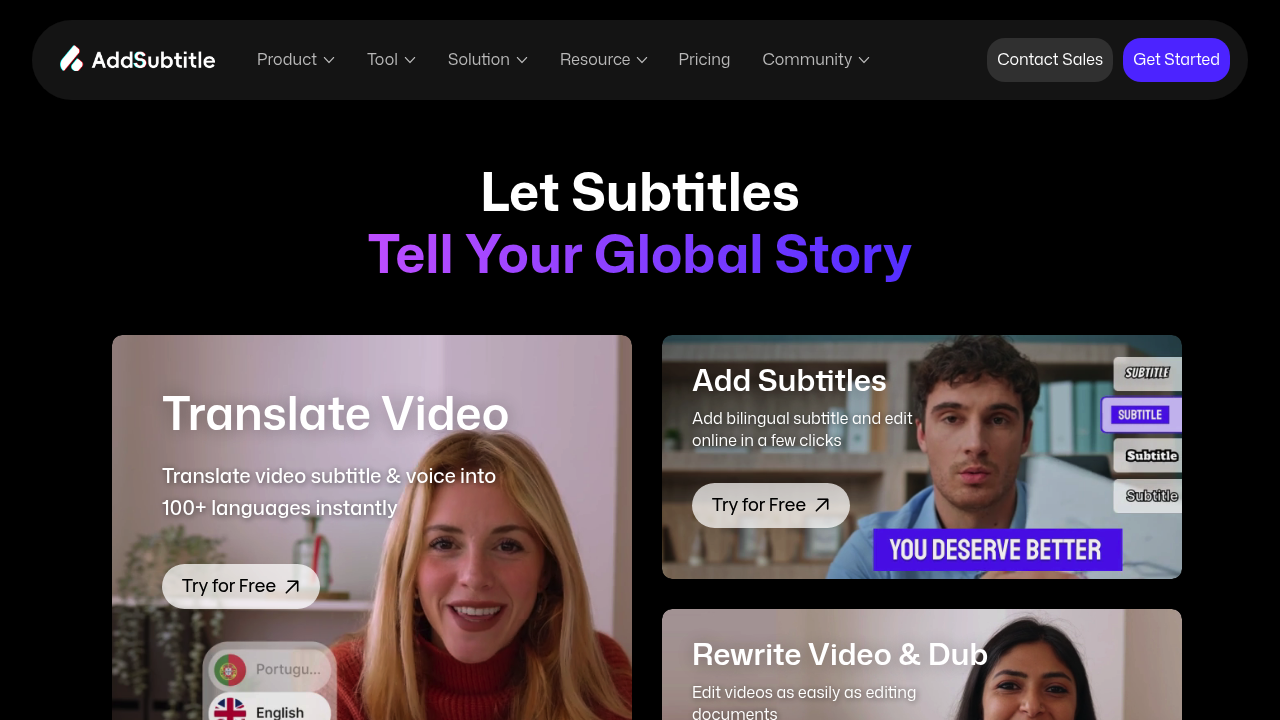
A YouTube creator films a 15-minute tutorial in English but wants to reach Spanish and French audiences without recording three separate versions. She uploads the video, clicks once for multilingual translation, and gets accurate subtitles in both languages overlaid on the same video. This software handles the transcription, translation, and styling in one pass. She edits a few technical terms in the built-in text editor, then exports without watermarks. Her audience triples.
AddSubtitle generates and translates video subtitles across 100+ languages using AI transcription and translation. It handles the entire subtitle workflow from automatic caption generation to custom styling to exporting final files. Content creators upload videos up to 60 minutes, select target languages, and get synchronized subtitles that match the audio timing. This service supports bilingual subtitles, letting viewers see two languages simultaneously on screen.
The online subtitle editor fixes transcription errors without leaving the browser. A TikTok creator notices the AI misheard "SEO" as "CEO" in her marketing video. She clicks into the text editor, corrects the mistake, adjusts the timestamp by dragging the subtitle block, and changes the font color to match her brand. The styling tools include bold fonts that support all 100+ languages, so Japanese characters and Arabic script display correctly alongside English.
Translation works through a credit system. Each feature consumes credits differently. Adding subtitles to a 10-minute video goes for fewer credits than translating that same video's audio with voice cloning and lip sync. An online teacher with 200 credits on the Standard plan can generate subtitles for multiple lectures or spend them all on one fully translated video with synchronized lip movements. The flexibility matters when needs vary week to week.
Voice cloning creates dubbed versions in different languages while matching lip movements to the new audio. A business creating product demos records once in English, then uses this software to generate French and German versions with synthetic voices that mimic the original speaker's tone. The lip sync feature adjusts mouth movements to match the translated words. It's convincing for talking-head videos but struggles with quick cuts or speakers shown in profile.
This service fails when videos exceed plan limits. Basic users hit a wall at 20 minutes and 200 MB, which blocks most webinar recordings or detailed tutorials. Standard bumps that to 30 minutes and 300 MB, but conference talks and long-form content still won't fit until Pro at 60 minutes and 500 MB. Cloud storage also constrains. Basic keeps videos only 7 days, forcing constant re-uploads for revisions. Standard extends that to 180 days, but only Pro offers permanent storage.
Accuracy drops with technical jargon, heavy accents, and overlapping speakers. A podcast with two hosts interrupting each other produces jumbled subtitles that require extensive manual cleanup. The speaker separation exists but doesn't reliably attribute dialogue correctly when voices overlap. Videos with clear audio and one speaker work best.
The Basic plan costs nothing but stamps a watermark on every export and limits voice clones to 3. Standard costs $9.90 monthly with 200 credits, 5 voice clones, and watermark-free exports. Pro runs $19.90 monthly with 500 credits and unlimited voice clones. Enterprise offers custom pricing with unlimited credits and API access for teams processing hundreds of videos.
Users editing faster than in Final Cut Pro or Apple Motion report the 2X speed difference comes from skipping traditional timeline-based workflows. But professionals needing frame-perfect subtitle placement or advanced compositing won't find those tools here. It's built for speed over precision.
Creators producing short-form content in one language without translation needs shouldn't bother. This software shines when language barriers block audience growth, not when basic captions suffice.