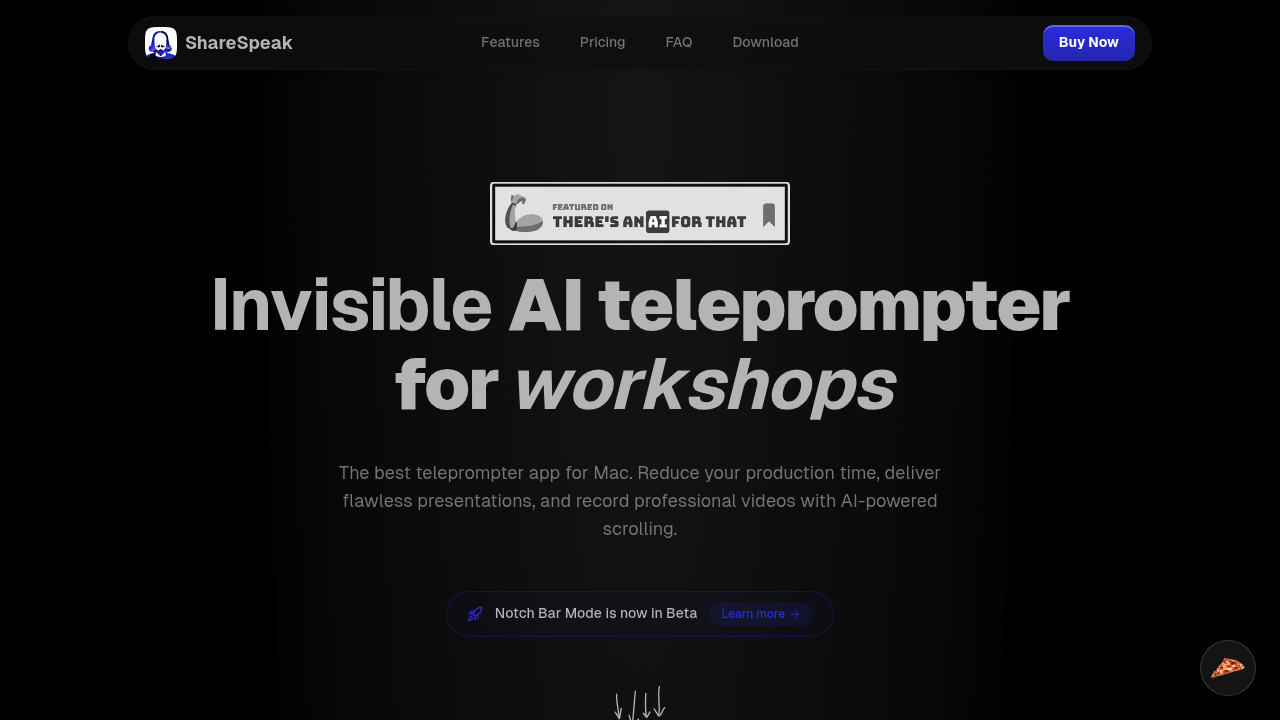
An AI teleprompter that no one can see during your screen recordings. That's the pitch here. ShareSpeak sits on your Mac and scrolls your script while you present, but stays completely hidden from whatever you're sharing or recording. For screencasters who want to sound natural without looking like they're reading, that's useful.
The voice-controlled scrolling is the main draw. You talk, and the AI follows along using speech recognition. Pick from three models: a cloud-based option, Whisper, or Apple's built-in option. If the AI gets jumpy, you can switch to manual mode and control the speed yourself. The app works fully offline with local models if you don't want to deal with API keys or internet requirements.
The standout feature is the Notch Bar Mode. ShareSpeak tucks the teleprompter inside your MacBook's notch. Your script sits right near the camera. Better eye contact without the awkward glance away. Though fair warning, that mode is still in beta. The app also handles multiple languages automatically and lets you tweak transparency, colors, and text appearance however you want.
Does it actually work during recording? That's what matters. The invisibility feature is solid. Screen sharing and recording tools won't pick it up, which solves the obvious problem of having teleprompter text show up in your final video. Keyboard shortcuts help you control things without fumbling around. The floating license system lets you use two devices and switch between them whenever needed, which is more flexible than most single-device locks.
What's missing? This is Mac only. Windows users are out. The Notch Bar Mode being in beta means you might hit some rough edges there. No integrations with specific video tools or platforms, so you're working alongside your recording software rather than inside it. No team features either if you're coordinating with other people. The mobile version is included without ads, but the core use case is clearly desktop work.
Pricing is aggressive in a good way. One-time payment model with three tiers based on when you buy. First ten users pay $8.90 lifetime. Next 140 pay $12.50. After beta ends, it jumps to $17.90. All tiers include lifetime updates, the two-device floating license, and that ad-free mobile version. There's a 21-day refund window if it does not click for you. No subscriptions. That's refreshing when most tools want monthly payments forever. Over 90 customers have bought in already.
Who actually needs this? Content creators recording tutorials or courses where sounding polished matters. Online teachers presenting material without stumbling over explanations. Anyone doing regular video calls who wants to nail their talking points. Presenters who hate that stiff reading-from-notes look. If you're making screencasts and want to stop doing twenty takes because you forgot what comes next, this solves that.
The invisible aspect is crucial. Plenty of teleprompter apps exist, but having one that actually hides during screen capture without extra setup is the whole point. Whether the AI scrolling keeps up with different speaking speeds and accents will vary by which model you choose. The offline capability matters if you're recording somewhere without reliable internet or don't want to mess with API costs.
It's a specific tool for a specific problem. Not flashy, but practical if reading from a script makes your videos better.