
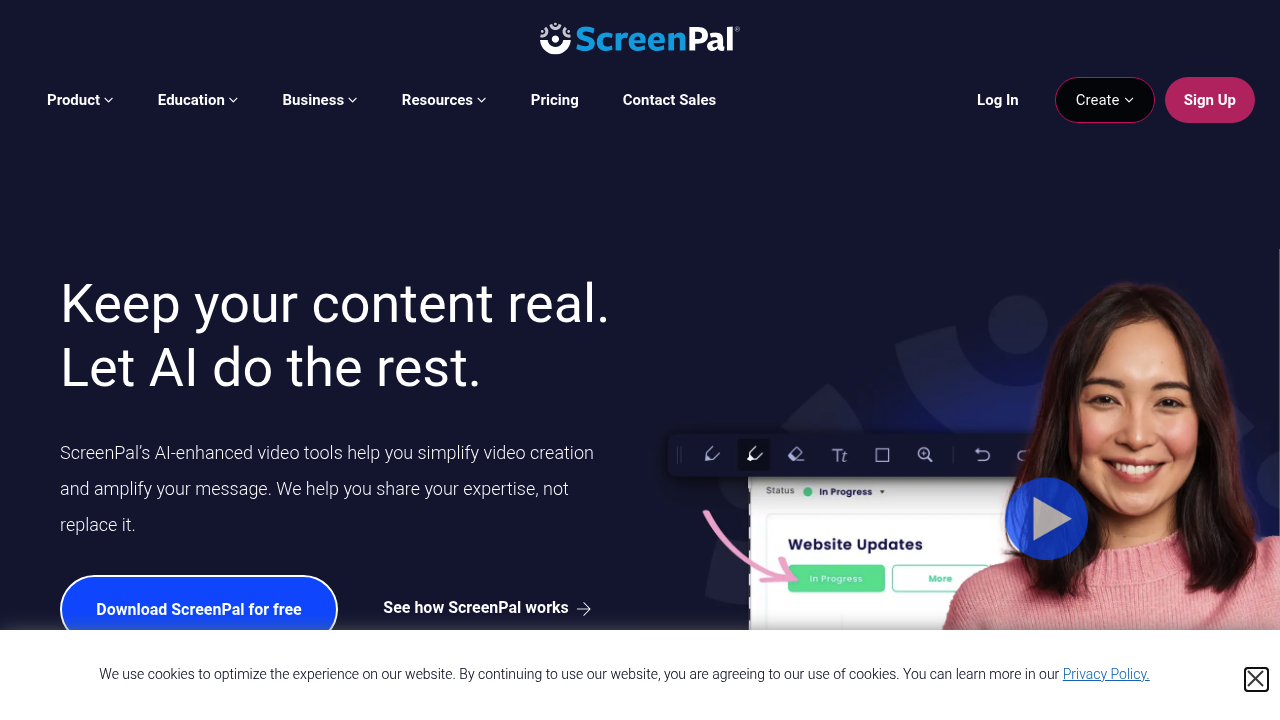
ScreenPal is a screen recorder and video editor that also hosts and shares the videos you make. You can record from a browser-based online recorder or from a desktop recorder with advanced features, then edit in an online editor, currently in beta, or in the desktop editor. The product extends to screenshots with an image editor, a stock library of videos, images and music, storyboard and script tools called Stories, and AI features that take over manual work. Hosting adds content management, a branded player and analytics, and a single account works across every device.
The product serves educators, school districts, higher education teams and business groups in sales, marketing, customer support and product. Teachers record lessons and tutorials, then add quiz questions, ratings and polls to keep students engaged. Business teams record walkthroughs, training clips and support answers and share them as links. Creators who want a quick, authentic look can edit on the desktop for finer control. Education pricing is offered at a discount, and integrations connect ScreenPal with learning management platforms and everyday workplace tools, so videos fit into existing course and team workflows.
Typical use cases include a teacher recording a flipped lesson and attaching a quiz, a support agent capturing a screen recording to explain a bug fix, a sales rep sending a personalized walkthrough, and a manager building a library of team knowledge in hosted videos. Product teams annotate screenshots for feedback and storyboard a demo before recording it. After publishing, analytics show how viewers engage with each video. Global audiences can be reached with captions and translation-oriented AI features, and branded players keep a consistent look across everything the team shares.