
Zight logo
AI Video Recording FREEMIUM from $10/mo

Zight

Zight captures what is on a screen and turns it into a video recording, a screenshot, a GIF or an AI-written guide that can be shared through a secure link.

Its Request Video feature sends a link that lets anyone record back, with their screen, camera and browser console logs attached to a ticket and no account needed. AI smart actions produce summaries, chapters and…

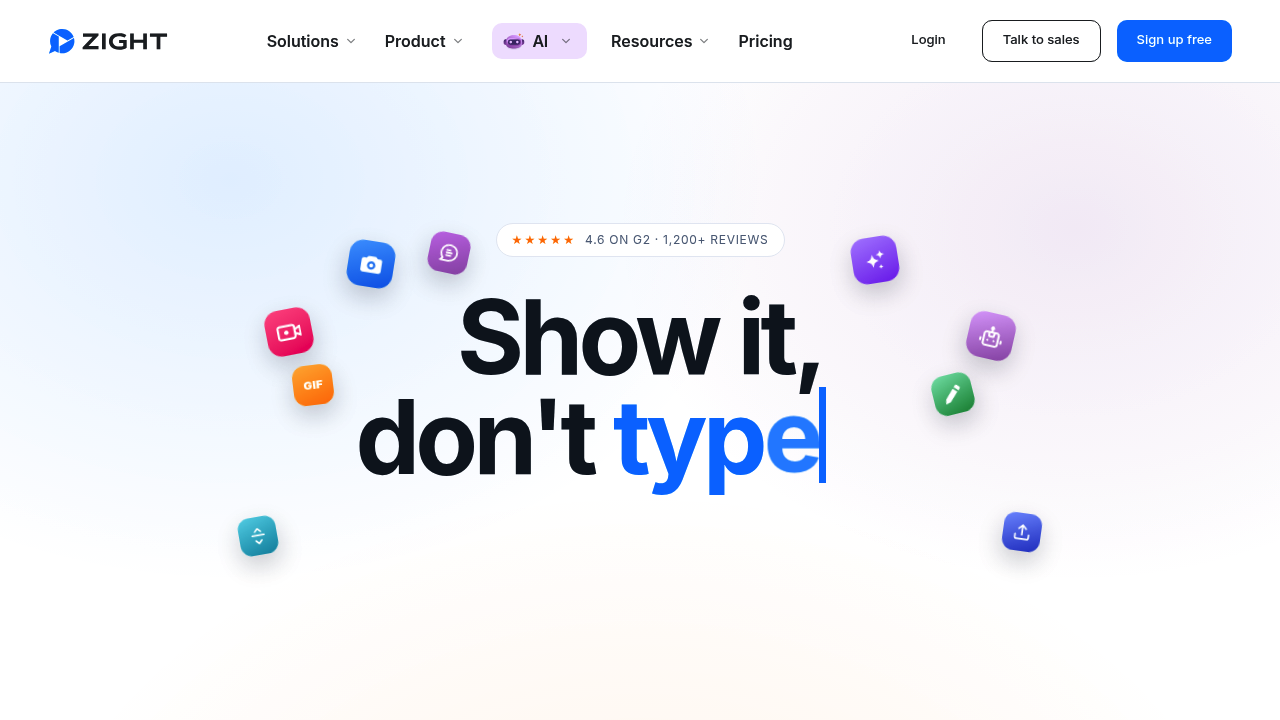
Zight screenshot

Zight captures what is on a screen and turns it into a video recording, a screenshot, a GIF or an AI-written guide that can be shared through a secure link. Its Request Video feature sends a link that lets anyone record back, with their screen, camera and browser console logs attached to a ticket and no account needed. AI smart actions produce summaries, chapters and step-by-step documentation, and a meeting recorder returns notes and action items. A free Share plan exists, Create costs $9.95 per month and Collaborate $12 per user per month, both billed annually.

Zight serves customer support agents, QA and engineering teams, customer success managers, trainers and operations leads who spend the day explaining things. Solo creators on the Create plan get unlimited recording time for onboarding and documentation, while growing teams on Collaborate add branding, SOC 2 Type II compliance and more Video Requests. Larger organizations on Scale gain SSO, SCIM, a HIPAA agreement with a BAA, custom data retention and S3 storage. Customers quoted include a software developer, a school technology director and customer care leads.

Support teams drop a request link into a Zendesk or Intercom ticket and get back a recording with console logs and browser details, so nobody has to ask for reproduction steps. Developers attach short videos to GitHub pull requests and bug reports, and one customer says documenting a bug dropped from 5 to 10 minutes to about 30 seconds. Trainers record a walkthrough once and let Zight generate an SOP with chapters. Managers record calls and share notes, and recordings plus transcripts and logs are readable by AI tools over MCP.

Zight alternatives

See all →

Frequently asked

6 questions
How does Zight's Request Video feature work?
A request link is pasted into a ticket or chat, and the recipient records their screen with one click, with no account needed. Their recording and console logs come back attached to the ticket.
Who benefits most from Zight?
Support, engineering, customer success and training teams that explain things all day gain the most. Customers quoted include developers, a school technology director and customer care leads.
How can Zight help with bug reports?
Recordings arrive with console logs, network details and browser information attached. A customer reports that documenting a bug used to take 5 to 10 minutes and now takes about 30 seconds with Smart Actions.
How much does Zight cost?
The Share plan is free. Create costs $9.95 per month and Collaborate costs $12 per user per month, both billed annually, with 20% savings versus monthly billing. Scale is custom through sales.
What are the limits of the free Zight plan?
Share covers video recording, video requests, screenshots and 15-second GIFs, with recording quality up to 720p. Unlimited recording time, 4K quality and AI smart actions require a paid plan.
Which helpdesk tools does Zight connect with?
Zendesk, Intercom, Jira and Salesforce Service Cloud are listed, with ServiceNow coming soon. Premium integrations belong to the Scale plan, and recordings can also be read by AI tools over MCP.

Reviews (0)

Write review

No reviews yet. Be the first to share your experience.