
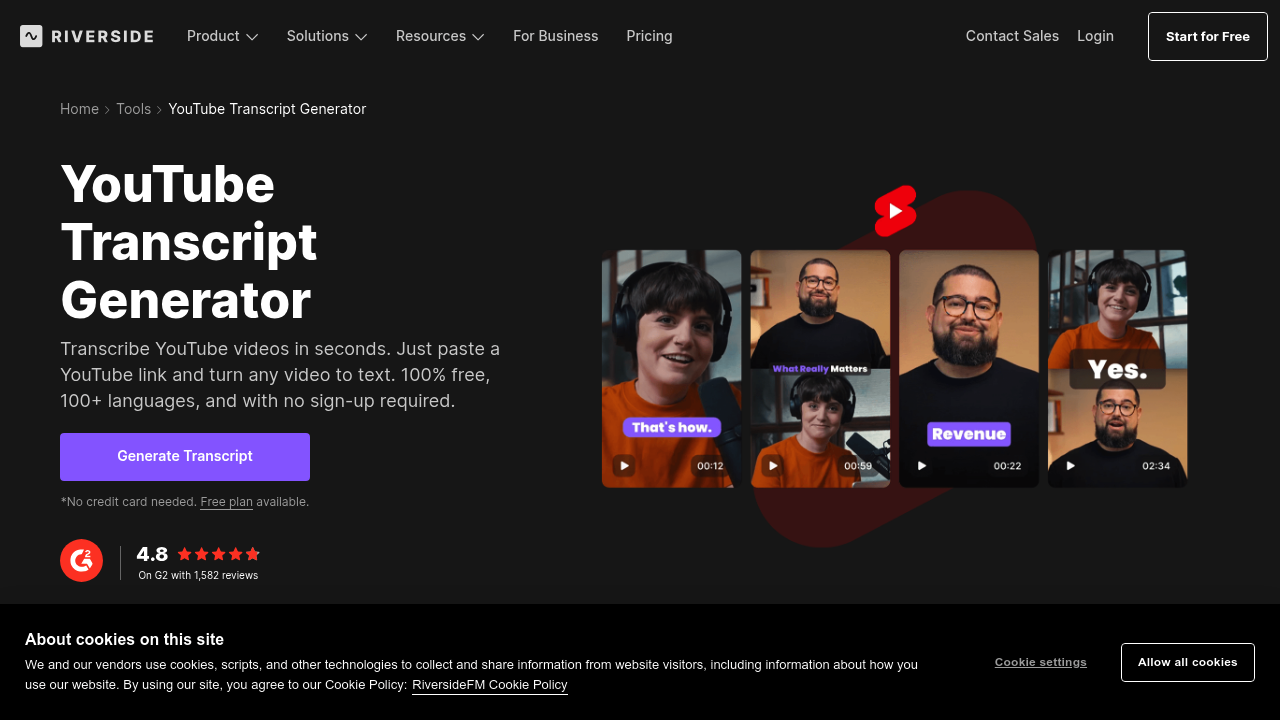
Riverside's YouTube transcript generator pulls audio straight from YouTube videos. Creates text transcripts. You paste a YouTube URL and get a transcript back with what Riverside claims is 99% accuracy.
It runs entirely online for free. No downloads. No signups required. Just paste and wait.
Content creators working on video essays find this useful when they need to repurpose their YouTube content into blog posts or social media captions. Drop in your video URL and you'll get the full transcript to work with instead of manually typing everything out.
Riverside claims 99% accuracy but doesn't specify how they measure this or what types of videos perform best. Audio quality matters. Speaker clarity affects results like any transcription service. Background music or multiple speakers talking over each other won't help.
This is clearly built for individual use rather than team workflows. There's no collaboration features or user management. You can't save transcripts to an account or share them with teammates directly.
Riverside works best when you need quick transcripts from YouTube videos without wanting to install software or create accounts. Marketing managers pulling quotes from competitor videos — or researchers transcribing interview footage uploaded to YouTube — can get what they need fast. Just don't expect advanced features like speaker identification or timestamp editing.