Quaestor Ledger logo
AI For Finance FREEMIUM from $13/mo

Quaestor Ledger

Quaestor Ledger is an AI-driven tool designed to automate the management and processing of receipts

Point your phone at receipts and Quaestor Ledger pulls out the merchant, date, and total in seconds. The AI doesn't just read one receipt at a time either. Drop a photo with five crumpled receipts from your last…

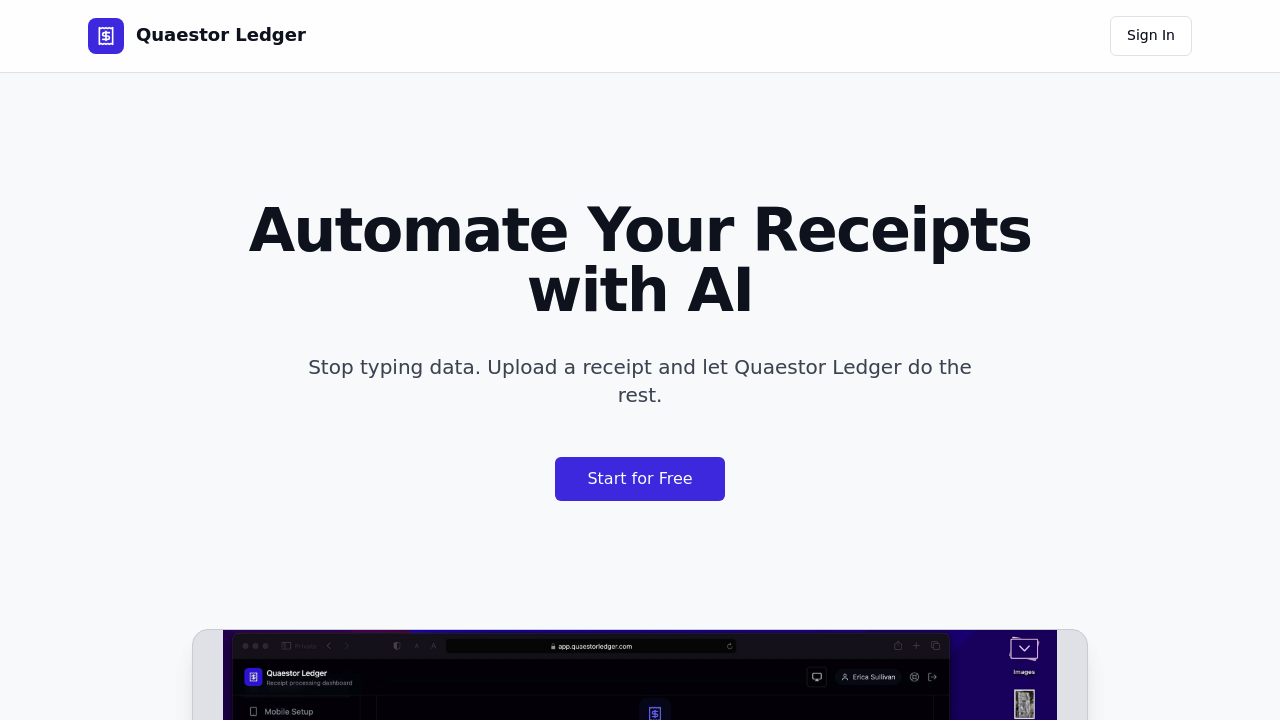
Quaestor Ledger screenshot

Point your phone at receipts and Quaestor Ledger pulls out the merchant, date, and total in seconds. The AI doesn't just read one receipt at a time either. Drop a photo with five crumpled receipts from your last business trip — it'll auto-split the image to extract data from each one separately.

Small business owners drowning in expense reports will appreciate how this works.

You snap photos throughout the week. Quaestor Ledger automatically links those receipts to your actual transactions across checking accounts. Credit cards too. Savings accounts as well. No manual matching required.

Spending categorization happens without input from you. Restaurant receipts go to meals. Gas station purchases to transportation. You can search through everything later or export the data when tax season arrives.

Beyond receipt processing, you get a complete financial dashboard tracking net worth and account balances across all your linked accounts. Investments show up alongside checking accounts. Quaestor Ledger positions itself as money management rather than just receipt scanning.

Integration options include iOS Shortcuts. Make works too. So does Zapier if you want to connect this to other apps in your workflow. There's a free plan to start with, though the limitations aren't clear from the outset. Receipt splitting makes this more useful than basic OCR tools, especially if you're dealing with multiple purchases in single photos regularly.


Quaestor Ledger alternatives

See all →

Frequently asked

6 questions
How accurate is the receipt splitting when I photograph multiple receipts at once?
Quaestor Ledger's AI can spot and separate multiple receipts in one photo -- then it pulls out merchant, date, and total from each one. Works even with crumpled or overlapping receipts from business trips. You don't need to photograph each receipt separately.
Does Quaestor Ledger automatically match my photographed receipts to bank transactions?
Yep, it links your receipt photos to actual transactions across all connected accounts. This includes checking, credit cards, and savings. Happens automatically -- no manual matching needed. The system grabs transaction data from your linked accounts to make these connections.
What spending categories does the AI assign to my receipts?
Categorization happens automatically based on merchant type and what you bought. Restaurant receipts get sorted into meals. Gas station purchases go to transportation. You can search through categorized expenses later or export everything for taxes.
Can I connect Quaestor Ledger to other apps I'm already using?
You can integrate through iOS Shortcuts, Make, and Zapier. These let you automate receipt processing or push expense data to accounting software you're already using. Works as part of a larger financial setup -- doesn't stay isolated.
What's included in the free plan and what are its limits?
There's a free plan to get started, but the specific limits aren't clearly outlined upfront. You'll need to sign up and test features to see what's restricted. Paid plans presumably offer more receipt processing volume or additional account connections.
How does this compare to basic OCR receipt scanners?
Unlike simple OCR tools that read one receipt at a time, this processes multiple receipts from a single photo and splits them automatically. It also connects to your actual bank accounts for transaction matching -- plus includes a full financial dashboard. Most OCR scanners just extract text without banking integration or net worth tracking.

Traffic

Estimated monthly website visits · last 0 months

Not enough historical data for a chart yet.

Reviews (0)

Write review

No reviews yet. Be the first to share your experience.