
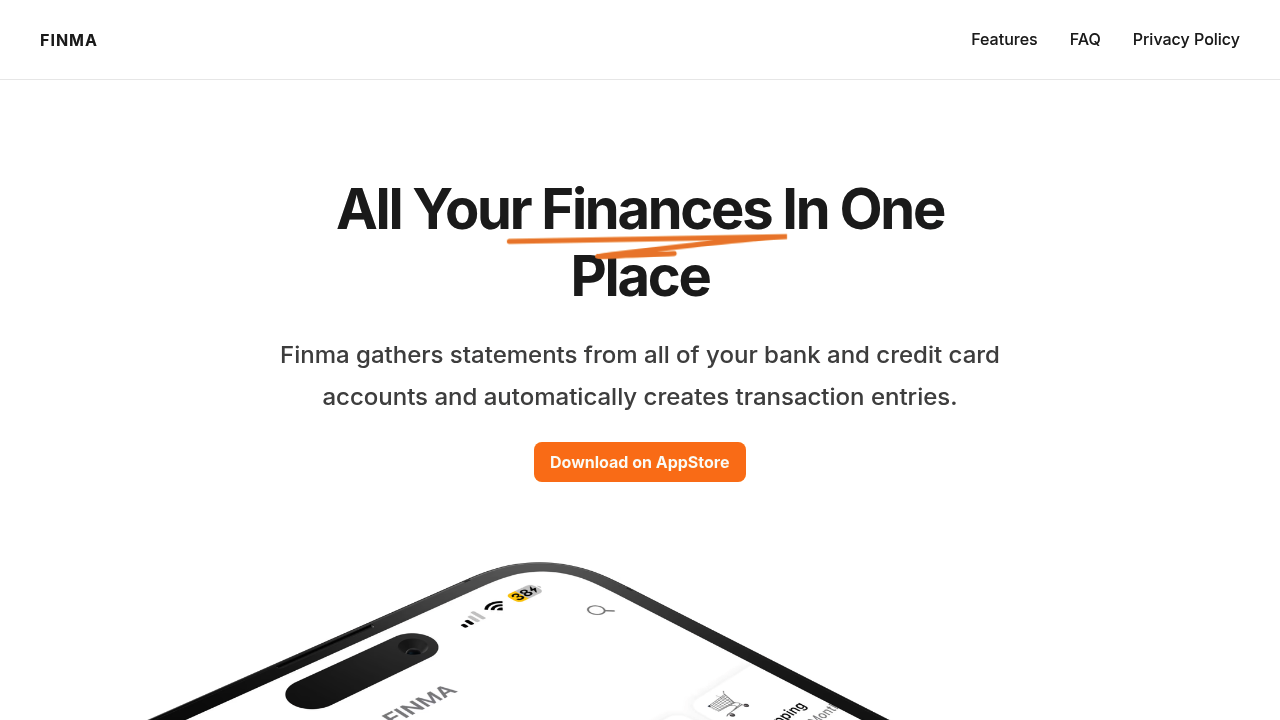
You connect Finma to your email accounts — Gmail, Yahoo, Outlook, or iCloud — and it starts scanning for bank and credit card statements. The app pulls transaction data from these emails and turns them into expense entries without you typing anything manually. Everything happens on your phone. None of your transaction data gets sent to external servers, which is the main selling point here.
Once transactions populate, you'll see them listed in the main view. You can swipe through them, filter visually, and check interactive charts that break down where money's going. The app uses rule-based auto-tagging, so you can set up text or regex rules to automatically categorize transactions. Coffee shops get tagged as dining, gas stations as transportation, that sort of thing. It learns your patterns but you have to configure the rules yourself first.
Budget alerts work by setting category-wise spending limits. When you're approaching or crossing a threshold, you get a notification. Payment alerts remind you about upcoming card dues up to a week before they're due, which is useful if you juggle multiple cards and tend to forget payment dates.
The interface relies heavily on gestures. There's a pull-to-reach gesture designed for single-handed use, plus sounds and haptics that respond to your taps and swipes. You can customize the dashboard layout with widgets, and there are home screen widgets for iPhone that show cash flow summaries without opening the app. Dark theme's available too.
Where this breaks down is the initial setup. If your bank statements aren't showing up in your connected email, the app won't catch them. Some banks send PDFs instead of parsable transaction data, and others don't email statements at all. You're stuck manually entering those or they just won't appear. The regex-based tagging is powerful but not beginner-friendly — most people won't know how to write regex patterns and might find the text matching inconsistent at first.
The widget customization is nice but limited to what Finma offers. You can't pull in data from other finance apps or accounts that don't send email statements. Cash flow gets tracked well, but only for what the app can see through your inbox. Anything outside that ecosystem stays invisible.
It's built for people who want expense tracking without cloud sync or subscription complexity, assuming their financial institutions play nicely with email-based statement delivery.