
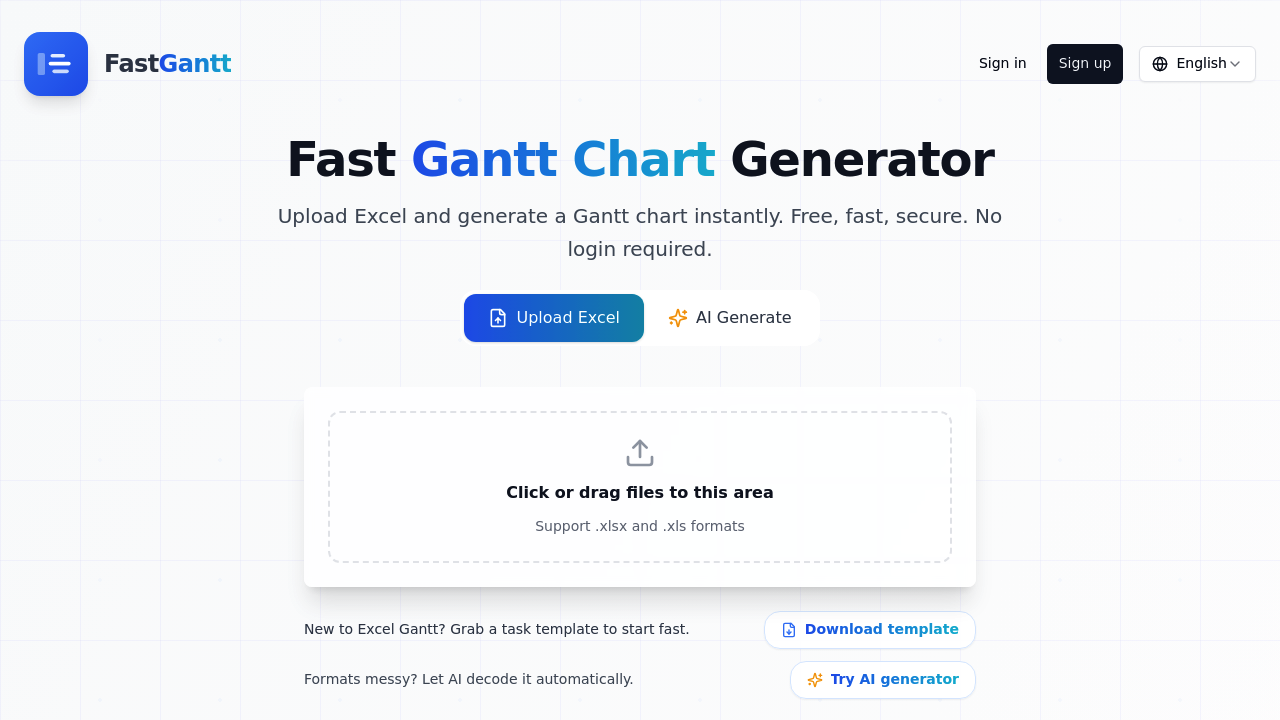
A project manager inherits a messy Excel file with 40 tasks, random column headers, and inconsistent date formats from three different departments. She uploads it to FastGantt, maps the columns once, and gets a visual timeline in under a minute. The AI auto-detects that "Task Name" means task, "Begin" means start date, and "Due" means end date. She switches between day, week, and month views to spot scheduling conflicts, then exports a clean PNG for the client presentation.
FastGantt converts Excel files and plain text into Gantt charts without requiring software installation or accounts for basic use. Upload .xlsx or .xls files with task names, dates, and optional progress percentages. The system recognizes common header variations automatically. If someone labeled their columns "Activity" instead of "Task" or "Completion" instead of "Progress," it figures it out. Dates need YYYY-MM-DD format, and each task gets one row.
The AI mode handles truly chaotic files. A consultant receives a Word document with project timelines buried in paragraphs and a TXT file with deadline mentions scattered throughout. She tells FastGantt what she needs extracted, and it rebuilds the data into a proper chart. This works for Excel sheets where task information spans multiple columns or formatting makes traditional parsing impossible.
Color and label customization let users differentiate project phases or team assignments visually. Progress tracking shows completion percentages from 0 to 100. The drag-and-drop interface means no formula writing or complex formatting. Download results as PNG images or export back to Excel with standardized formatting.
The free version caps charts at 10 rows total. A freelancer managing five client projects hits this limit immediately when each project has eight tasks. Pro accounts handle up to 100 rows and provide 3x HD resolution for downloaded images, plus unlimited AI text-to-Gantt conversions. The free plan includes AI features but with restrictions. Credits don't expire.
A construction supervisor with 150 tasks across four job sites can't use this. Neither can teams needing collaborative editing or real-time updates. There's no mobile app for site visits. No integrations exist with project management platforms, so data flows one direction only. Someone using Microsoft Project or Asana won't find sync options.
The system assumes clean date formats and one-task-per-row structure even with AI parsing. A product team tracking dependencies between tasks won't find predecessor-successor relationships here. No resource allocation features exist. Gantt charts display timelines but don't calculate critical paths or flag over-allocated team members.
Pro costs $7.90 monthly or buy 30 credits for $4.90 that never expire. Free accounts get drag-and-drop creation, PNG downloads, Excel exports, AI text conversion, and AI file parsing for those first 10 rows.
Marketing coordinators juggling a dozen campaign deadlines benefit most. Small business owners tracking renovations or event planning find it useful. Anyone converting existing spreadsheets into presentable timelines saves time. The AI parsing helps when inheriting projects with poor documentation.
Skip this if you need enterprise features, dependency tracking, or charts exceeding 100 tasks. Teams requiring live collaboration won't find it here with people working entirely on mobile devices face limitations. Anyone needing their Gantt charts inside existing project management workflows should look elsewhere since FastGantt operates as a standalone converter rather than an integrated planning system.