
XSplit VCam logo
AI Background Remover FREEMIUM from $4/mo

XSplit VCam

VCam is a meeting companion app for Windows and Mac that removes, replaces or blurs the background behind you on any webcam.

Processing runs entirely on the local device using a custom model built with Intel, with a stated accuracy of 98.5% and optimization for laptop NPUs, so no camera feed is sent to servers. Beyond background work it adds…

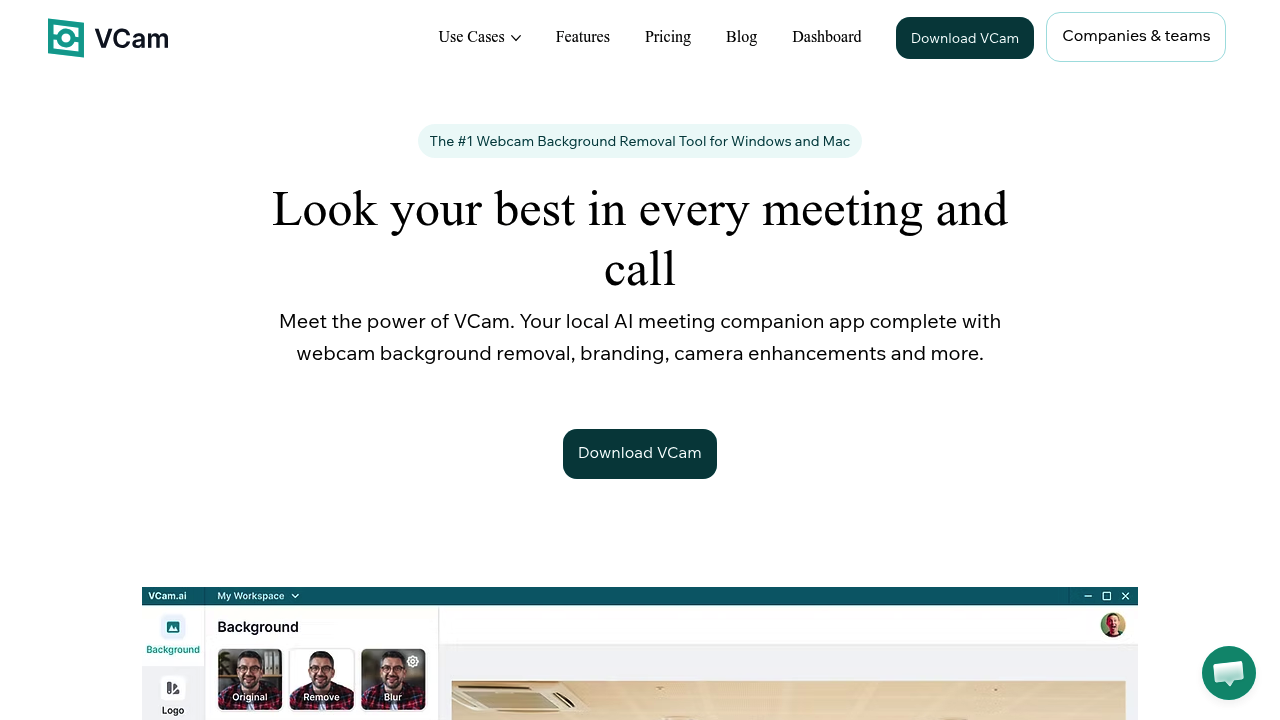
XSplit VCam screenshot

VCam is a meeting companion app for Windows and Mac that removes, replaces or blurs the background behind you on any webcam. Processing runs entirely on the local device using a custom model built with Intel, with a stated accuracy of 98.5% and optimization for laptop NPUs, so no camera feed is sent to servers. Beyond background work it adds auto-framing, studio lighting effects, bokeh-style blur, name labels and logo branding, with over 1,000 virtual backgrounds to choose from. A free Starter plan adds a watermark. Personal costs $48 per year, Business is $72 per year per user, and a one-time Personal Lifetime plan costs $59.

The app suits remote workers, sales and support staff, consultants, telehealth practitioners and anyone who takes frequent video calls from a room they would rather not show. Companies can roll it out across employees through a workspace dashboard with shared backgrounds and branding, role-based access control and centralized billing, while larger organizations can use SSO and tailored contracts. Streamers and presenters who already use OBS Studio or XSplit Broadcaster can apply the same effects there.

VCam works wherever a camera is accepted, so one setup covers Zoom, Google Meet, Microsoft Teams, Discord and OBS Studio. It also works with specialized software such as TellerNow and Doxy.me. Examples include a salesperson displaying a company logo backdrop on client calls, a clinician keeping a private home background hidden during a virtual visit, and a distributed team enforcing the same logo and virtual background for every member. Name labels help in webinars, and auto-framing keeps the speaker centered while moving around.


XSplit VCam alternatives

See all →

Frequently asked

6 questions
How does VCam remove my webcam background?
VCam uses an on-device AI model to separate you from the background in real time, then lets you replace it, blur it or keep a clean cutout. Processing happens locally, so no camera feed leaves your computer.
Who is VCam made for?
It is made for people on frequent video calls, including remote workers, professionals and teams. A Business plan adds a workspace dashboard, centralized billing and role-based access control.
What can I use VCam for in a business setting?
Teams can share backgrounds and branding across an organization, add logos and automatic name labels, and enforce team logos and backdrops. Business plans also support SSO through SAML.
How much does VCam cost?
A free Starter plan includes a watermark. Personal is $48 per year, Business is $72 per year per user, and a Personal Lifetime plan is a one-time $59 payment.
Is there anything VCam does not do yet?
On-premises deployment for companies is listed as coming soon. The free plan also keeps a watermark on your video until you subscribe.
Which apps and systems does VCam work with?
Windows and macOS are supported, and VCam works anywhere a camera can be used, including Zoom, Google Meet, Microsoft Teams, Discord, OBS Studio and XSplit Broadcaster. It also works with TellerNow and Doxy.me.

Reviews (0)

Write review

No reviews yet. Be the first to share your experience.