
WP AI Builder logo

WP AI Builder

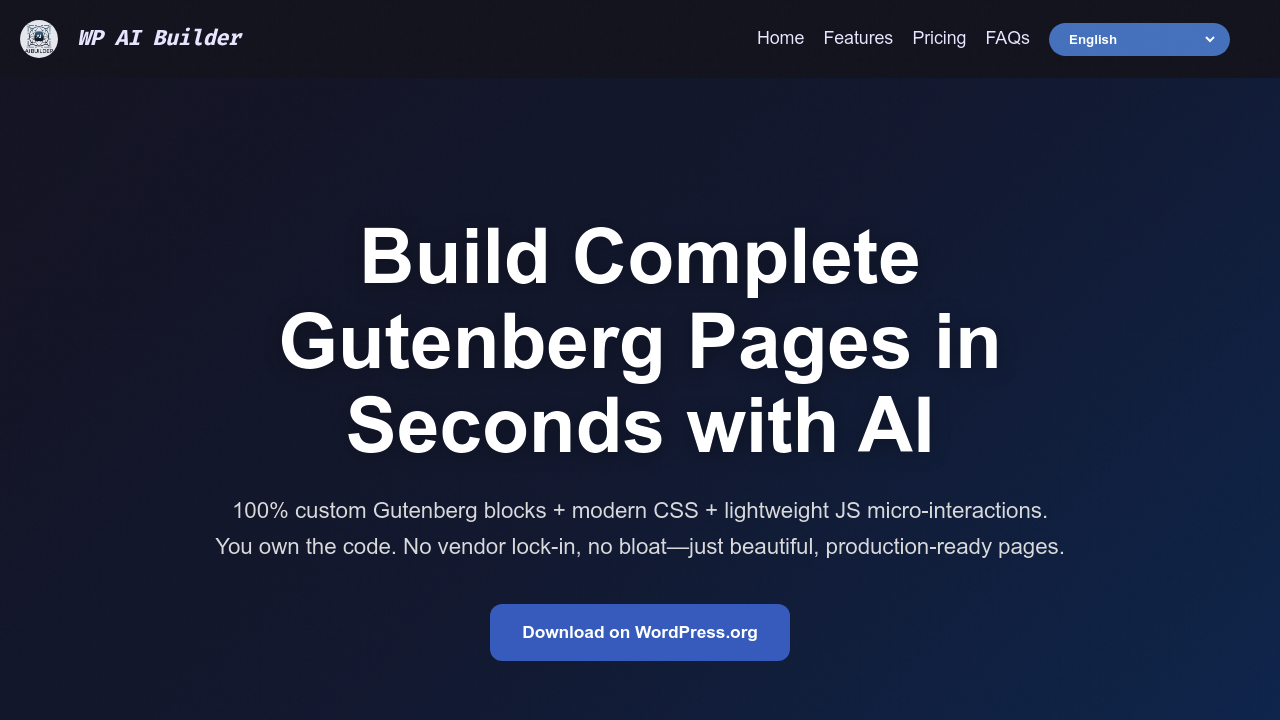
This WordPress plugin generates complete Gutenberg pages through an AI pipeline that processes user prompts into fully functional layouts with custom blocks, CSS styling, and interactive elements

43 views
WP AI Builder screenshot

This WordPress plugin generates complete Gutenberg pages through an AI pipeline that processes user prompts into fully functional layouts with custom blocks, CSS styling, and interactive elements. The generation happens in roughly 45 seconds per page, producing header, content, and footer sections as native WordPress blocks rather than proprietary components.

The technical architecture works directly within WordPress's Gutenberg editor. When you input a page description, the system processes it through multiple AI stages. First it creates the structural layout with responsive grids and column arrangements. Then it generates SEO-focused copy including headlines and meta descriptions. Simultaneously, it either produces royalty-free compressed images or integrates custom uploads you provide. The output consists of standard Gutenberg blocks with injected custom CSS and lightweight JavaScript for micro-interactions like scroll progress bars, dark mode toggles, and copy-to-clipboard functionality.

The Site Copilot feature adds context-aware assistance that understands your existing site structure. It can reference your current pages, theme settings, and content when generating new materials. Translation works through a one-click process that converts entire pages and adds language switcher components. The Multi Page Generator handles batch creation for agencies needing multiple pages with consistent styling.

All generated code belongs to you. This matters technically because the output uses standard Gutenberg blocks and vanilla CSS rather than proprietary markup. You can edit everything manually after generation. The plugin must stay active for the pages to function, which means the JavaScript handlers and some CSS processing depend on the plugin's runtime. If you deactivate it, interactive elements stop working even though the basic HTML structure remains.

The system works with any modern WordPress theme because it outputs standard blocks. WooCommerce integration means you can generate product pages, shop layouts, and e-commerce sections. there is no requirement for API keys or external service accounts. Everything runs through the plugin's internal connection.

Component variety includes team member grids, FAQ accordions with expand/collapse behavior, progress indicators, and theme switching. The responsive logic handles mobile, tablet, and desktop breakpoints automatically. Spacing adapts based on viewport width without manual media query adjustments.

Over 1,200 sites currently run this plugin. The credit system meters usage across page generation, individual block creation, image production, and text output. You get 100 free credits on signup. After that, plans start at $9 monthly for 750 credits, $19 monthly for 2,000 credits, or $49 monthly for 6,000 credits. Extra credit packs cost $10 for 750 additional credits. The free tier lets you test full functionality before committing.

The main technical limitation is plugin dependency. Generated pages need the plugin active to maintain full functionality, particularly for JavaScript-driven interactions and some CSS processing. This differs from static site generators where output is completely standalone. The credit-based model also means you are metering creative iterations rather than having unlimited generation.

Quality control happens through the AI's training on modern web design patterns. It optimizes images for web delivery and structures HTML for search engine parsing. Meta descriptions get generated alongside visible content. The system doesn't require design expertise to produce professional layouts, but you'll get better results with specific prompts about layout preferences, color schemes, and content hierarchy.


Frequently asked

7 questions
How does WP AI Builder generate WordPress pages?
The plugin processes your text prompt through multiple AI stages that run inside WordPress's Gutenberg editor. First it builds the structural layout with responsive grids and columns, then generates SEO-optimized copy with headlines and meta descriptions, and finally either creates royalty-free compressed images or integrates your uploads. The output consists of standard Gutenberg blocks with custom CSS and lightweight JavaScript for interactive elements like scroll progress bars and dark mode toggles. The entire generation takes around 45 seconds per page and produces header, content, and footer sections as native WordPress components rather than proprietary markup.
Do I need to keep WP AI Builder installed to use the pages it creates?
The plugin must stay active for generated pages to maintain full functionality, particularly the JavaScript-driven interactions and some CSS processing. This happens because the micro-interactions like copy-to-clipboard buttons, dark mode toggles, and scroll progress bars depend on the plugin's runtime handlers. You own all the generated code since it uses standard Gutenberg blocks and vanilla CSS, but deactivating the plugin will break interactive elements even though the basic HTML structure remains. This differs from static site generators where output is completely standalone after generation.
Is WP AI Builder free?
There's a free tier that provides 100 credits for generating pages, blocks, images, and text without requiring payment information. After exhausting free credits, paid plans start at $9 monthly for 750 credits, $19 monthly for 2,000 credits, or $49 monthly for 6,000 credits. The credit system meters each generation action rather than providing unlimited use. You can also purchase extra credit packs at $10 for 750 additional credits if you run out mid-month.
Can WP AI Builder work with my existing WordPress theme?
The plugin outputs standard Gutenberg blocks that work with any modern WordPress theme because it doesn't rely on proprietary components. WooCommerce integration means you can generate product pages and shop layouts that inherit your theme's styling. The responsive logic handles mobile, tablet, and desktop breakpoints automatically through adaptive spacing and grid arrangements. There's no requirement for specific theme compatibility or additional configuration beyond having a WordPress installation with Gutenberg enabled.
What can I build with WP AI Builder for client websites?
Agencies and freelancers use it to generate complete pages with team member grids, FAQ accordions, product showcases, and landing page layouts in about 45 seconds each. The Multi Page Generator handles batch creation for sites needing multiple pages with consistent styling, while the Site Copilot understands your existing site structure to maintain design continuity across new pages. The one-click translation feature converts entire pages and adds language switcher components for multilingual client projects. Over 1,200 sites currently run the plugin, with agencies reporting 96% cost savings compared to $500 daily designer rates.
How does the credit system work in WP AI Builder?
Credits meter usage across page generation, individual block creation, image production, and text output rather than providing unlimited generations. A full page generation consumes more credits than creating a single block or text snippet. The $9 monthly plan provides 750 credits at $0.012 per credit, while higher tiers offer better rates down to $0.008 per credit on the $49 plan. The system doesn't restrict what you generate, but you'll need to monitor credit consumption if you're iterating heavily on designs or producing high volumes of pages.
Does WP AI Builder require external API keys or accounts?
Everything runs through the plugin's internal connection without requiring API keys from OpenAI, Anthropic, or other AI services. This means you don't need to manage separate accounts, handle rate limits from third-party providers, or worry about external service outages affecting your workflow. The Site Copilot feature understands your site context by analyzing existing pages and theme settings directly within WordPress. All processing happens through the plugin's architecture rather than routing through multiple external dependencies that could introduce latency or complexity.

Reviews (0)

No reviews yet. Be the first to share your experience.

Similar tools

See all →