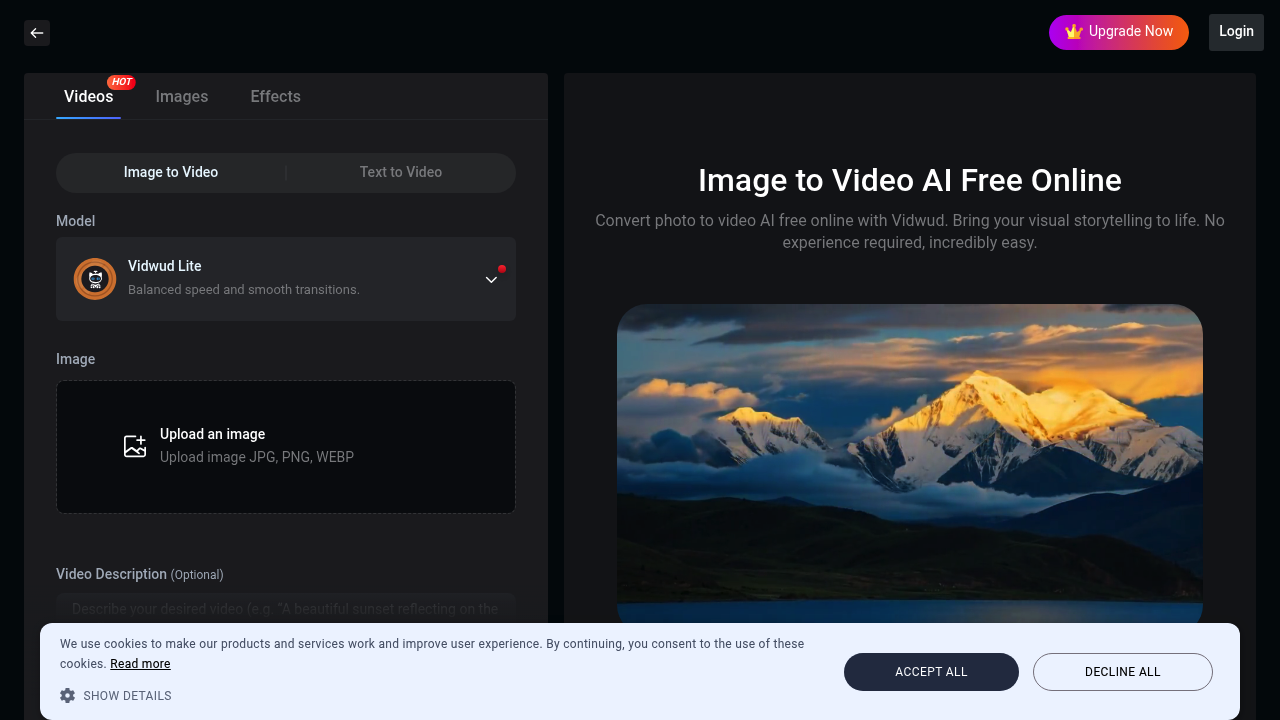
This application takes a still image and animates it into a short video clip. Upload a photo, wait a few minutes, get a 5 or 8 second video with motion effects. Works with JPG, PNG, and WEBP files.
The smart motion prediction claims to figure out how elements in your image should move. A portrait might get subtle head tilts or eye movements. A scenic photo could see clouds drifting or water rippling. Results depend entirely on what the AI interprets from your static image.
One-click operation sounds simple. Upload your image, optionally add a text description up to 1000 characters to guide the animation, pick 5 or 8 seconds, then generate. Takes minutes rather than hours of manual animation work. The Vidwud Lite model balances speed with smooth transitions, though what "smooth" means in practice varies by source image.
Free tier exists. You can convert photos to videos without paying, and the generated content comes with a commercial use license. That's truly useful for social media posts or marketing materials. But higher video quality sits behind the PRO subscription. The free version works, just don't expect premium outputs.
Major limitation: you're stuck with 5 or 8 second clips. Can't make longer videos. That's fine for Instagram stories or quick social posts, but won't cut it for anything needing sustained narrative. The length restriction feels arbitrary.
Image format support is standard but not exhaustive. JPG, PNG, WEBP covers most use cases. No TIFF, no raw formats, no GIF uploads. Most people won't hit this wall.
Text-to-video feature exists too, though details are thin on how well it performs compared to image animation. This application positions itself as accessible to non-technical users. No timeline editing, no keyframe adjustments, no manual control over motion paths. You get what the AI gives you.
Comparison to traditional methods highlights the speed advantage. Manual video creation from stills takes real time and skill. This automates that process. Whether the automated result matches what you'd build manually depends on your standards and the specific image.
Works for content creators needing quick social media clips, e-commerce sellers wanting product animations, educators adding motion to static diagrams. Anyone expecting full creative control over animation parameters will feel constrained. This trades flexibility for speed.
The rich color reproduction claim needs testing with your specific images. Color handling varies wildly between AI applications, and marketing promises don't always reflect real-world performance.