
Crevid AI logo

Crevid AI

Crevid's Image to Video AI Generator is a technology tool that transforms photos into animated video

56 views
Visit crevid.ai
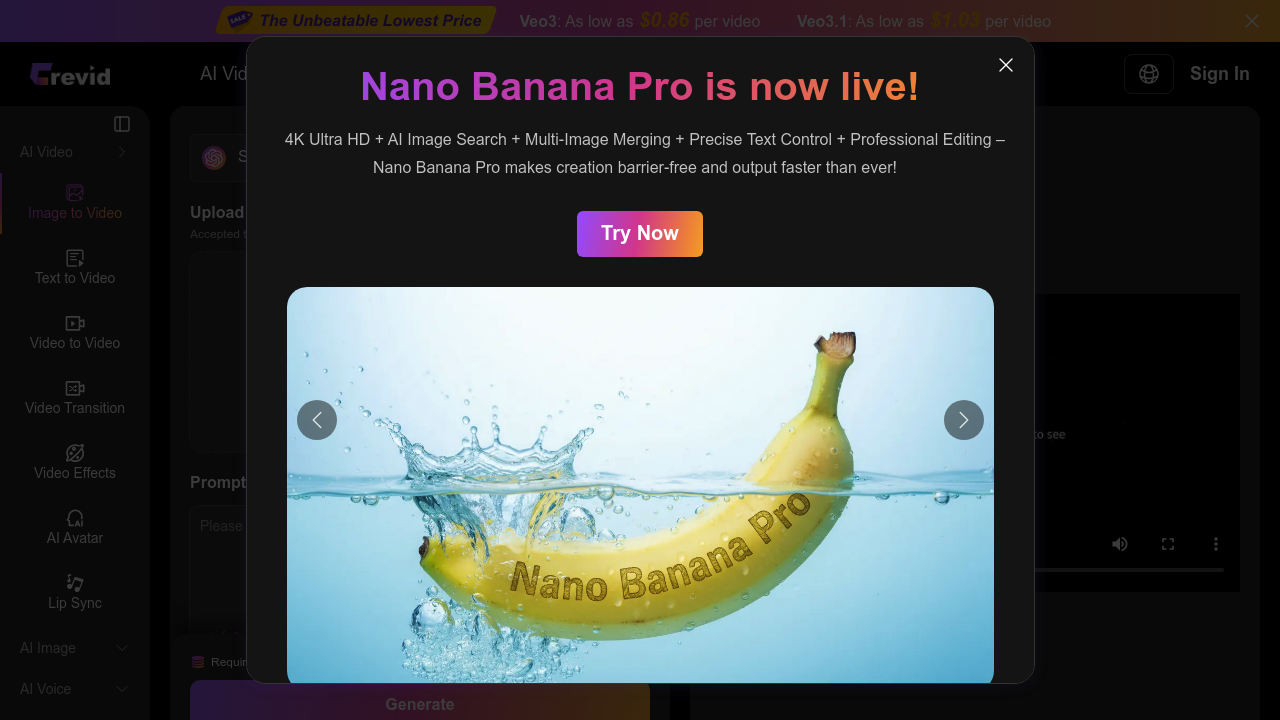
Crevid AI screenshot

Crevid AI turns still photos into moving video sequences. Upload any image and describe the motion you want. Pick from models like Sora 2. Google Veo3.1. Runway Gen-4. Videos go up to 25 seconds long.

Each model creates different output styles. Veo3 costs around $0.86 per video while Veo3.1 runs about $1.03. Both deliver decent results for what you pay.

Wedding photographers can transform static couple portraits into gentle camera pushes with flowing fabric movement. Upload your image, type "slow zoom in with subtle wind effect on dress," select your model and duration. Crevid AI does the rest.

Credits get expensive fast if you're experimenting with different prompts. Video lengths cap at 25 seconds and file uploads max out at 10MB — jpeg, png, or webp formats only. You can remove watermarks and choose between landscape or portrait aspect ratios.

Quality varies between AI models. Sora 2 Pro produces smoother motion than basic versions. Veo3.1 handles complex scenes better than earlier iterations. Frame mode helps with tricky uploads that might fail during processing.

Social media managers who need quick video content from existing photos will find this useful. The 50% promotion brings costs down temporarily, making it worth testing across available models to see which works best for your specific image types.

Frequently asked

6 questions
Which AI model works best for different types of images in Crevid AI?
Sora 2 Pro's got the smoothest motion overall. But Veo3.1? It handles complex scenes way better than earlier versions. Simple portraits or single subjects -- Sora models usually nail it with cleaner results. Busy backgrounds or intricate details though, Veo3.1's worth that extra $1.03 per video.
How much does it actually cost to create videos with different models?
Veo3's about $0.86 per video. Veo3.1 runs around $1.03. There's a 50% promo right now that cuts these prices in half -- but it's temporary. Credits pile up fast if you're testing multiple prompts or models, so plan your budget.
What happens if my image upload fails during Crevid AI processing?
Try Frame mode for uploads that won't process normally. Your image's gotta be under 10MB and in jpeg, png, or webp format. Still failing? The image might be too complex or have stuff that confuses the AI models.
Can I create longer videos than 25 seconds or remove the watermark?
Videos max out at 25 seconds across all models -- that's it, hard limit. You can remove watermarks as an option during creation though. The tool also lets you pick between landscape or portrait ratios depending on what you need.
How detailed should my motion prompts be for best results?
Be specific but don't go overboard. Something like 'slow zoom in with subtle wind effect on dress' beats just 'add movement.' Describe the camera motion, any object movement, and the speed you want. Simple prompts often work better than elaborate descriptions.
Is Crevid AI worth it for social media content creation?
If you've already got good still photos and need quick video versions -- yeah, definitely. It's great for wedding photographers or social media managers who want to bring existing shots to life. The 25-second limit works fine for most social platforms, and the quality's decent for what you pay.

Traffic

Estimated monthly website visits · last 0 months

2.4K visits/mo
Monthly visits
2.4K
Global rank
#4,747,479
US #1,765,174

Not enough historical data for a chart yet.

Data from SimilarWeb · Updated monthly.

Reviews (0)

Write review

No reviews yet. Be the first to share your experience.

Similar tools

See all →