
VibeTunnel logo

VibeTunnel

VibeTunnel turns any browser into a window onto your Mac's terminal.

It proxies your terminal sessions into the browser so you can watch output scroll in real time, type new commands, and spawn fresh sessions on the fly. The Mac app is a simple download that needs no complex…

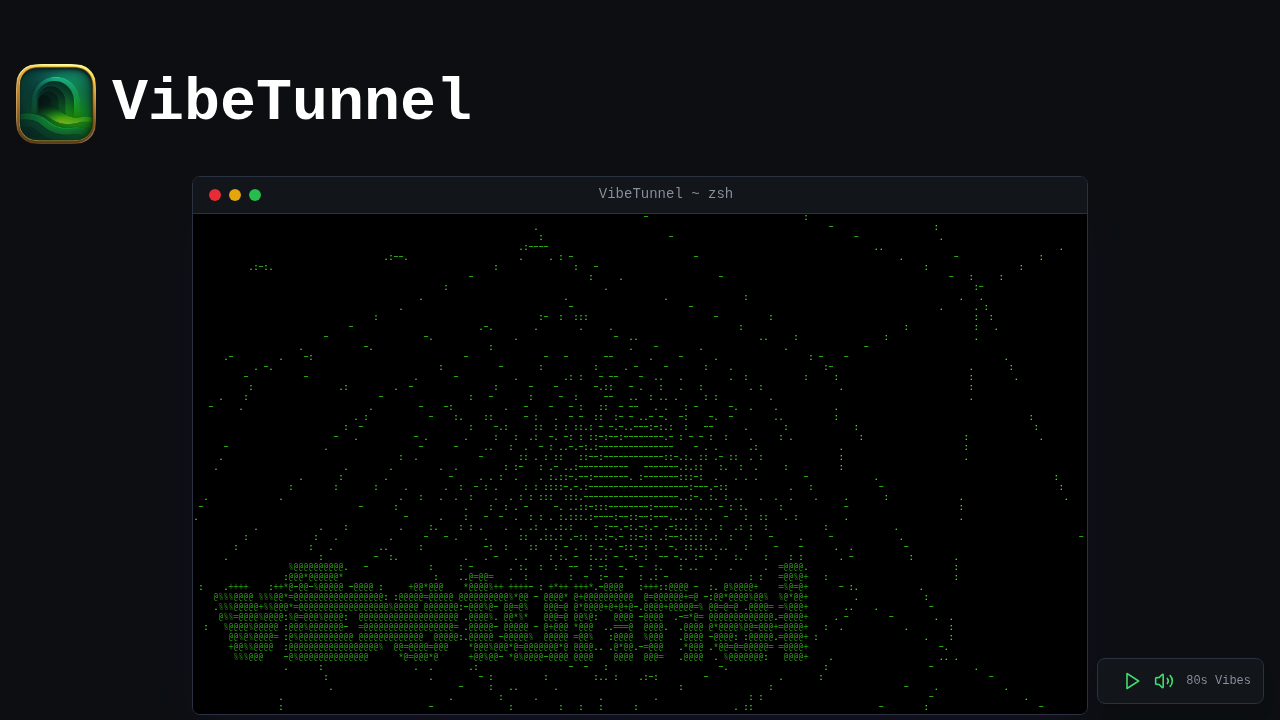
VibeTunnel screenshot

VibeTunnel turns any browser into a window onto your Mac's terminal. It proxies your terminal sessions into the browser so you can watch output scroll in real time, type new commands, and spawn fresh sessions on the fly. The Mac app is a simple download that needs no complex configuration, and a Linux version installs through npm. Support for the project is pay-what-you-want, either one-time or monthly, through Polar, and the source code is available on GitHub.

The audience is developers who run long jobs or coding agents and do not want to be tied to the desk. Someone who starts an agent on a Mac mini at home can check it from a laptop elsewhere, and a developer away from the office can reach a shell from a phone browser. It also appeals to open source contributors who like to inspect the code before running software on their machines, and to people who work with several terminal sessions at once and want them in one browser tab.

Typical use starts with installing the app on a Mac that runs macOS 14.0 or later, then opening it in a browser. Shell integration makes any command or shell available in the browser, which suits build watchers, dev servers, and agent sessions. For access away from the home network, you connect remotely using Tailscale or ngrok, so the terminal reaches you anywhere. Teams building around AI agent orchestration can keep an eye on running agents from any device, send them new instructions, and open extra sessions when a task needs a separate shell.


VibeTunnel alternatives

See all →

Frequently asked

6 questions
What does VibeTunnel do?
It proxies your Mac terminals into a browser, so you can see live output, type commands, and open new sessions. The goal is to let you work with terminal-based agents from anywhere.
Who is VibeTunnel for?
Developers who run coding agents or long jobs and want to check them from another device. Open source fans can read the code on GitHub.
How do I reach my terminal while away from home?
Remote access works through Tailscale or ngrok, which expose the browser session beyond your local network. Once connected you can read output and send commands.
Is VibeTunnel free?
Downloading is free, and support is pay-what-you-want through Polar as a one-time or monthly contribution. No paid tiers are listed.
What are the system requirements?
The Mac app needs macOS 14.0 or later. Linux users can install it through npm.
How do I get started?
Download the Mac app and run it, or install the npm package on Linux. Setup needs no complex configuration, and shell integration makes commands available in the browser.

Reviews (0)

Write review

No reviews yet. Be the first to share your experience.