AirCodum logo

AirCodum

AirCodum runs VS Code from your phone

You control your desktop editor remotely—no constant laptop switching required. File transfer happens fast. Snap a UI mockup and push it straight into VS Code. AI transcription converts images to code. Voice commands…

AirCodum screenshot

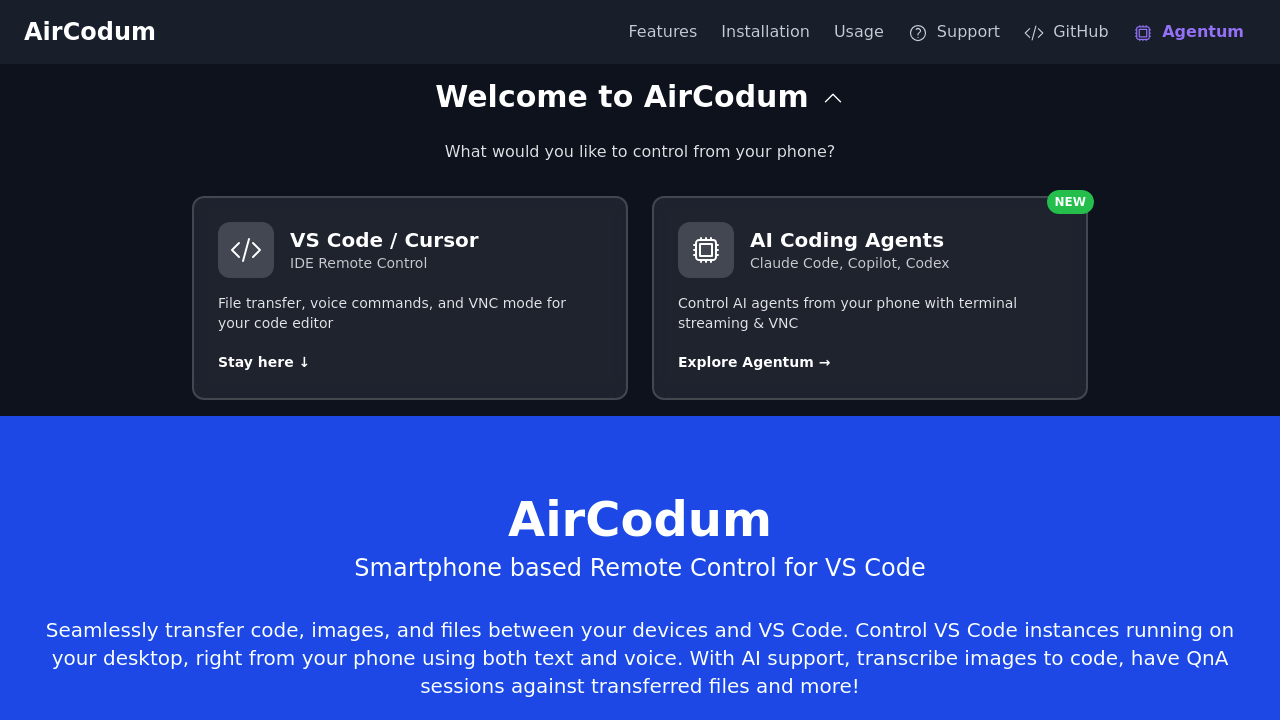
AirCodum runs VS Code from your phone. You control your desktop editor remotely—no constant laptop switching required.

File transfer happens fast. Snap a UI mockup and push it straight into VS Code. AI transcription converts images to code. Voice commands work if you'd rather not type. VNC mode gives you full remote control. Terminal streaming catches errors on long builds while you grab coffee.

Freelance developers running overnight tests can monitor without desk-chaining. Camera integration pulls files from your gallery. Document picker grabs what you need. The QnA feature queries transferred files (no manual opening).

Same Wi-Fi network performs best. Remote access needs Tailscale for reliable connections. AirCodum hooks into Cursor IDE and various AI coding assistants you already use.

Agentum (the companion product) extends this control to AI coding agents—same terminal and VNC capabilities. Both products take the same approach: your development environment fits in your pocket.

Setup's quick—minutes, not hours. No paid tiers exist yet. Install the VS Code extension and mobile app, then pair them. iOS promo codes expire March 2nd 2025 for early access. Everything stays free after that (for now).

You'll spend less time walking back to your machine. Builds run. You stay mobile. Errors show up wherever you are. The phone becomes your development command center without complicated configuration or subscription fees blocking basic features.


AirCodum alternatives

See all →

Frequently asked

7 questions
Does AirCodum work over the internet or only on local networks?
AirCodum works best on the same Wi-Fi network as your computer. If you need remote access from outside your network, you'll want to set up Tailscale for reliable connections. Without Tailscale, you're limited to local network use.
Can I transfer files from my phone to VS Code with AirCodum?
Yes, you can transfer code, images, and files directly from your phone to VS Code. Just snap a photo or pick from your gallery, and it pushes straight to your editor. There's even AI transcription that converts UI mockups into actual code.
What IDEs and AI coding tools does AirCodum support?
AirCodum works with VS Code, Cursor IDE, and Claude Code. It also integrates with GitHub Copilot and Codex, so you can control your existing AI assistants from your phone without switching tools.
How much does AirCodum cost?
AirCodum is completely free right now. There aren't any paid plans or subscription tiers yet. If you're on iOS, grab a promo code before March 2nd, 2025 for early access.
Can I monitor long-running builds without being at my desk?
Absolutely. AirCodum streams your terminal output to your phone, so you can catch errors on overnight tests or long builds from anywhere. You'll know immediately if something breaks without staying chained to your desk.
Do I need to stay on the same Wi-Fi network for AirCodum to work?
For best performance, yeah, same Wi-Fi network is ideal. But if you need to control VS Code from a coffee shop or another location, setting up Tailscale lets you access everything remotely without network restrictions.
Can I use voice commands to control VS Code through AirCodum?
Yes, voice commands are built in. Instead of typing on your phone's tiny keyboard, just speak your commands to control VS Code. It's especially handy when you're away from your desk and need to make quick changes.

Traffic

Estimated monthly website visits · last 9 months

2.1K visits/mo
Monthly visits
2.1K
↓ 9.8% MoM
Global rank
#6,808,528
US #3,614,812
Category rank
#72
AI Developer Tools
4.6K 3.5K 2.3K 1.2K 0 Nov 2025: 0 visits Nov 2025 Dec 2025: 350 visits Dec 2025 Jan 2026: 636 visits Jan 2026 Feb 2026: 216 visits Feb 2026 Mar 2026: 2K visits Mar 2026 Apr 2026: 4.6K visits Apr 2026 May 2026: 3.1K visits May 2026 Jun 2026: 2.4K visits Jun 2026 Jul 2026: 2.1K visits Jul 2026

Reviews (0)

Write review

No reviews yet. Be the first to share your experience.