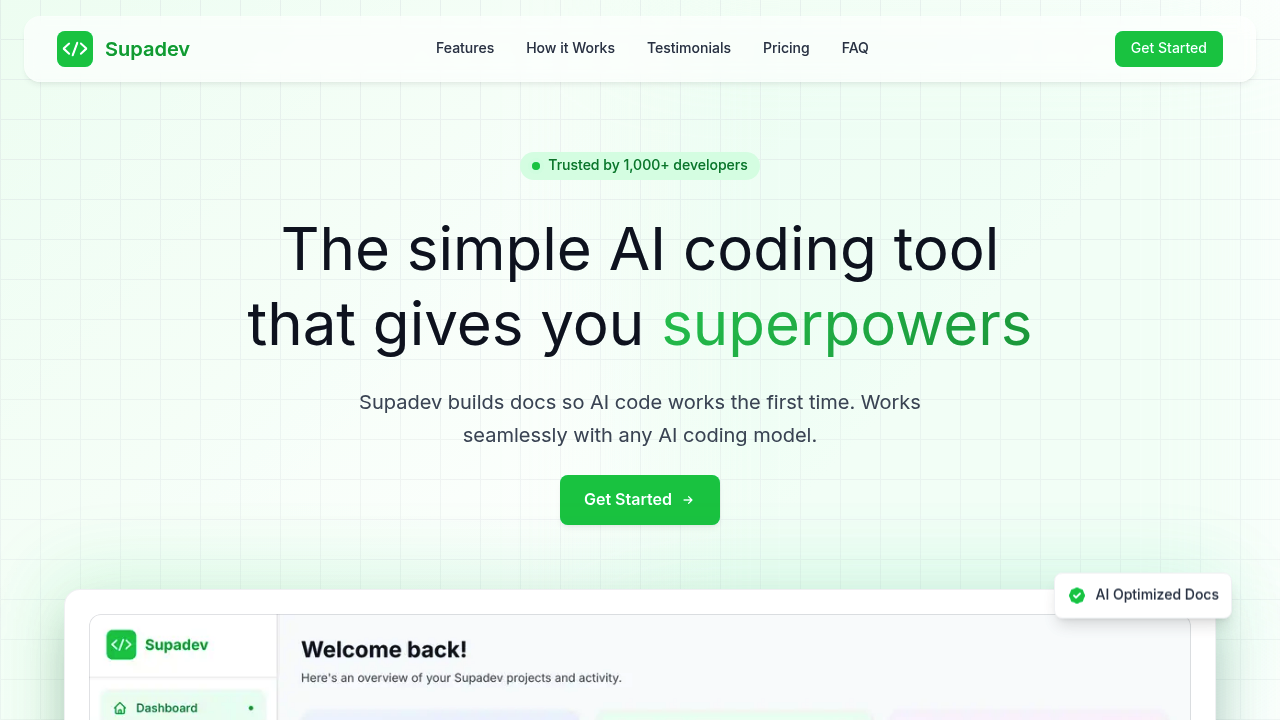
Ever notice how AI coding assistants sometimes generate code that's completely wrong for your project? Supadev tackles that by creating documentation specifically designed for AI tools to read and understand. Instead of you explaining your project structure over and over, the AI gets complete context upfront.
The core idea is smart. You spend less than 5 minutes walking through a project wizard, and Supadev generates six different document types: Project Requirements, Tech Stack, Frontend Design, Backend Structure, Security Guidelines, and Implementation Plan. These aren't generic docs. They're formatted and structured so AI coding assistants can parse them effectively and produce accurate code on the first attempt.
Works with all major AI coding assistants. Any model you're using can read these documents. The company claims users see 5x faster development, 90% fewer errors, and save 16+ hours weekly. That's significant if you're bouncing between projects or onboarding new team members who rely on AI tools. Over 1,000 developers are apparently using it already.
Does it actually solve the problem?
The document refinement feature matters here. You can iterate on what Supadev generates, which suggests it won't nail your setup perfectly the first time. That's honest, at least. But the real test is whether your AI assistant produces noticeably better code after reading these docs versus your existing documentation or README files.
The project wizard taking under five minutes is interesting. Speed matters. But that assumes your project fits neatly into those six document categories. Complex monorepos or unusual architectures might not translate cleanly.
What's missing?
No free tier at all. You're committing money before seeing if this approach works for your specific workflow. No trial period either. That's a tough sell when you're paying for formatted documentation.
The project limits feel arbitrary. Monthly plan caps you at 10 projects per month. Yearly gets you 300 projects per year. If you're a consultant juggling client work or an agency shipping frequently, you'll hit those limits. What happens then? Does project mean initial setup or every time you regenerate docs?
No clarity on team features. Can multiple developers collaborate on the same project documentation? Does everyone need their own license? For something targeting professional development workflows, that gap is noticeable.
Pricing breakdown
Monthly runs $30, yearly is $12 per month billed annually. That's 60% savings if you commit for a year. You get early access to new features and priority support with the yearly plan, plus room for 300 projects instead of 10 monthly.
If those time-saving numbers hold up (16+ hours weekly), $12 monthly is negligible. But you're gambling that AI-optimized docs actually improve your coding assistant's output enough to justify the cost.
Who should consider this?
Makes sense if you're constantly explaining project context to AI tools. Frontend developers switching between client projects, full stack engineers maintaining multiple codebases, or indie developers who want their AI assistant to understand their side projects without repeated prompting.
Less compelling if you work on one long-term project where the AI assistant already understands the codebase. Or if you're already maintaining solid documentation that your AI tools read effectively.
The value depends entirely on how much friction you currently experience getting AI assistants to generate contextually appropriate code. If that's a daily frustration, Supadev might pay for itself quickly. If not, you're paying for documentation you might not need formatted this way.