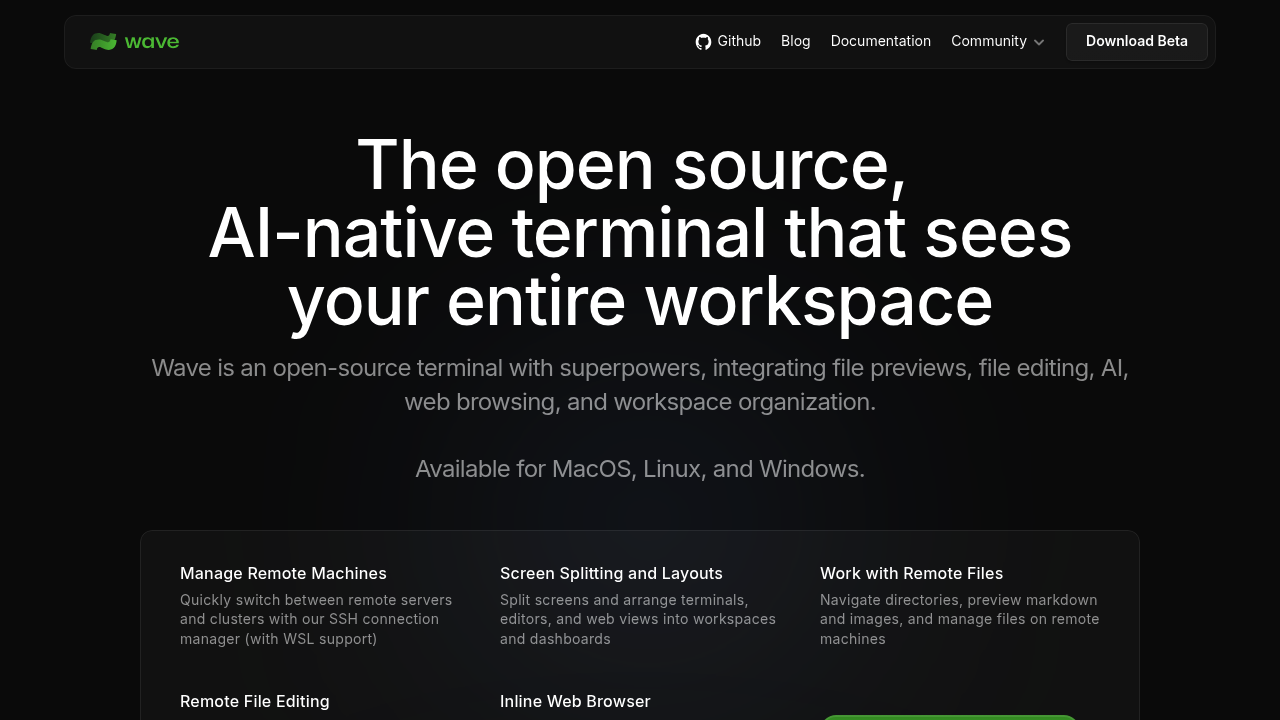
Wave Terminal is an open-source terminal that combines a command line with file previews, a built-in editor, AI, web browsing and workspace organization. Its AI is aware of the surrounding workspace. A connection manager handles SSH hosts with WSL support, so you can switch between remote servers and clusters quickly. Screens can be split into terminals, editors and web views arranged as workspaces and dashboards. It is free: data is stored locally, nothing sensitive leaves your network, and no login or account is required.
Wave is made for developers, DevOps engineers and system administrators who spend their day in a shell and want to reduce context switching. People who manage several remote machines benefit from the connection manager and remote file browsing, and anyone who wants a graphical editor without leaving the terminal can use the built-in VSCode-like editor. Teams can theme the terminal, then share dashboard layouts and widgets with coworkers or publish them online. Downloads cover macOS on Apple Silicon and Intel, Linux and Windows.
Typical uses include logging into a remote server, previewing images, markdown, audio, video, HTML and CSV files inline, and editing a remote configuration file with syntax highlighting and mouse support. The editor can even be set as the shell's default editor. Developers open GitHub, Stack Overflow or internal dashboards in the inline browser, and build reusable widgets in HTML that fill with data from the command line. Linux users can install through Snap, AppImage, DEB, RPM, ZIP or pacman packages, and Windows offers 64-bit and 32-bit builds.