tny.dev logo
AI Developer Tools FREEMIUM from $9/mo

tny.dev

Link shortening gets integrated directly into AI conversations through tny

Dev's Model Context Protocol server. Instead of switching to a browser tab to create short links, users ask their AI assistant to handle it. This service responds to natural language requests within the chat interface…

tny.dev screenshot

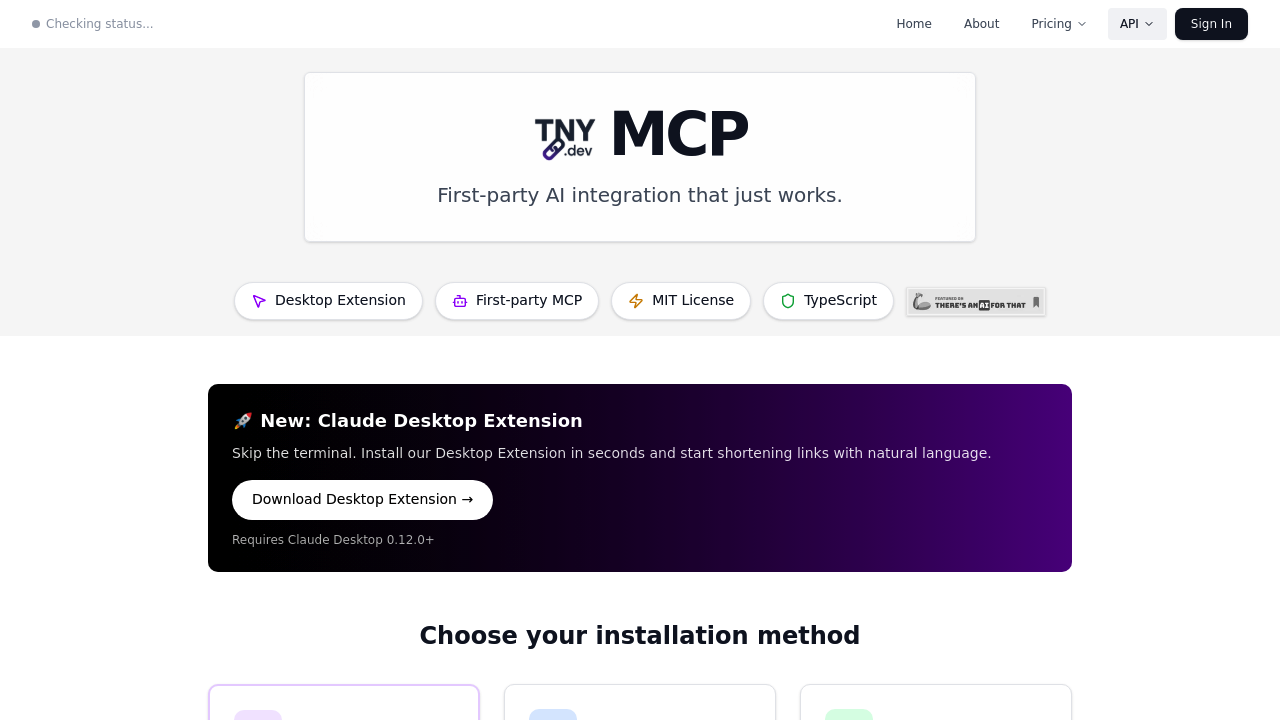
Link shortening gets integrated directly into AI conversations through tny.dev's Model Context Protocol server. Instead of switching to a browser tab to create short links, users ask their AI assistant to handle it. This service responds to natural language requests within the chat interface itself.

The system runs as an official first-party MCP server maintained by tny.dev, not a community project or third-party fork. This means updates come directly from the source, and the integration stays aligned with the core service's development. Three distinct tools get exposed through MCP: shorten_url creates new short links, get_link_analytics pulls click data and metrics, and list_links retrieves existing shortened URLs with pagination support.

Installation happens three different ways depending on technical comfort level. The Desktop Extension method requires zero terminal commands and works through one-click installation with automatic updates built in. Developers get an npm package that allows custom configuration and integration into existing workflows. Power users who want to modify this software itself can pull from the open source GitHub repository, which carries an MIT license.

Custom slugs let users define their own short link endings rather than accepting randomly generated strings. These slugs accept alphanumeric characters, hyphens, and dashes, ranging from three to fifty characters long. When someone wants a custom slug on their own domain, they need to provide a domain ID alongside the slug request. Custom domains themselves require a Developer plan subscription, creating a clear division between basic and advanced usage.

This service claims one hundred percent uptime and reports powering millions of shortened links. Link analytics track click data for each shortened URL, giving users visibility into which links get traffic. Bulk URL processing handles multiple links in single requests rather than forcing one-at-a-time creation. The list_links function supports pagination from one to one hundred items per page, defaulting to twenty when users don't specify a preference.

Integration spans six different AI clients and code editors. Compatible platforms include Cursor, VS Code, Zed, and desktop AI applications that support MCP version 0.12.0 or higher. Any software that supports the Model Context Protocol can theoretically connect to the server, expanding potential use cases beyond the explicitly listed platforms.

The TypeScript implementation means developers working in JavaScript ecosystems can read and modify the source code without learning new languages. The open source nature lets technical users fork the project, add features, or adapt the server to specialized workflows that the base version doesn't address.

Developers who need link shortening woven into AI-powered workflows get the most obvious benefit. Content creators who generate multiple short links daily can handle the task without context switching. Analytics users who track link performance across campaigns can query data through conversational commands. Power users who want to extend functionality can modify the MIT-licensed code to fit specific requirements.

The Desktop Extension requires MCP-compatible desktop applications running version 0.12.0 minimum. Custom domain usage gets locked behind the Developer plan tier, so basic users stick with tny.dev branded short links. Custom slugs require domain IDs when used, adding an extra parameter to the request rather than working standalone.

Natural language processing means users describe what they want instead of filling forms. "Shorten this URL with the slug product-launch" works as a command. The AI agent interprets the request, calls the appropriate MCP tool, and returns the shortened link without manual API calls or web interface navigation.


tny.dev alternatives

See all →

Frequently asked

7 questions
How do you use tny.dev with Claude Desktop?
The Desktop Extension provides one-click installation that requires no terminal commands and works exclusively with Claude Desktop version 0.12.0 or higher. After installing the extension, users can ask Claude to shorten URLs through natural language commands like 'shorten this link with the slug product-launch' instead of switching to a browser. The extension handles automatic updates in the background, eliminating manual maintenance. Developers who prefer more control can install the npm package for custom configuration, while power users can clone the GitHub repository to modify the MIT-licensed TypeScript source code directly.
Does tny.dev have a free plan?
The service operates on a freemium model but the specific details of what the free tier includes aren't disclosed in available documentation. Custom domains require upgrading to a Developer plan, which means free users work with tny.dev branded short links rather than their own domains. All users get access to the three core MCP tools for shortening URLs, retrieving analytics, and listing existing links. The system claims one hundred percent uptime and powers millions of shortened links, suggesting the infrastructure handles both free and paid usage at scale.
Can you create custom short links with tny.dev?
Custom slugs work within a three to fifty character range using alphanumeric characters, hyphens, and underscores. Users specify their preferred slug when requesting a shortened URL through the AI agent, like asking 'create a short link with slug winter-sale-2024' instead of accepting a random string. When applying custom slugs to personal domains rather than the default tny.dev domain, the request must include a domain ID parameter alongside the slug itself. Custom domain functionality requires a Developer plan subscription, so basic users can create custom slugs only on tny.dev branded URLs.
What AI tools and code editors work with tny.dev?
The MCP server integrates with six explicitly supported platforms: Claude Desktop, Cursor, VS Code, Zed, Claude Code, and any other MCP client that meets compatibility requirements. Claude Desktop specifically needs version 0.12.0 or higher to run the Desktop Extension or npm package installation. The Model Context Protocol standard means any development environment or AI application that implements MCP can theoretically connect to the server, extending beyond the named platforms. Developers working in TypeScript-based environments get the additional benefit of reading and modifying the open source codebase without language barriers.
What analytics does tny.dev track for shortened links?
The get_link_analytics tool pulls click data and metrics for each shortened URL through conversational commands to the AI agent. Users can query performance data without leaving their chat interface or switching to a web dashboard. The list_links function retrieves existing shortened URLs with pagination support ranging from one to one hundred items per page, defaulting to twenty results when no preference gets specified. Analytics users who track link performance across marketing campaigns or content distribution can access this data through natural language requests like 'show me clicks for my product-launch link' rather than navigating traditional analytics interfaces.
What are the limitations of using tny.dev through MCP?
Custom domains get locked behind the Developer plan tier, forcing free users to work exclusively with tny.dev branded short links. The Desktop Extension installation method only functions with Claude Desktop version 0.12.0 or higher, excluding users on older versions or different AI platforms that don't support the extension format. Custom slugs require a domain ID parameter when used with personal domains, adding complexity compared to simple slug-only requests on the default domain. The system lacks a mobile app, restricting usage to desktop environments and code editors where MCP clients run.
Who should use tny.dev instead of traditional link shorteners?
Developers building AI-powered workflows benefit most since link shortening happens within the development environment rather than requiring context switches to web interfaces. Content creators who generate multiple short links daily can handle the entire process through conversational commands to their AI assistant. Analytics users tracking link performance across campaigns can query data through natural language instead of navigating dashboards. Power users who need specialized functionality can fork the MIT-licensed TypeScript codebase to add features or modify behavior that the base implementation doesn't provide.

Traffic

Estimated monthly website visits · last 5 months

2.2K visits/mo
Monthly visits
2.2K
↑ 98.2% MoM
Global rank
#8,540,150
VN #238,260
Category rank
#71
AI Developer Tools
4.1K 3.3K 2.6K 1.8K 1.1K Dec 2025: 4.1K visits Dec 2025 Jan 2026: 3.1K visits Jan 2026 Feb 2026: 2.6K visits Feb 2026 Mar 2026: 1.1K visits Mar 2026 Apr 2026: 2.2K visits Apr 2026

Reviews (0)

Write review

No reviews yet. Be the first to share your experience.