
CapGaps logo

CapGaps

Fractional COOs working with SMBs need fast answers about bloated tech stacks

Operations consultants can't spend weeks mapping software sprawl when they're billing by the hour. CapGaps cuts through the mess automatically. Connect QuickBooks. Xero. LinkedIn. The Org. Watch the AI extract every…

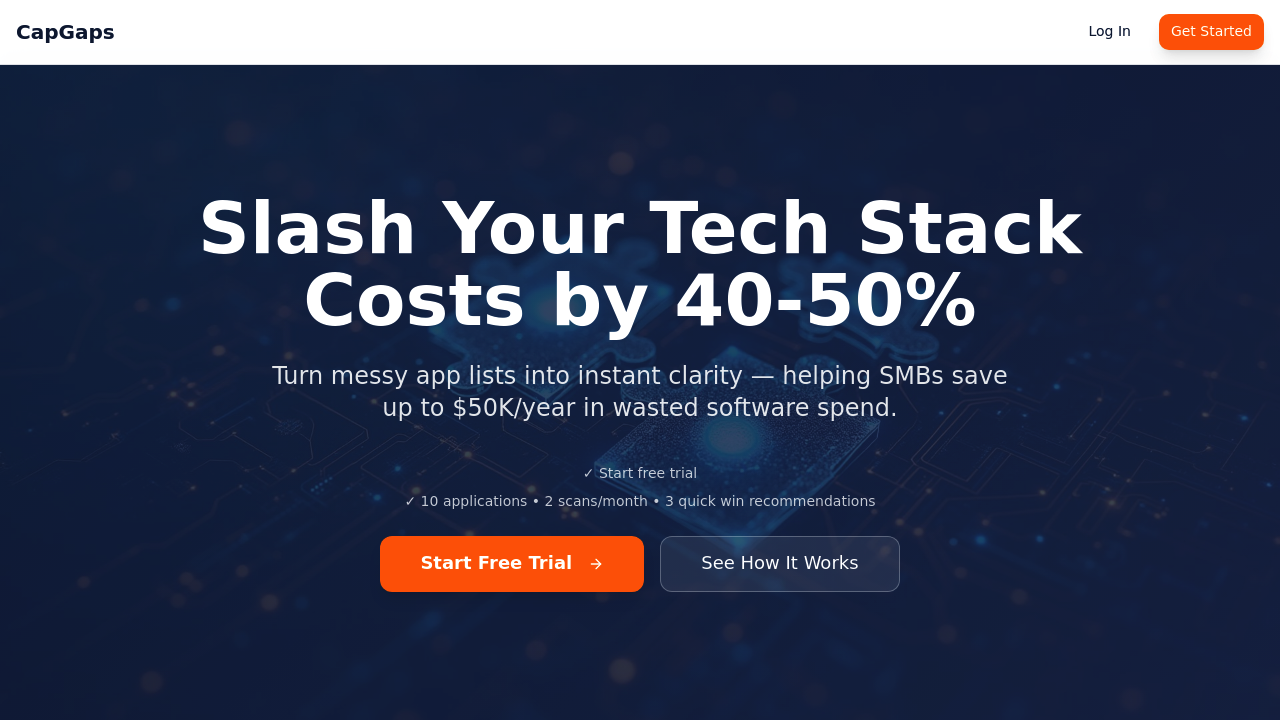
CapGaps screenshot

Fractional COOs working with SMBs need fast answers about bloated tech stacks. Operations consultants can't spend weeks mapping software sprawl when they're billing by the hour.

CapGaps cuts through the mess automatically. Connect QuickBooks. Xero. LinkedIn. The Org. Watch the AI extract every capability and tool usage pattern across your organization. Upload org charts or workflow docs if you prefer. CapGaps builds an instant capability matrix showing exactly where money's being wasted.

Picture this scenario. A fractional COO walks into their first client meeting with a manufacturing company. CapGaps already identified $18,000 in annual Salesforce waste and $12,000 in redundant Zendesk licenses. Total savings recommendation: $30,000 yearly. That's the kind of immediate value that wins contracts.

The ROI calculator does the math for you. Keep, kill, or replace recommendations come with specific dollar amounts. What used to take 20-40 hours of manual research now happens in minutes. Toggle filters let you drill down into gaps, overlaps, and redundancies — no spreadsheet building required.

The free plan covers 10 applications and 2 scans monthly. You'll get 3 quick win recommendations to start. That's enough for small engagements but serious consultants will hit those limits fast. Still beats manually diagramming software workflows on whiteboards when you're trying to show 40-50% cost reduction potential in week one.

CapGaps alternatives

See all →

Frequently asked

7 questions
Which accounting systems does CapGaps connect to automatically?
CapGaps hooks right into QuickBooks and Xero -- pulls all your financial data automatically. It'll also grab info from LinkedIn and The Org for organizational stuff. Don't use those? No worries, just upload your org charts or workflow docs manually.
How accurate are the dollar amounts in CapGaps savings recommendations?
Pretty spot-on, actually. It'll show you specific numbers like $18,000 you're wasting on Salesforce or $12,000 on redundant Zendesk licenses. The ROI calculator crunches everything automatically -- you get exact yearly savings, not ballpark guesses.
What's included in the free plan versus paid tiers?
Free plan covers 10 applications and gives you 2 scans monthly. You'll get 3 quick win recommendations to start. If you're a serious consultant with bigger clients, you'll probably need more scans and coverage than the free version offers.
How long does it take CapGaps to analyze a company's tech stack?
Minutes. That's it. What used to eat up 20-40 hours of manual research happens super fast once you connect everything. You can walk into client meetings with completed capability matrices and savings recommendations already done.
Can I filter results to focus on specific types of software waste?
Yep -- toggle filters let you drill down into gaps, overlaps, and redundancies without building spreadsheets. Focus on specific problem areas instead of reviewing every single app.
What types of recommendations does the tool provide beyond cost savings?
CapGaps tells you whether to keep, kill, or replace each application it analyzes. The capability matrix shows exactly where tools overlap or where you've got coverage gaps -- not just overspending issues.
Is CapGaps only useful for manufacturing companies or other industries too?
Works with any SMB that's got multiple software tools and integrations. Sure, the example mentions manufacturing, but mapping capability overlaps and usage patterns? That applies everywhere.

Traffic

Estimated monthly website visits · last 0 months

Not enough historical data for a chart yet.

Reviews (0)

Write review

No reviews yet. Be the first to share your experience.