
Vectary logo
AI 3D Model Generator FREEMIUM from $25/mo

Vectary

Vectary is an online design platform for building interactive 3D presentations, product configurators and augmented reality experiences without writing code.

Everything runs in the browser with no downloads. You can import 2D and 3D files in formats such as GLTF, GLB, OBJ, STL, FBX, DAE, STEP and IGES, set up lighting, cameras and materials with real-time rendering, and…

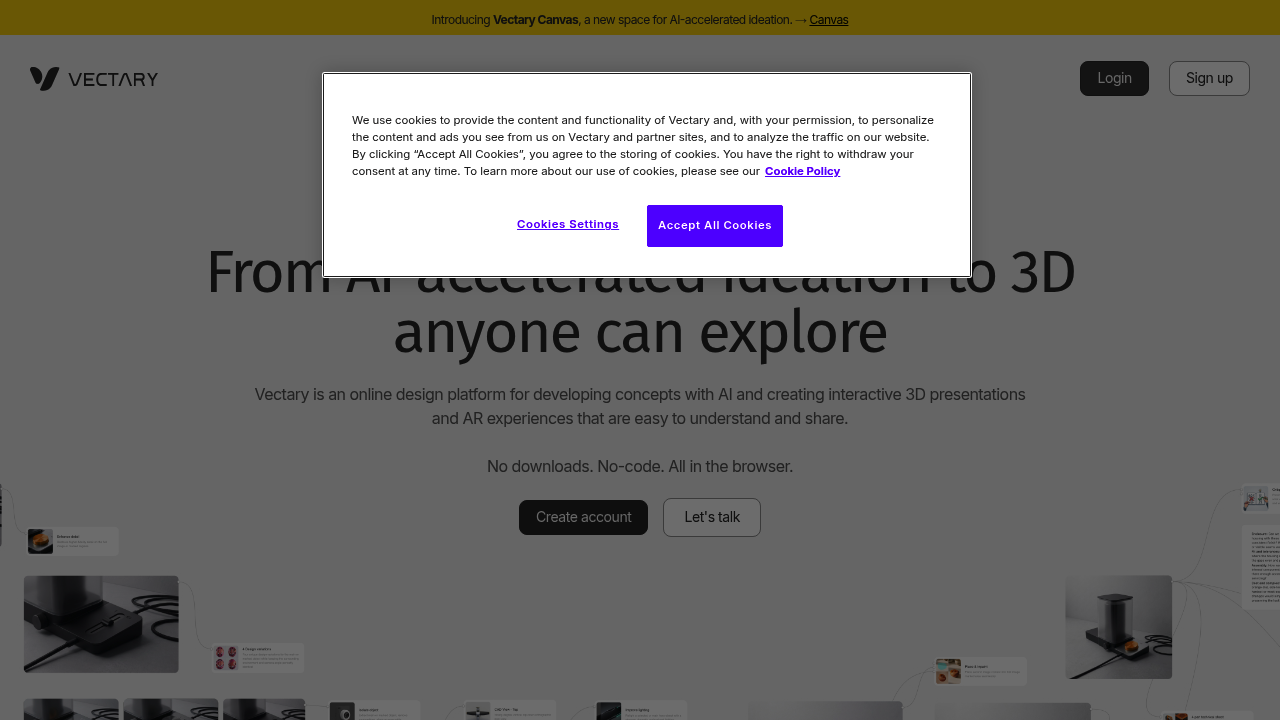
Vectary screenshot

Vectary is an online design platform for building interactive 3D presentations, product configurators and augmented reality experiences without writing code. Everything runs in the browser with no downloads. You can import 2D and 3D files in formats such as GLTF, GLB, OBJ, STL, FBX, DAE, STEP and IGES, set up lighting, cameras and materials with real-time rendering, and publish the result through a single link or an embed. A newer AI canvas, currently in beta, adds a space for generating and evaluating early concepts.

The audience is anyone who needs to show a product rather than describe it. Industrial and product designers use it to turn CAD models into shareable visuals, agencies build configurators for clients, and manufacturers publish interactive manuals. Marketing and e-commerce teams embed 3D models on product pages, while design leads use shared workspaces to keep models, materials and libraries in one place. Larger organizations can add SSO, role-based access and API connectivity, and no 3D coding background is required to get started.

Typical projects include a furniture or consumer product configurator where shoppers change colors and finishes, an automotive or cycling presentation with animated transitions, and an electronics walkthrough that explains how parts fit together. Web AR lets a viewer place a model in a room from a phone with no app, which helps retailers and event teams. Early in a project, designers gather references on the collaborative canvas, generate variations from presets and 3D models, and move the strongest idea into Studio to build the interactive version for stakeholder feedback and approval.

Vectary alternatives

See all →

Frequently asked

6 questions
What can I build with Vectary?
Interactive 3D presentations, product configurators and augmented reality experiences are all possible. Everything is built in the browser without code.
Who is Vectary aimed at?
Product designers, 3D artists, agencies and manufacturers who need to share 3D concepts are the main users. Teams can collaborate in shared workspaces and libraries.
How would a retailer use Vectary on a product page?
Build a 3D configurator, publish it and embed it on a product page so shoppers explore colors and finishes. Web AR also lets customers place the product in their own space from a phone.
Which file formats can I import into Vectary?
It accepts GLTF, GLB, OBJ, STL, FBX, DAE, STEP and IGES files. Models generated in Canvas can also be opened and refined.
Is Vectary Canvas finished?
Canvas is labeled Beta, so features may still change. It covers AI-assisted ideation and concepting.
Is an app required to view Vectary AR experiences?
Viewers need nothing installed because Web AR works from a link on a smartphone or AR glasses. Shared 3D experiences can also be embedded on websites.

Reviews (0)

Write review

No reviews yet. Be the first to share your experience.