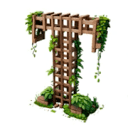
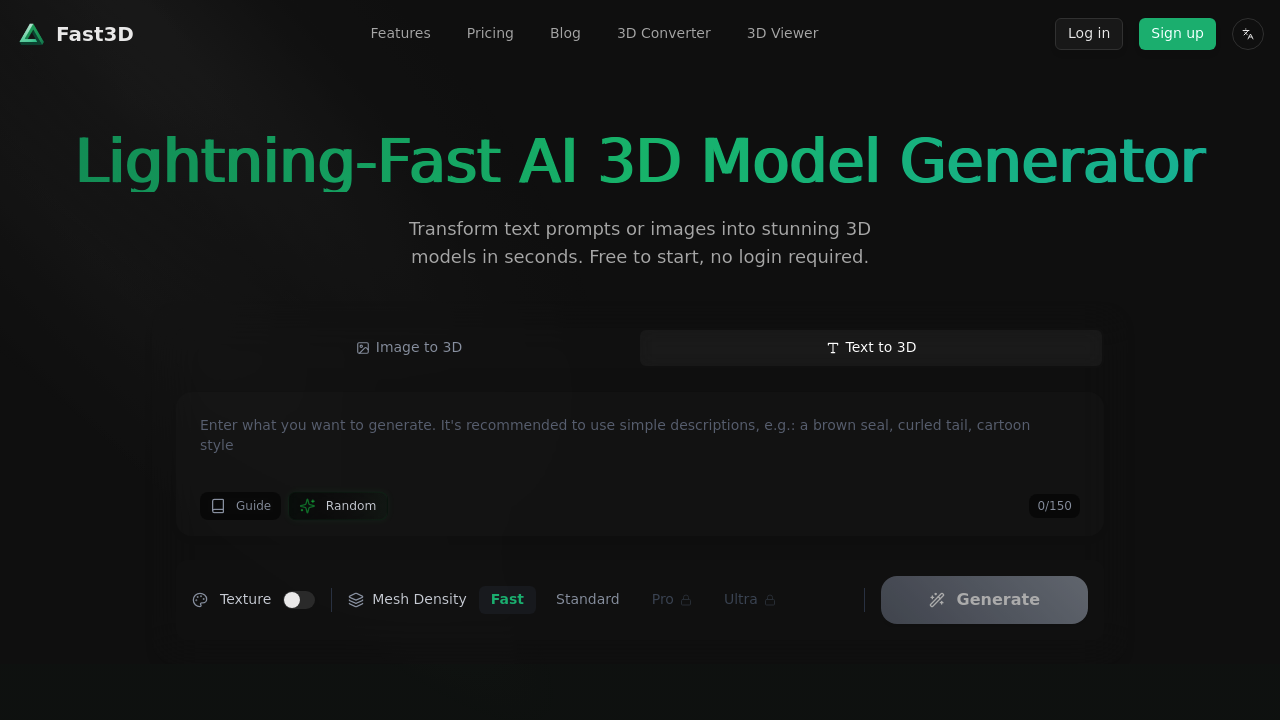
This tool converts text descriptions or images into complete 3D models through a dual-input pipeline. You can type a prompt up to 150 characters or upload reference images, and the system processes either input type to generate geometry, textures, and materials. The architecture handles multi-modal inputs by normalizing both text and image data into a shared representation space before the generation phase begins.
Generation happens in roughly 10 seconds. The system outputs models with what it calls high-precision geometry and PBR (physically-based rendering) materials, which means the textures respond to lighting conditions the way real-world surfaces would. You get control over mesh density through four preset levels labeled Fast, Standard, Pro, and Ultra. Higher density means more polygons and finer detail but larger file sizes.
The texture synthesis pipeline runs separately from geometry generation. You can customize materials after the initial model appears, and there's a style transfer function that applies visual characteristics from reference images to your generated models. The system also handles continuous tiling for textures, which matters if you're creating repeating surfaces or patterns for game environments.
Export options include GLB/GLTF, FBX, OBJ/MTL, and STL formats. This covers most professional workflows. GLB works for web-based 3D viewers and AR applications. FBX is the standard for game engines and animation software. OBJ is universally compatible. STL is specifically for 3D printing pipelines where you only need geometry without materials.
The service claims compatibility with virtually any 3D software, which makes sense given the export format selection. Game engines can import these models directly. The API integration means you could build this generation capability into existing tools or automate batch processing of multiple models.
There's a credit system governing usage. The specifics aren't detailed, but it limits how many models you can generate. You can try the basic generation without logging in, which lets you test the speed and quality before committing. More generation options require an account.
The 150-character prompt limit's restrictive. That's about one sentence with modest detail. You can't describe complex scenes or provide extensive material specifications through text alone. This is where the image input becomes more practical since a reference photo conveys more information than a short text string.
Multiple view support means you can provide several angles of an object as input, which helps the system understand three-dimensional structure better than a single image would. This improves generation accuracy for objects with complex shapes or details that aren't visible from one perspective.
The system targets everyone from hobbyists to professional studios. Use cases span gaming, AR/VR development, metaverse content creation, product design visualization, and 3D printing. The speed matters more for rapid prototyping and iteration than for final production assets, though the quality settings suggest it's aiming for production-ready output at the higher density levels.
Technical limitations center on the prompt length and the credit-based usage model. You're constrained in how much detail you can specify through text, and generation capacity depends on available credits rather than unlimited access. The 10-second generation time is fast but still means waiting between iterations when refining a design.