Tripo AI logo
AI 3D Model Generator FREEMIUM from $20/mo

Tripo AI

Tripo AI is an online 3D model generator that converts text prompts, images, photos or sketches into 3D models.

Users pick between high-detail models with up to 2 million polygons and Smart Mesh output, which produces clean quad meshes from 500 to 25,000 polygons for games and animation. Texturing creates full PBR sets up to 8K,…

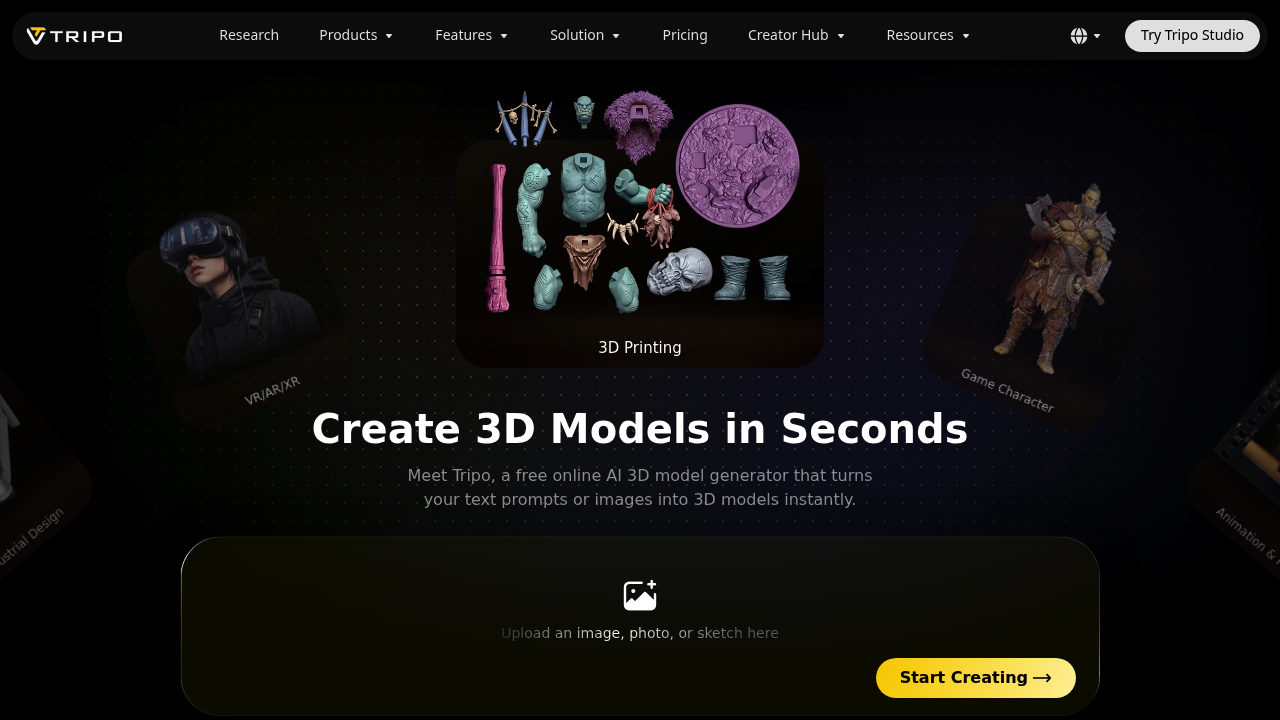
Tripo AI screenshot

Tripo AI is an online 3D model generator that converts text prompts, images, photos or sketches into 3D models. Users pick between high-detail models with up to 2 million polygons and Smart Mesh output, which produces clean quad meshes from 500 to 25,000 polygons for games and animation. Texturing creates full PBR sets up to 8K, characters can be rigged automatically, and models export in formats including STL, 3MF, OBJ, GLB, FBX and USD. More than 20 million creators have used it to make over 200 million models.

Indie game developers and studio pipelines use it to produce engine-ready assets without long manual modeling sessions. 3D artists and animators turn concept art into characters, creatures and props that arrive already rigged. Product and e-commerce teams create 3D visuals from product photos, industrial designers explore ideas in 3D before moving to CAD, and VR, AR and XR developers need performance-optimized models. Hobbyists who 3D print benefit from automatic splitting of large models into parts sized for their print bed.

A game team uploads character concept art, generates a quad-mesh model, applies a stylized or PBR texture, rigs it and drops the result into Unity, Unreal, Godot or Roblox. An online store photographs a product and gets a textured model in under a minute for a 3D viewer. A maker sketches an idea, generates a model, and exports an STL or 3MF file that is ready to slice. Film and animation artists block out creatures and props quickly, while industrial designers print concept models to pass around a table before committing to CAD.


Tripo AI alternatives

See all →

Frequently asked

6 questions
How does Tripo AI create 3D models?
It turns a text prompt, an image, a photo or a sketch into a 3D model. Users can choose high-detail sculpted output or production-ready quad meshes.
Who is Tripo AI for?
Game developers, 3D artists, animators, product designers and 3D printing hobbyists are the main audience. Both solo creators and studio pipelines are supported.
Can I 3D print what it generates?
Models can be exported as STL, 3MF or OBJ, and smart segmentation splits large models into parts that fit a print bed. The output is meant to be slicer-ready.
Which game engines does it work with?
Assets export as GLB, FBX, OBJ or USD for Unity, Unreal, Cocos, Godot and Roblox. Smart Mesh quad output from 500 to 25K polygons targets engine-ready use.
What does texturing include?
Full PBR sets are generated, including albedo, normal, metallic and roughness maps, up to 8K. Clean base-color textures are available for stylized and hand-painted looks.
Do I need to install software?
Tripo runs online, so models can be generated in the browser after uploading an image or typing a prompt. Tripo Studio is available for more advanced work.

Reviews (0)

Write review

No reviews yet. Be the first to share your experience.