
SheetQuery logo

SheetQuery

Google Sheets wasn't built for complex data operations

Joining tables? Not possible. Window functions? They don't exist. Bulk updates require manually editing hundreds of rows. SheetQuery turns your spreadsheets into a SQL database. Run SELECT queries—join data from…

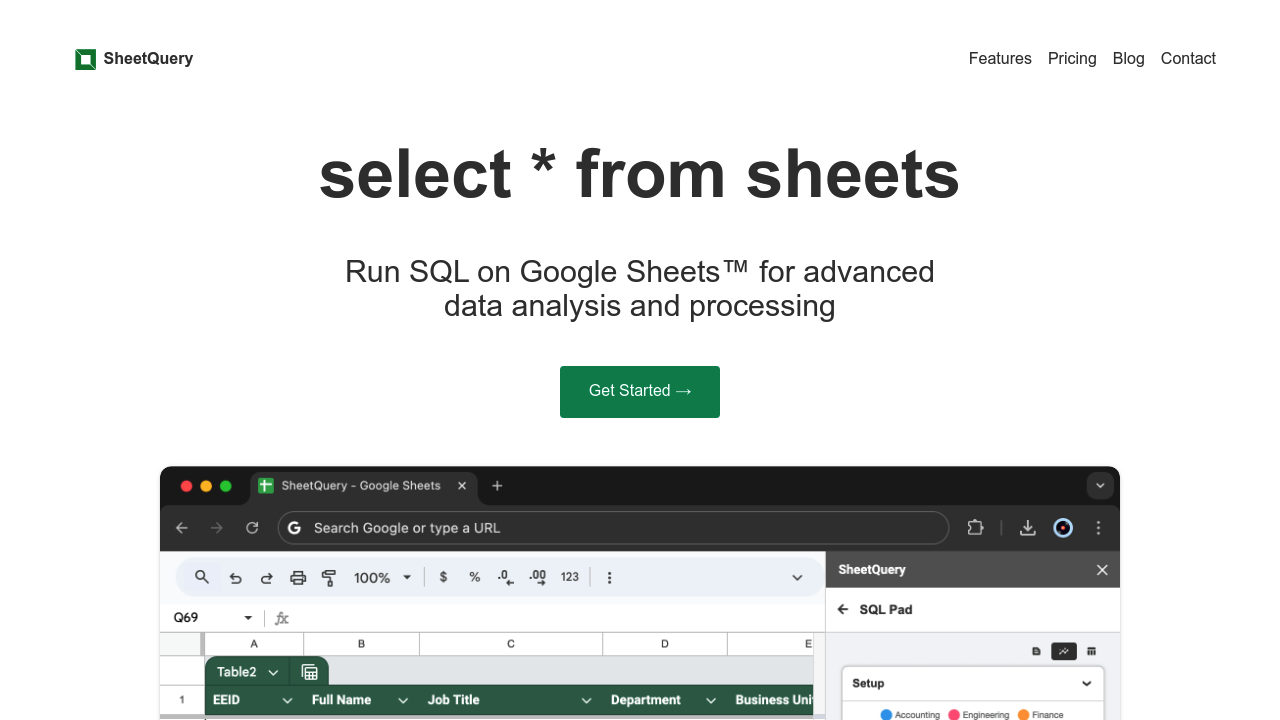
SheetQuery screenshot

Google Sheets wasn't built for complex data operations. Joining tables? Not possible. Window functions? They don't exist. Bulk updates require manually editing hundreds of rows.

SheetQuery turns your spreadsheets into a SQL database. Run SELECT queries—join data from multiple sheets or apply window functions for running totals and rankings. CTEs help when queries get complicated. UPDATE statements handle bulk modifications with complex filtering and dynamic calculations. DELETE works with multi-condition WHERE clauses. INSERT merges data from several sheets at once.

Data analysts who've outgrown spreadsheet formulas get proper SQL syntax. No database migration needed. You're tracking sales across regional sheets and need to calculate each rep's performance percentile while filtering by territory and date range? SheetQuery handles that query in seconds.

The fetch() function pulls JSON from any REST API directly into your sheets. JSON extraction functions parse nested data structures. Date and datetime functions work like they do in proper SQL databases. Complex WHERE clauses support multiple AND/OR conditions—exactly as you'd expect.

Pricing runs two cents per query. One query equals one credit. No monthly subscription locks you in. You pay when you actually use it.

The pay-per-query model works great for occasional power users. Running dozens of queries daily could get expensive though. Still—for anyone who's hit the ceiling with VLOOKUP and pivot tables—SheetQuery delivers real database functionality without leaving Google Sheets.


SheetQuery alternatives

See all →

Frequently asked

6 questions
How much does SheetQuery cost?
SheetQuery charges $0.02 per query on a pay-as-you-go basis. There's no monthly subscription—you only pay when you actually run a SQL query. Each query counts as one credit, so if you run 50 queries, that's $1 total.
Can I use SQL joins in Google Sheets with SheetQuery?
Yes, SheetQuery lets you join data from multiple sheets using standard SQL JOIN syntax. You can do inner joins, left joins, or any other SQL join type you'd use in a regular database. This is way more powerful than trying to match data with VLOOKUP or INDEX/MATCH formulas.
Does SheetQuery work with APIs?
Yeah, it does. SheetQuery has a fetch() function that pulls JSON data directly from any REST API into your sheets. You can then use JSON extraction functions to parse and work with that data, which is really handy for automating data imports.
Can I bulk update or delete rows in Google Sheets with SheetQuery?
Absolutely. SheetQuery supports UPDATE and DELETE statements with complex WHERE clauses, so you can modify or remove hundreds of rows at once based on multiple conditions. This beats manually editing rows or writing complicated Google Scripts.
What are the downsides of SheetQuery?
The main limitation is cost if you're running tons of queries daily—at $0.02 per query, heavy usage adds up fast. If you need to run hundreds of queries every day, you might want to consider migrating to an actual database instead.
Who should use SheetQuery?
It's perfect for data analysts who've outgrown basic spreadsheet formulas but don't want to migrate everything to a proper database. If you're comfortable with SQL and need to do things like window functions, CTEs, or complex joins on your Google Sheets data, SheetQuery's built for you.

Traffic

Estimated monthly website visits · last 0 months

Not enough historical data for a chart yet.

Reviews (0)

Write review

No reviews yet. Be the first to share your experience.