
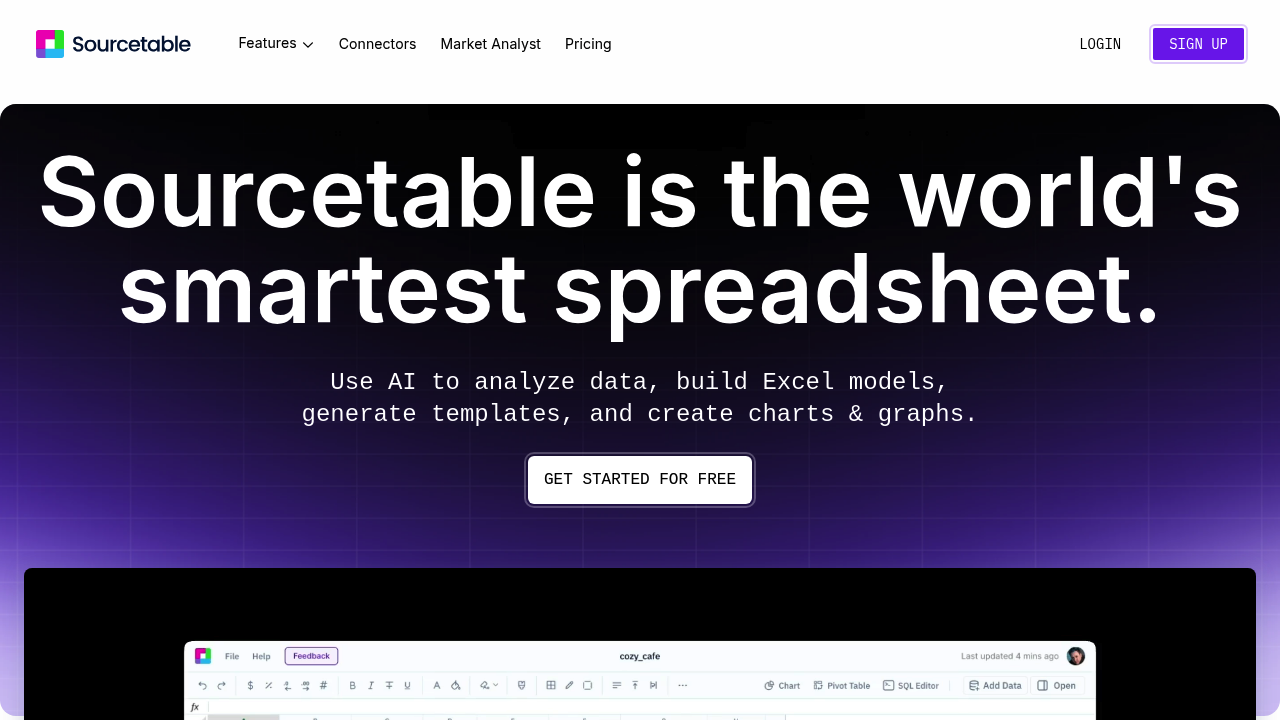
Sourcetable connects directly to MySQL, PostgreSQL, and MongoDB databases. You can also pull data from Excel and Google Sheets. Python integration lets developers work with familiar libraries. NumPy. Pandas. SciPy. All without leaving the spreadsheet interface.
Sourcetable handles files up to 10GB. Larger datasets? You'll need to request higher limits. Finance analysts dealing with quarterly reporting will find the Command Bar useful — it cleans messy data automatically and writes formulas on command.
Say you're running analysis on customer churn across multiple database tables. Sourcetable's AI can chat with your data intelligently, figuring out which spreadsheet tabs you're referencing without explicit instructions. The Data Analyst feature generates instant insights while the Chart Generator creates interactive graphs for stakeholder presentations.
Python, SQL, and statistical libraries like Scikit-learn run natively. You can write SQL queries. Build machine learning models with StatsModels. Create visualizations with Matplotlib and Plotly. All within what looks like a traditional spreadsheet.
The AI assistant fixes broken formulas and automates report generation.
Template Generator creates custom layouts for recurring analysis. Performance drops on massive datasets unless you use pivots and summaries first, which adds an extra step to your workflow.
Sourcetable positions itself as the spreadsheet built for both humans and AI, supporting data scientists who need more power than Google Sheets but want something more accessible than pure code environments.