
GPT for Work (Sheets, Docs, Slides) logo
AI Spreadsheet PAID from $25/mo

GPT for Work (Sheets, Docs, Slides)

GPT for Work brings an AI agent and bulk-processing tools into Excel and Google Sheets.

It started in January 2023 as a Google Sheets add-on with a single =GPT() function and has since grown into an agent that cleans messy data, checks and fixes errors, categorizes, enriches rows with web research, writes…

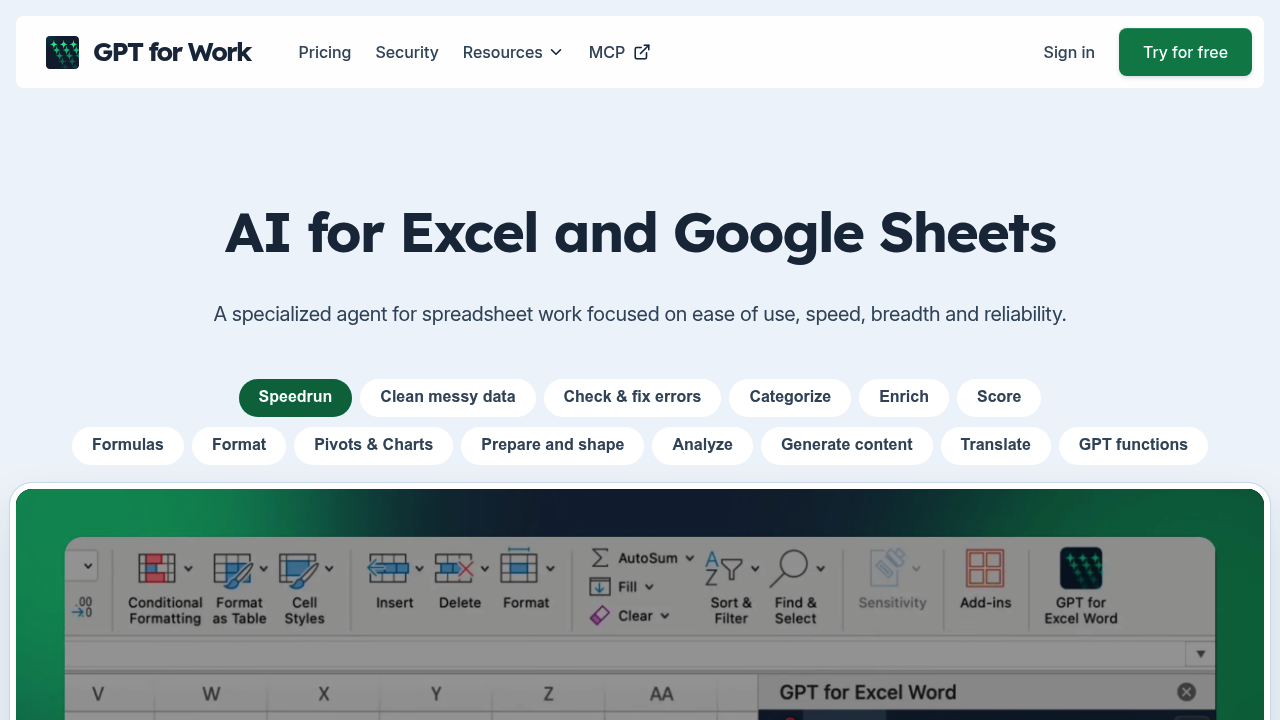
GPT for Work (Sheets, Docs, Slides) screenshot

GPT for Work brings an AI agent and bulk-processing tools into Excel and Google Sheets. It started in January 2023 as a Google Sheets add-on with a single =GPT() function and has since grown into an agent that cleans messy data, checks and fixes errors, categorizes, enriches rows with web research, writes formulas, and builds pivots, charts and formatting. Plans are subscription based: Standard costs $25 per month for individuals and Business costs $45 per seat per month, each including $25 of usage, with Enterprise on custom pricing.

Its audience is spreadsheet-heavy professionals: SEO and SEM specialists, e-commerce teams, analysts, consultants and operations staff who face thousands of rows of repetitive work. Business and Enterprise plans add team management, centralized billing and limits, a bring-your-own API key option and custom AI endpoints, and Enterprise adds SAML SSO and guided team training. A deployment of 2,500 users at a strategy consulting company is cited, along with 7M+ installations and ISO 27001 certification.

Typical jobs include fixing inconsistent names and dates, removing duplicates, translating product descriptions, tagging products from text and images, and categorizing customer feedback by applying one prompt to every row at about 1000 rows per minute. Another common workflow is researching missing company or product information for each row, with sources written back into the sheet. Users also ask questions about a sheet to spot trends and compare groups. Through the Autosheet MCP, outside AI clients can connect and reorganize sheets, and a choice of AI models avoids lock-in to a single provider.


GPT for Work (Sheets, Docs, Slides) alternatives

See all →

Frequently asked

6 questions
What can GPT for Work do with spreadsheet rows?
It applies one prompt to thousands of rows to clean, categorize, translate, extract details or tag products from descriptions and images. It can also research and enrich each row with web sources.
Who gets the most value from GPT for Work?
People who handle large amounts of repetitive spreadsheet work, such as SEO specialists, e-commerce teams, analysts and consultants. Teams can use Business seats with shared billing and centralized configuration.
Can it help with formulas?
Describe the calculation you need and it creates the formula, explains how it works, and finds and fixes mistakes in existing workbooks. It also handles formatting, sorting and splitting or merging columns.
How much does GPT for Work cost?
Standard is $25 per month for one user and Business is $45 per seat per month, both including $25 of usage. Enterprise pricing is custom, and extra usage can be bought as needed.
Where does GPT for Work fall short?
Its own pages say it is not the best for super complex financial modeling. Each plan also covers either the Sheets add-on or the Excel add-in, not both.
How do I start using it?
Install the GPT for Excel add-in or the GPT for Sheets add-on and try it with free credits, with no card needed for first use. The Autosheet MCP lets other MCP clients connect to your sheets.

Reviews (0)

Write review

No reviews yet. Be the first to share your experience.