Gemini in Google Sheets logo
AI Spreadsheet FREE TRIAL from €7/mo

Gemini in Google Sheets

Sheets is part of Google Workspace, so the assistant sits next to everything else a team already uses: shared files, live co-editing and the same login.

Gemini in Google Sheets brings AI assistance into Google's online spreadsheet, helping people create tables, format them and analyze their data faster. Sheets is part of Google Workspace, so the assistant sits next to…

Gemini in Google Sheets screenshot

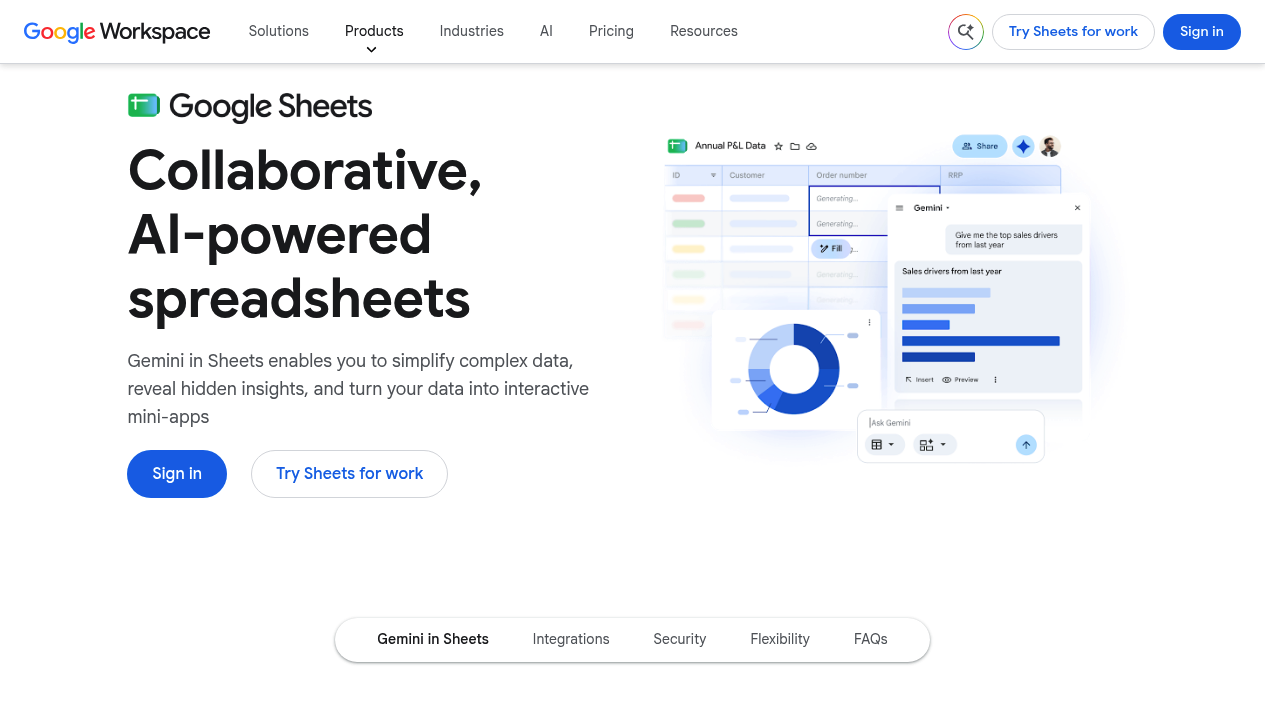
Gemini in Google Sheets brings AI assistance into Google's online spreadsheet, helping people create tables, format them and analyze their data faster. Sheets is part of Google Workspace, so the assistant sits next to everything else a team already uses: shared files, live co-editing and the same login. It speeds up building a table from scratch, tidying how it looks and getting answers out of rows of numbers, which makes a spreadsheet approachable for people who are not data specialists.

Gemini in Google Sheets fits business teams that collaborate in shared workbooks: sales and marketing groups tracking results, operations managers maintaining trackers, finance staff assembling reports, and analysts who pull in warehouse data. Smaller companies that want one set of cloud-based tools for email, documents and spreadsheets benefit from having the AI built in rather than bought separately. Administrators get control over who can open a sheet, and everyone gets an overview of edits made to a file.

Common uses include setting up a new tracker with the help of AI, formatting a table so it reads cleanly, and asking questions to analyze a dataset more quickly. Teams can work with data from BigQuery or Looker directly in a sheet, bring in information from third-party tools, and open a video call right inside the document to talk through numbers together. Teams that also receive spreadsheets from outside the company can rely on Sheets to edit Microsoft Excel files, so mixed workflows are possible, and work continues offline when the connection drops.


Gemini in Google Sheets alternatives

See all →

Frequently asked

6 questions
What does Gemini in Google Sheets help me do?
AI assistance covers creating tables, formatting them and analyzing data using AI inside a Google Sheets file. The goal is to get from a blank sheet to usable insights faster.
Who should use Gemini in Google Sheets?
Business teams that already work in Google Workspace are the main audience, including sales, marketing, finance and operations groups. Analysts who combine warehouse data with spreadsheets can use it as well.
Can Gemini in Google Sheets work with data from other sources?
Data from BigQuery and Looker can be used in Sheets, and the product can pull in information from third-party tools directly into a spreadsheet. That lets analysis happen where the team already collaborates.
Does Google Sheets support Excel files?
Microsoft Excel spreadsheets can be edited in Sheets with extended functions, which helps teams that exchange files with Excel users. Offline editing is available too.
What controls exist for sharing a spreadsheet?
Owners can manage who has access to a sheet, and an overview of past edits shows what changed. People can also hold a video conference directly inside the document.
How do I get started with Gemini in Google Sheets?
Sheets belongs to Google Workspace, so you begin by signing in to a Workspace account and opening a spreadsheet. Details on which plans include the AI features are listed under the Google Workspace plans.

Reviews (0)

Write review

No reviews yet. Be the first to share your experience.