
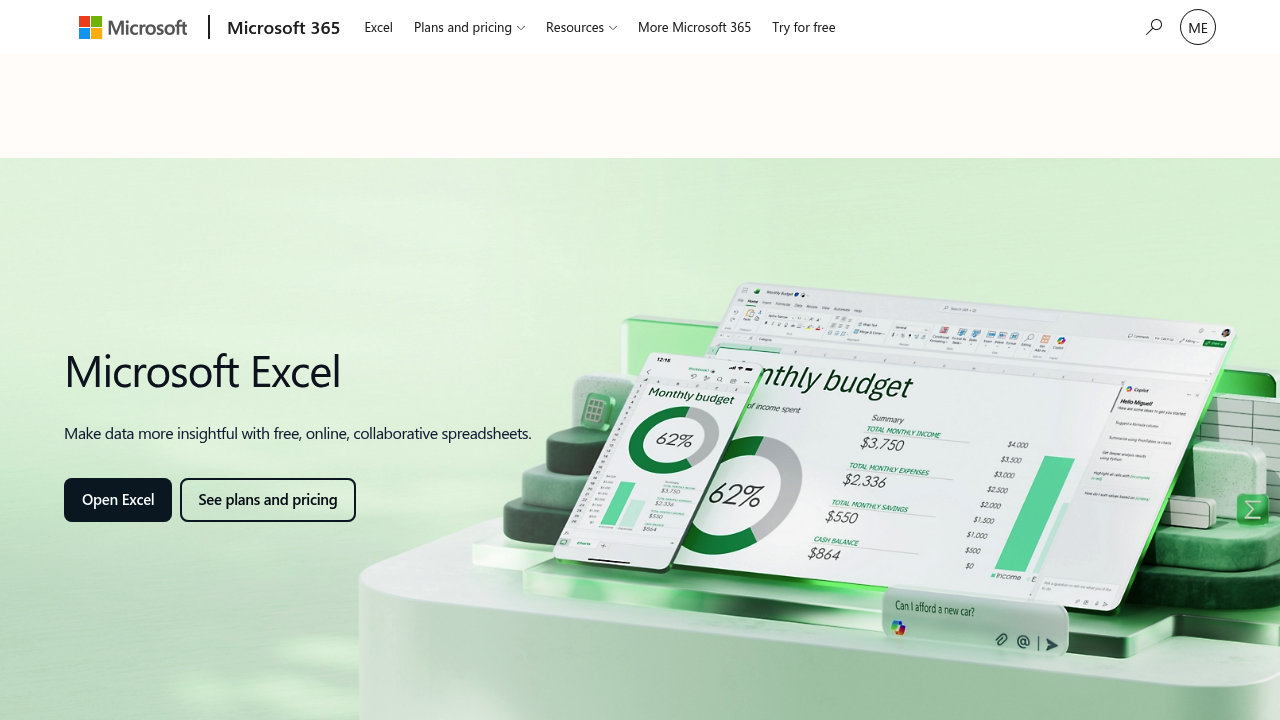
Microsoft Copilot in Excel adds an AI assistant to Microsoft's spreadsheet application. Instead of hunting for the right function, you describe the change you want in plain language and the assistant edits formulas, tables and formatting for you, while you review each change and stay in control. It also surfaces insights and smart tips about your data, and its newer editing mode carries out a complex analysis from start to finish rather than leaving you to assemble it step by step.
Microsoft Copilot in Excel suits people who work in spreadsheets every day but do not consider themselves formula experts: office managers, marketing coordinators, small business owners, finance and operations staff, and students. Analysts also use it to speed up repetitive cleanup and formatting work. Because it lives inside Excel itself, teams already working in Microsoft 365 can share workbooks with colleagues and collaborate on the same data without switching to another application, and a free browser version of Excel is available alongside the paid plans.
Typical scenarios include asking for the ideal formula for a column of figures, adding a new calculated column, highlighting the rows that matter in a long report, and getting a quick summary of what a dataset shows. A sales coordinator might ask for a breakdown of monthly results and have the assistant build it, while a project lead might clean up a budget sheet before sharing it with stakeholders. Because Excel runs on the web, iOS and Android as well as the desktop, the same workbooks stay reachable wherever people work, and shared files make it simple to circulate data, insights and reports to teammates.