
QueryLab logo
SQL Query Builder FREEMIUM from $30/mo

QueryLab

Database developers and data analysts need faster ways to spin up environments and query data

No more wrestling with setup configs. QueryLab gives you one-click deployment of fully configured databases. PostgreSQL. MongoDB. ClickHouse. Redis. Neo4j. They're all ready instantly. No installation headaches. The AI…

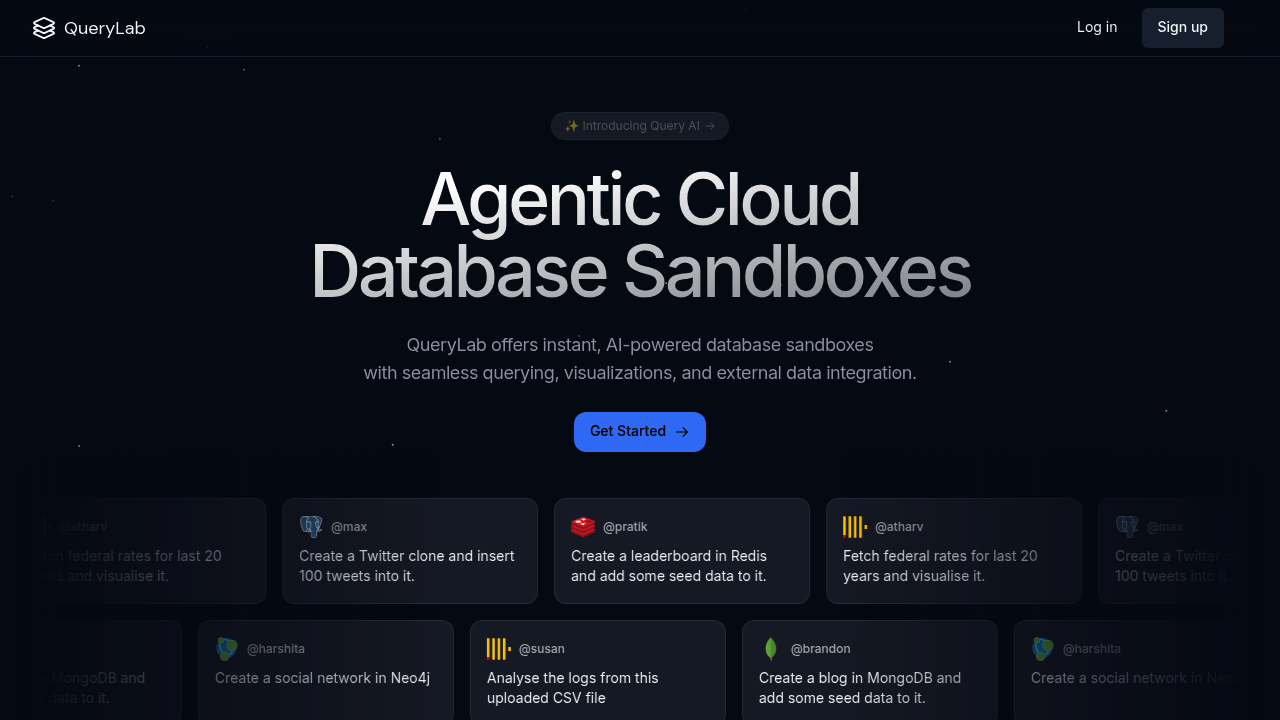
QueryLab screenshot

Database developers and data analysts need faster ways to spin up environments and query data. No more wrestling with setup configs.

QueryLab gives you one-click deployment of fully configured databases. PostgreSQL. MongoDB. ClickHouse. Redis. Neo4j. They're all ready instantly. No installation headaches. The AI converts your natural language prompts into complex queries — saves time when you're exploring unfamiliar datasets or prototyping quickly.

A backend developer building a new feature can drop a CSV file and watch QueryLab automatically structure the data into tables. The AI knows your schema. It generates queries from plain English descriptions. Results turn into dynamic charts without extra tools.

QueryLab fetches data from external APIs and public datasets too. You can pull in real-world data for testing or combine multiple sources in one workspace. The automatic visualizations help spot patterns that raw query results might hide.

The natural language querying works well for quick exploration but won't replace writing optimized SQL for production systems. You'll still need to understand your database structure for complex operations. QueryLab handles the tedious setup work so you can focus on the actual data problems instead of environment configuration.


QueryLab alternatives

See all →

Frequently asked

6 questions
Which database types can I deploy with QueryLab's one-click setup?
You can set up PostgreSQL, MongoDB, ClickHouse, Redis, and Neo4j databases. They're all fully configured right out of the box -- no installation headaches. Need different storage types for one project? No problem, you can run multiple database types in the same workspace.
How accurate is QueryLab's natural language to SQL conversion?
It's pretty solid for exploratory queries and standard stuff on familiar datasets. The AI gets your schema context and handles moderately complex requests well enough. But here's the thing -- you'll still need to write optimized SQL by hand for production systems or really specialized operations.
Can I import my own data files into QueryLab workspaces?
Absolutely! Just drop your CSV files right into QueryLab. It'll automatically structure everything into proper database tables for you. The system figures out your file format and creates the right schema. You can also connect external APIs and grab public datasets for testing.
Does QueryLab create charts and visualizations from query results?
Yes -- QueryLab automatically generates dynamic charts from your results without needing separate tools. The charts help you spot patterns and trends that aren't obvious in raw data tables. Works for both AI-generated queries and traditional SQL you write yourself.
What happens to my databases when I stop using QueryLab?
The description doesn't specify data persistence policies or export options. You'd need to check QueryLab's documentation for details about data retention and backup procedures. Also whether you can export your configured databases to run elsewhere.
Is QueryLab suitable for production database management?
QueryLab's really built for rapid prototyping, testing, and data exploration -- not production environments. It's perfect for developers who need quick database setup and experimentation. For production systems, you'll likely need more control over configuration, security, and performance optimization than what QueryLab offers.

Traffic

Estimated monthly website visits · last 0 months

Not enough historical data for a chart yet.

Reviews (0)

Write review

No reviews yet. Be the first to share your experience.