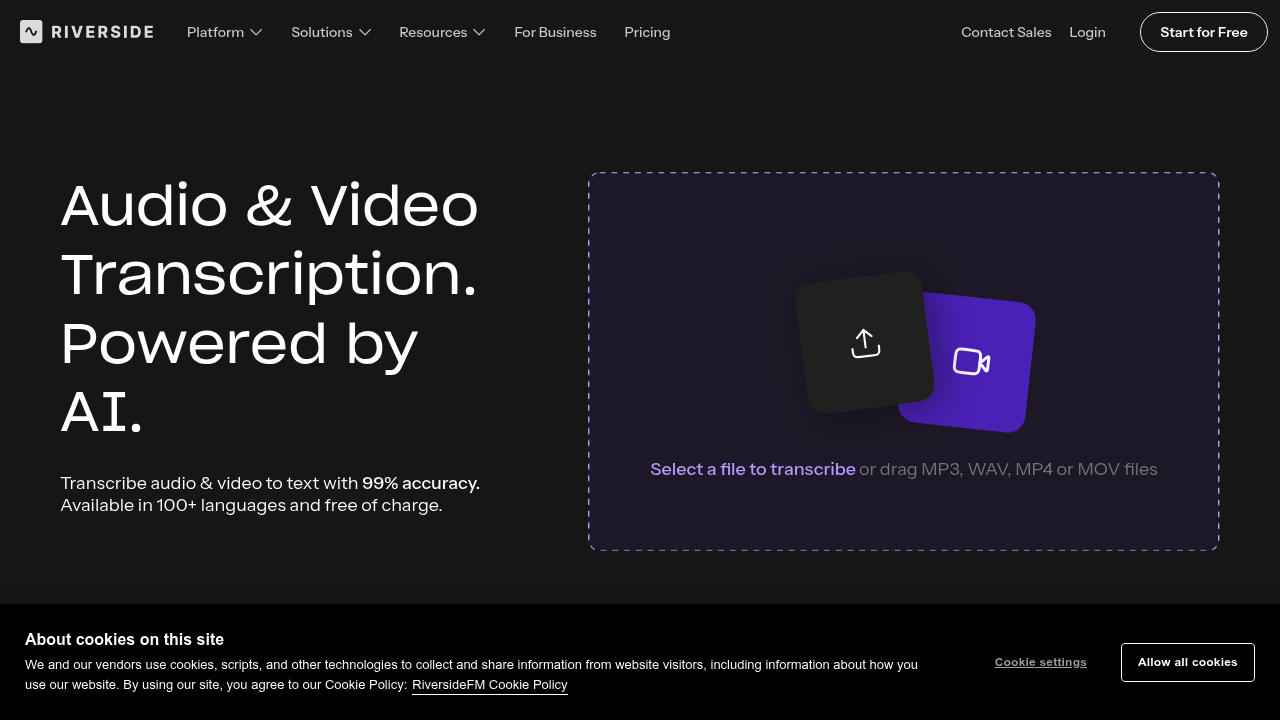
Riverside Transcription is a free AI tool that turns audio and video files into text. Drag in an MP3, WAV, MP4 or MOV file, pick a language from 100+ options and download the transcript as SRT subtitles or a plain TXT file. Accuracy is stated at up to 99%, with handling of accents and regional speech, and any mistakes can be fixed by clicking in the transcript. Unlimited transcription needs no sign-up, and paid Riverside plans start at $24 per month with automatic transcripts for every recording.
Podcasters, YouTubers, interviewers, journalists and marketing teams are the natural users, particularly anyone who records conversations and needs text for show notes, captions or articles. The free tool is handy for a one-off file. Those who record in Riverside get speaker detection, so the transcript shows who said what, which the free tool does not provide for multi-speaker files, where all text goes to one speaker.
Typical workflows include uploading an interview and exporting TXT to draft a blog post, newsletter or summary, or downloading SRT to caption a video in an editor. Inside the Riverside studio, a recording of up to 4K is transcribed automatically after the session, and you can edit the recording by deleting words, sentences and paragraphs straight from the transcript. Paid tiers add AI editing, audio enhancement, magic clips, show notes and podcast hosting, while higher plans add live streaming and webinar tools with a HubSpot integration for syncing leads.