
RemoveBGVideo logo
AI Video Editor FREEMIUM from $12/mo

RemoveBGVideo

You want a clean background behind your product demo or talking-head video

RemoveBGVideo strips out everything behind the subject automatically. No green screen setup required. No manual masking frame by frame either. It handles people and products with equal competence. Upload your MP4 or MOV…

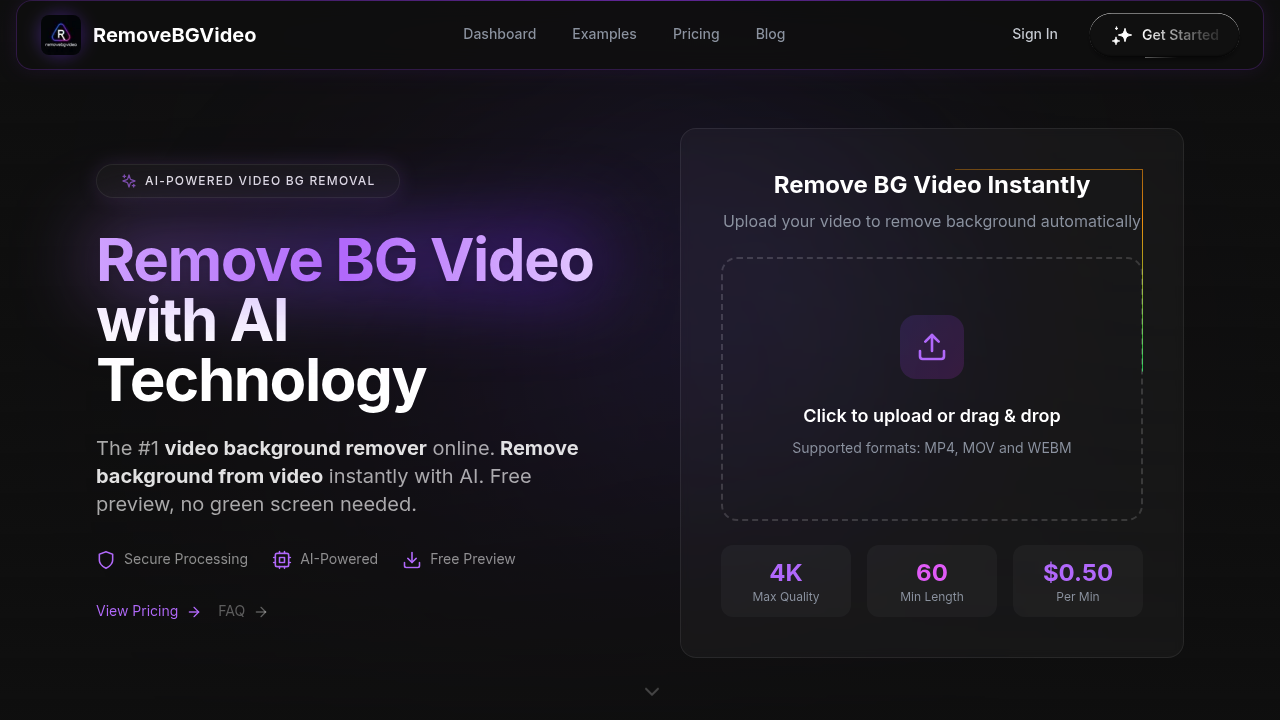
RemoveBGVideo screenshot

You want a clean background behind your product demo or talking-head video. RemoveBGVideo strips out everything behind the subject automatically. No green screen setup required. No manual masking frame by frame either.

It handles people and products with equal competence. Upload your MP4 or MOV file—the AI figures out what stays and what goes. Preview the entire result before paying anything. That's smarter than most competitors that lock previews behind account creation. When you're satisfied, pay $0.50 per minute of video. Three minutes runs you six bucks.

4K output? Supported. Audio track? Preserved. Export options include transparent WebM, ProRes with alpha channel, PNG sequences, or even GIF. Replace the removed background with solid colors (or upload your own image). Jewelry designers shooting product videos will appreciate the batch processing—it handles up to 20 videos at once. Processing typically finishes in under five minutes.

The 500MB file size cap might frustrate you if you shoot long-form content in high bitrate formats. But the 60-minute maximum length gives you plenty of room for most projects. RemoveBGVideo positioned itself as the Unscreen replacement after that service shut down in December 2025.

The pay-as-you-go model beats subscription services charging yearly fees for similar features—especially when those subscriptions impose tighter limits on resolution and duration. You pay only for what you process.


RemoveBGVideo alternatives

See all →

Frequently asked

7 questions
How much does RemoveBGVideo cost?
It's $0.50 per minute of video, so a 3-minute clip costs $6. There's no subscription or monthly fee—you just pay for what you process. You can preview your entire video for free before deciding to purchase, and you don't even need to create an account to try it.
What video formats does RemoveBGVideo support?
You can upload MP4, MOV, or WebM files up to 500MB. For export, you've got options like transparent WebM, ProRes with alpha channel (MOV), PNG sequences, or GIF/WebP. The tool preserves your audio track and supports up to 4K quality.
How long does it take to remove backgrounds from videos?
Most videos finish processing in under 5 minutes. The actual time depends on your video length and resolution, but the GPU-accelerated processing keeps things pretty quick even for longer clips.
Can I remove backgrounds from product videos?
Absolutely. RemoveBGVideo works with people, pets, and products—no green screen required. It's particularly useful for jewelry designers, nail artists, and anyone shooting product demos who wants clean, professional-looking backgrounds without complicated setups.
What's the maximum video length for RemoveBGVideo?
You can process videos up to 60 minutes long, as long as they're under 500MB in file size. That's way more generous than competitors like Canva Pro, which caps you at 90 seconds.
Is RemoveBGVideo better than Canva Pro for background removal?
For video background removal specifically, yeah. Canva Pro costs $119/year and limits you to 1080p, 90 seconds, and 250MB files. RemoveBGVideo supports 4K, 60-minute videos, and costs $0.50 per minute with no subscription—you only pay when you actually use it.
Can I process multiple videos at once?
Yep, you can batch process up to 20 videos at the same time. This is super handy if you're creating a bunch of product videos or social media content and need consistent background removal across all of them.

Traffic

Estimated monthly website visits · last 10 months

29.3K visits/mo
Monthly visits
29.3K
↓ 10.5% MoM
Global rank
#1,007,938
US #1,202,816
Category rank
#28
AI Video Editor
32.8K 24.6K 16.4K 8.2K 0 Nov 2025: 0 visits Nov 2025 Dec 2025: 47 visits Dec 2025 Jan 2026: 719 visits Jan 2026 Feb 2026: 2.9K visits Feb 2026 Mar 2026: 13.8K visits Mar 2026 Apr 2026: 15.8K visits Apr 2026 May 2026: 12.5K visits May 2026 Jun 2026: 24.3K visits Jun 2026 Jul 2026: 32.8K visits Jul 2026 Aug 2026: 29.3K visits Aug 2026

Reviews (0)

Write review

No reviews yet. Be the first to share your experience.