Invideo AI logo

Invideo AI

Describe video, watch it appear

80 views
Visit invideo.io
Invideo AI screenshot

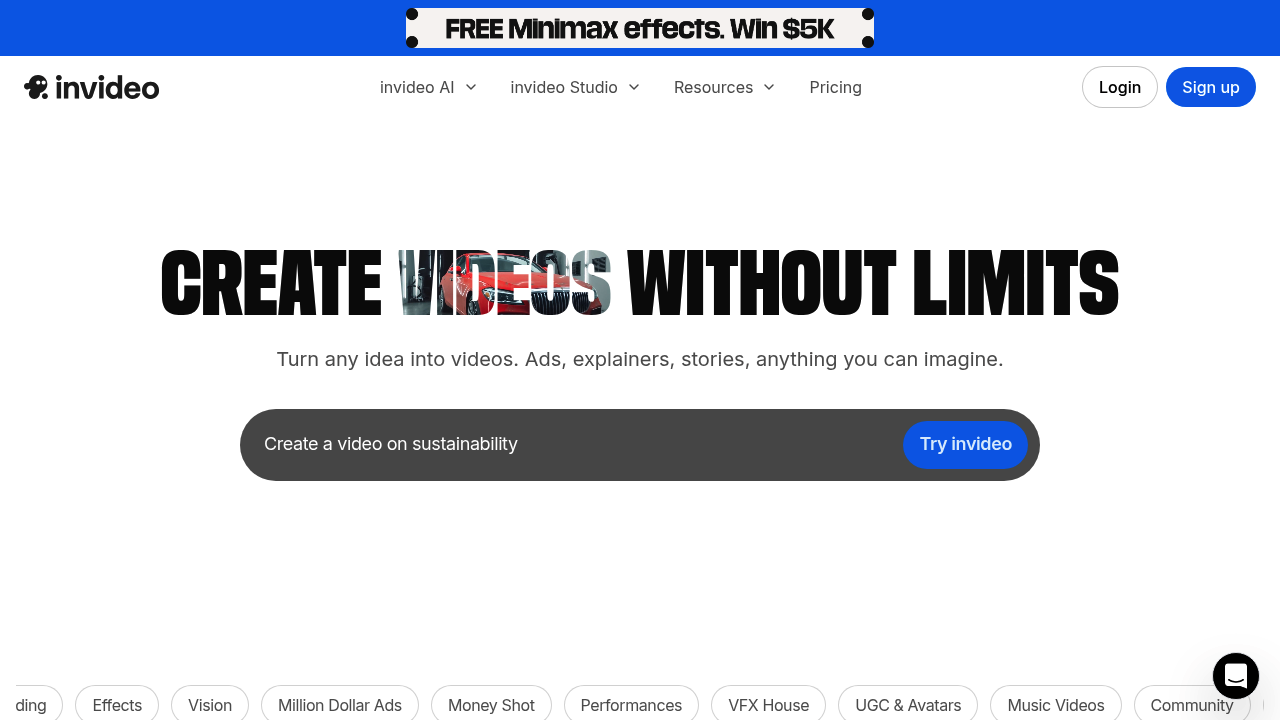
Invideo AI packs serious technical muscle for video creation. You drop in text prompts and it generates videos. VFX capabilities include Relight. Inpaint too. Plus Cleanup and an AI Colorist. Script writing comes built-in. Voice-over generation handles the audio. Express avatars round out the package — all in one system. Solo developers can spin up explainer videos or product demos without touching traditional video editing software.

Content creators get specialized categories like Million Dollar Ads and Money Shot with specific prompts and effects. Invideo AI serves 25 million customers across 190 countries with a 4.8 rating.

Teams can scale up with Enterprise pricing for larger organizations. The free plan gives you 2 video minutes weekly. That's not much for serious production work.

A YouTube channel manager launching a tech review series could use Invideo AI to generate consistent intro sequences with the Hero Walk effect, then add custom voice-overs explaining each product. The Drip Flip and Car Crash effects work well for transition moments between product features.

Solo users get one Express avatar and 4 exports per week on the free tier — though everything comes with Invideo's watermark. Generative features stay locked behind the paywall. Invideo splits into two products (Invideo AI and Invideo Studio) each with separate pricing plans. Enterprise customers get custom pricing with advanced security features. Lifetime deal holders from before August 2023 still get free AI credits.


Frequently asked

7 questions
How many AI credits do I get with Invideo AI's free plan and what happens when I run out?
You get 2 video minutes per week with the free plan -- honestly, that's not much if you're making content regularly. Hit that limit? You'll wait for the weekly reset or upgrade. The generative features are locked behind the paywall too, so free users can't access the full AI stuff.
What's the difference between Invideo AI and Invideo Studio?
They're two separate products with different pricing. Invideo AI does text-to-video generation with prompts. Invideo Studio seems to be their traditional video editor. You'll need to pick which one works for your workflow since they price them separately.
Can I remove the Invideo watermark from videos on the free plan?
Nope -- all free tier videos come with Invideo's watermark. You'll need to upgrade for clean exports. Free users also get limited to 4 exports per week and just one Express avatar.
What are Million Dollar Ads and Money Shot categories in Invideo AI?
These are specialized content categories for creators who want high-impact marketing videos. They come with specific prompts and effects tailored for ads. Perfect if you want professional-looking promotional videos but don't have marketing or video production experience.
Do lifetime deal holders still get benefits after Invideo AI's pricing changes?
Yes! If you bought a lifetime deal before August 2023, you still get free AI credits. This grandfathered access helps early supporters keep using the AI features without paying the new subscription fees.
How do the VFX capabilities like Relight and Inpaint actually work in video generation?
Relight adjusts lighting conditions in your generated scenes. Inpaint removes or replaces objects within video frames. The AI Colorist handles color grading automatically. These tools work during generation -- so you don't need to manually edit each frame like traditional video software.
What kind of voice-over options does Invideo AI provide for generated videos?
The platform includes built-in voice-over generation, so you can add narration without recording your own audio. This pairs with the script writing feature to create complete videos from just text prompts. The system handles both visual generation and audio production in one workflow.

Reviews (0)

No reviews yet. Be the first to share your experience.

Similar tools

See all →