
Pictory logo

Pictory

Scripts become videos without timeline editing

71 views
Visit pictory.ai
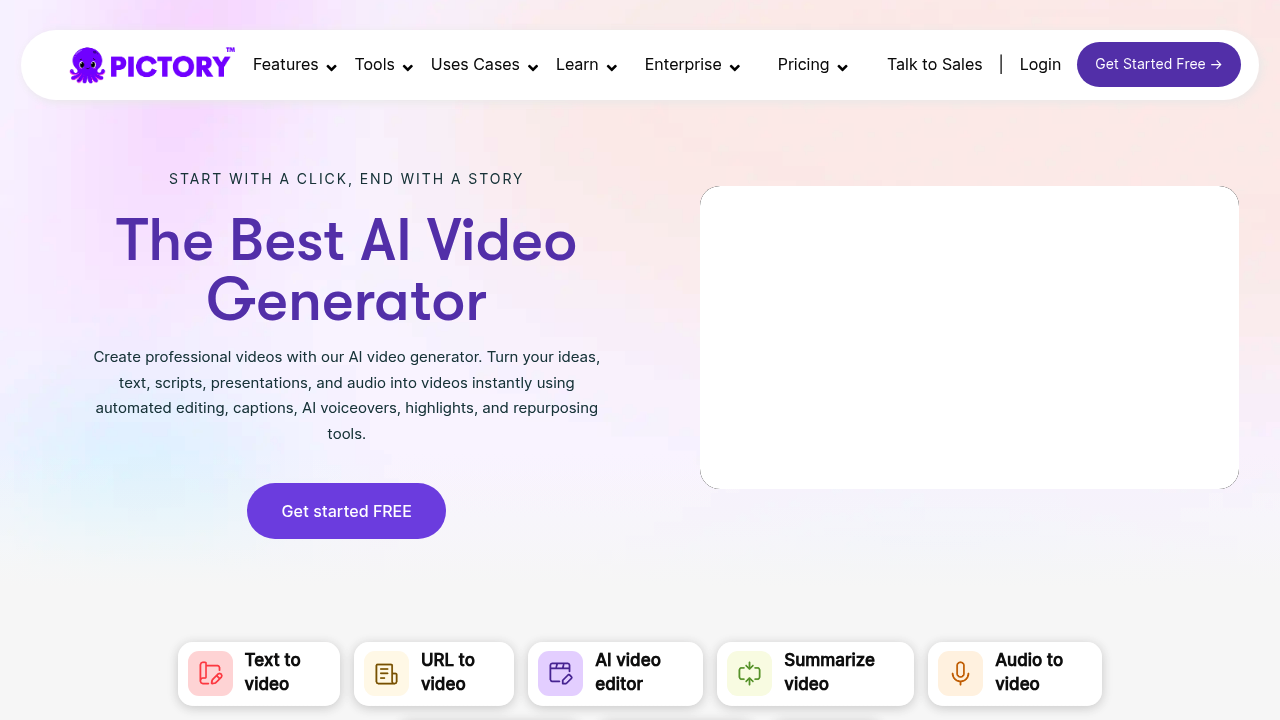
Pictory screenshot

Video creation hits walls fast when you're scaling content production. Pictory sidesteps the usual bottlenecks by turning text into videos without cameras or timelines.

Drop a URL and watch it become a video. Feed it audio files. Or PowerPoint slides. Pictory's AI picks visuals, adds voiceovers, and handles the editing. You can generate custom images right in the editor through AI Studio — then drop them into your scenes. Over 20,000 companies rely on this approach.

A social media manager juggling five client accounts could paste blog URLs into Pictory and get promotional videos for each post.

No filming required.

Pictory covers most content formats you'd want to convert. Scripts become full videos with AI-selected stock footage and music. Single images turn into animated clips. You can customize everything with your brand colors and fonts, though the automated selections don't always nail the tone you're after.

AI Avatars are launching soon for digital presenters. Script generator writes video copy from basic ideas in seconds. Smart templates handle the design work while you focus on the message.

Pictory removes the technical barriers that slow down video production. Content creators and marketing teams can pump out videos at scale without learning complex editing software. You'll still need to review what the AI picks. But the heavy lifting gets handled automatically.

Frequently asked

7 questions
How long does it take Pictory to convert a blog post URL into a video?
Usually takes about 2-3 minutes -- depends on how long your content is. The AI pulls out the main points from your blog and finds matching stock footage plus music. You'll get a draft that you can tweak with your branding or redo sections that don't work.
Can I use my own voiceover instead of Pictory's AI-generated voices?
Yep, you can upload your own audio files and it'll sync with the visuals. Record directly in the platform if you want, or pick from their AI voice library (different languages and accents available). The timing adjusts automatically to match whatever audio you use.
What video formats and resolutions does Pictory export?
Everything exports as MP4. You get different aspect ratios -- 16:9 for YouTube, 9:16 for TikTok and Instagram Stories, 1:1 for Instagram posts. Resolution options are 720p, 1080p, or 4K depending on which plan you're on.
Does Pictory work well for technical or niche industry content?
Not really -- the AI struggles with super technical stuff. Their stock footage library doesn't have specific industry visuals for specialized topics. Works great for general business, lifestyle, marketing content where generic footage makes sense. You can upload your own images through AI Studio to fill the gaps though.
How much does Pictory cost and what's included in each plan?
Starts around $19/month for Standard (30 videos per month). Professional plans give you more video credits, longer videos, premium stock footage. All plans come with the script generator and basic customization stuff.
Can I edit individual scenes after Pictory generates my video?
Absolutely -- you can edit each scene separately. Swap footage, change text, adjust timing, replace music tracks. The AI just gives you a starting point, but you're not stuck with what it creates.
What happens to my Pictory videos if I cancel my subscription?
Your old videos stay downloadable even after you cancel. But you can't make new ones or edit existing videos without an active plan. They suggest downloading everything before your subscription runs out.

Traffic

Estimated monthly website visits · last 4 months

1.2M visits/mo
Monthly visits
1.2M
↓ 20.7% MoM
Global rank
#32,103
US #26,299
Category rank
#26
Video Creation
1.5M 1.4M 1.3M 1.2M 1.2M Nov 2025: 1.4M visits Nov 2025 Dec 2025: 1.4M visits Dec 2025 Jan 2026: 1.5M visits Jan 2026 Feb 2026: 1.2M visits Feb 2026

Data from SimilarWeb · Updated monthly.

Reviews (0)

Write review

No reviews yet. Be the first to share your experience.

Similar tools

See all →