
Fliki logo

Fliki

Text to video with realistic voices

66 views
Visit fliki.ai
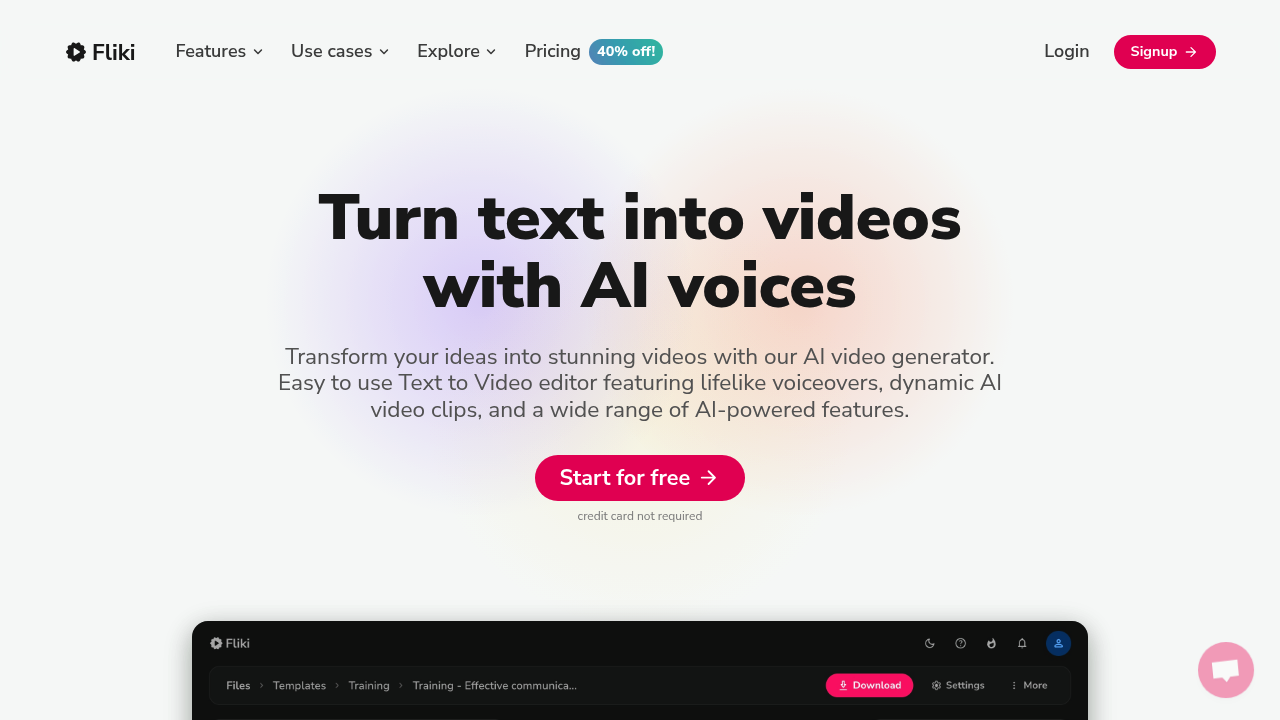
Fliki screenshot

Turning text into video at scale? You need voice variety. Fliki delivers 2500+ AI voices across 80+ languages. Plus 100+ dialects. The numbers speak for themselves — 50,000+ companies and 10 million people creating videos through it.

Here's how it works: drop in your text and Fliki generates dynamic video clips with AI voiceovers. You can clone your own voice for authenticity. Or pick from 70+ AI avatars to front your content without appearing on camera yourself. Blog posts become videos. PowerPoint presentations transform into engaging clips with auto-generated captions and background music.

An HR manager rolling out quarterly training videos could convert existing documentation into multilingual content without hiring voice actors or video crews. Fliki claims 5x productivity improvements and 90% faster creation than traditional methods.

Voice cloning sets Fliki apart from basic text-to-speech tools. It replicates your vocal patterns and delivery style for consistent brand voice across content. Though the free plan watermarks everything and caps you at 5 minutes monthly.

Standard plans start at $21 monthly for 2160 minutes annually with 1080p output and voice cloning access. Premium jumps to $66 monthly with 7200 minutes and full avatar library. The 4.8/5 rating across 5500+ reviews suggests most users find the output quality acceptable for their needs.

Frequently asked

7 questions
How accurate is Fliki's voice cloning feature compared to my actual voice?
Voice cloning picks up your vocal patterns and how you deliver lines -- keeps your brand voice consistent across different content pieces. The quality really depends on what audio sample you give it for training. Most users think it's fine for business stuff, but it's not gonna fool anyone into thinking you're actually speaking live.
Can I remove the watermark from videos without upgrading to a paid plan?
Nope, the free plan watermarks everything and there's no way around it. You'll need at least the Standard plan at $21 monthly to ditch the watermark. Plus the free plan only gives you 5 minutes of content per month -- pretty limiting.
What's the difference between Fliki's Standard and Premium plans?
Standard gets you 2160 minutes annually for $21 monthly. You get 1080p output and voice cloning access. Premium jumps way up to $66 monthly but gives you 7200 minutes -- plus unlocks the full avatar library of 70+ AI presenters. Both plans remove watermarks and include commercial usage rights.
How many languages can Fliki actually handle for voiceovers?
Fliki supports 80+ languages with over 100 dialects total. That includes the big ones like Spanish, French, German, and Mandarin -- plus regional variations. Voice quality isn't consistent across all languages though. English has the most natural-sounding options by far.
Can I upload my own background music or am I stuck with Fliki's library?
You can definitely upload your own background music and audio files. Fliki also auto-generates background music if you don't want to hunt for your own tracks. The platform handles audio mixing automatically -- so your voiceover stays clear above the music.
How long does it take Fliki to generate a 5-minute video from text?
Processing time varies based on video length and how complex it is. Most users report 5-10 minutes for a standard video with AI voiceover and basic visuals. Voice cloning adds extra time for the initial setup. Complex videos with multiple scenes obviously take longer than simple talking-head content.
Do Fliki's AI avatars look realistic enough for professional presentations?
The 70+ avatars range from photorealistic to more stylized options. They work well for training videos, explainers, and internal presentations -- basically when you need a human face without appearing on camera yourself. For high-stakes client presentations though? You might want to test the avatar quality first with your specific content.

Reviews (0)

No reviews yet. Be the first to share your experience.

Similar tools

See all →