AVCLabs Video Blur AI logo
AI Video Editor FREEMIUM from $10/mo

AVCLabs Video Blur AI

AVCLabs Video Blur AI is desktop software that automatically detects and blurs faces, license plates and backgrounds in video, and removes unwanted objects by reconstructing the area behind them.

It tracks moving objects across frames, so a blur stays attached to a person or vehicle without manual masking, and the maker says it cuts up to 99% of manual blurring work. Blur intensity can be adjusted, detection…

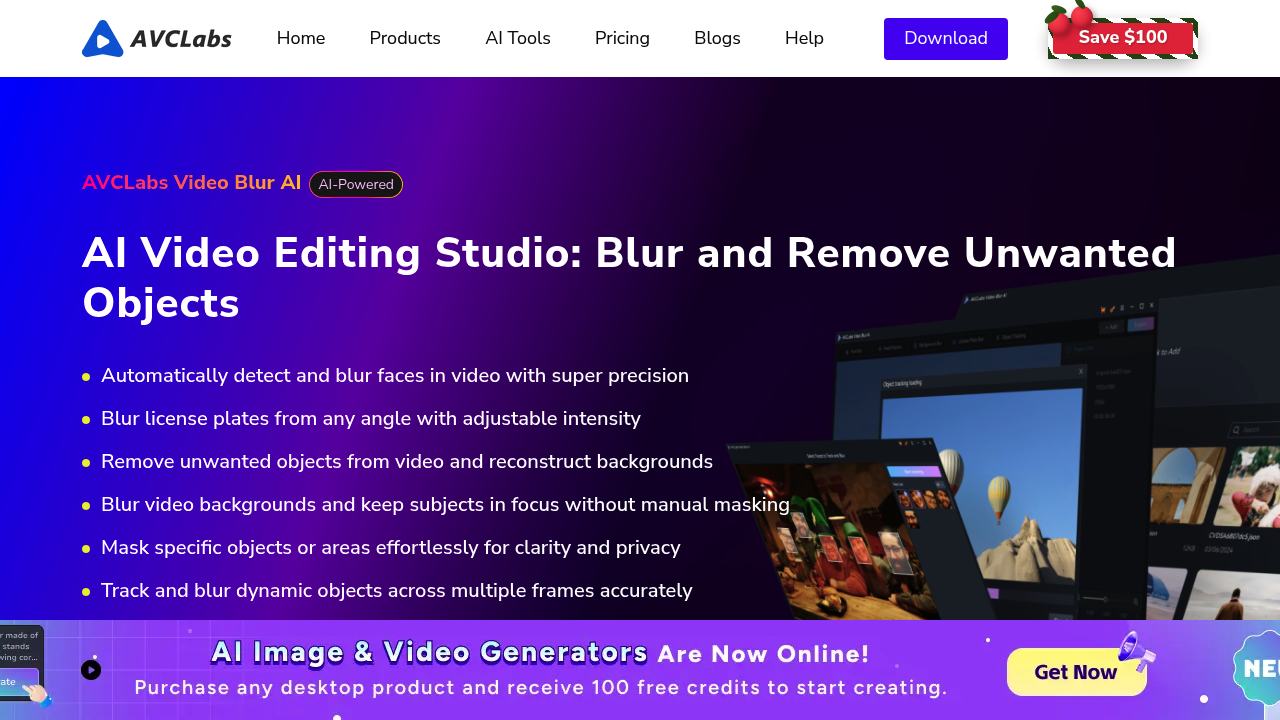
AVCLabs Video Blur AI screenshot

AVCLabs Video Blur AI is desktop software that automatically detects and blurs faces, license plates and backgrounds in video, and removes unwanted objects by reconstructing the area behind them. It tracks moving objects across frames, so a blur stays attached to a person or vehicle without manual masking, and the maker says it cuts up to 99% of manual blurring work. Blur intensity can be adjusted, detection models can be swapped, and processing happens locally on Windows or Mac, with a free download offered.

Video editors and YouTubers use it to protect bystanders in street footage. Journalists, documentary makers and security teams can anonymize faces and plates before publishing, which helps with privacy and compliance. Real estate and dashcam creators, as well as companies sharing training or incident recordings, can hide identifying details without frame-by-frame editing. Because it supports long-form footage and GPU and TensorRT acceleration, it also suits users who handle hours of material rather than short clips.

Typical scenarios include blurring every face in a crowded event video, hiding license plates in a car review or dashcam clip, blurring a cluttered background to keep the subject in focus, and removing a stray logo or passerby from a shot. Users can limit a task to a frame range, choose the area to mask, and export in high quality in several output formats. A workflow might import a long interview, run face detection, review the results and export a version ready for upload, all without leaving the application or sending files to a cloud service.

AVCLabs Video Blur AI alternatives

See all →

Frequently asked

6 questions
What does AVCLabs Video Blur AI blur?
It blurs faces, license plates, backgrounds and selected objects, and it can track moving objects across frames. It also removes unwanted objects and reconstructs the background.
Who is AVCLabs Video Blur AI for?
Creators, journalists, documentary makers and teams that must anonymize people or vehicles in footage. Anyone dealing with privacy or compliance in video can use it.
How would I hide license plates in a dashcam video?
Import the clip, choose license plate blur, adjust the intensity and run the task, optionally limiting it to a frame range. Then export the processed video.
Does it process video in the cloud?
Processing is done on the device, locally, rather than in the cloud. Users can speed it up with GPU and TensorRT acceleration.
What are the system requirements?
Windows 11 or 10 (64-bit) and macOS 12 or later are supported. A capable GPU improves speed on long videos.
Is there a free download?
A free download is available for both Windows and Mac, with a Buy Now option for the full version.

Traffic

Estimated monthly website visits · last 8 months

138.4K visits/mo
Monthly visits
138.4K
↓ 6.7% MoM
Global rank
#302,896
US #272,403
Category rank
#22
AI Video Editor
270.5K 237.5K 204.5K 171.4K 138.4K Dec 2025: 270.5K visits Dec 2025 Jan 2026: 264.1K visits Jan 2026 Feb 2026: 179.6K visits Feb 2026 Mar 2026: 189.1K visits Mar 2026 Apr 2026: 188.4K visits Apr 2026 May 2026: 183.4K visits May 2026 Jun 2026: 148.4K visits Jun 2026 Jul 2026: 138.4K visits Jul 2026

Reviews (0)

Write review

No reviews yet. Be the first to share your experience.