
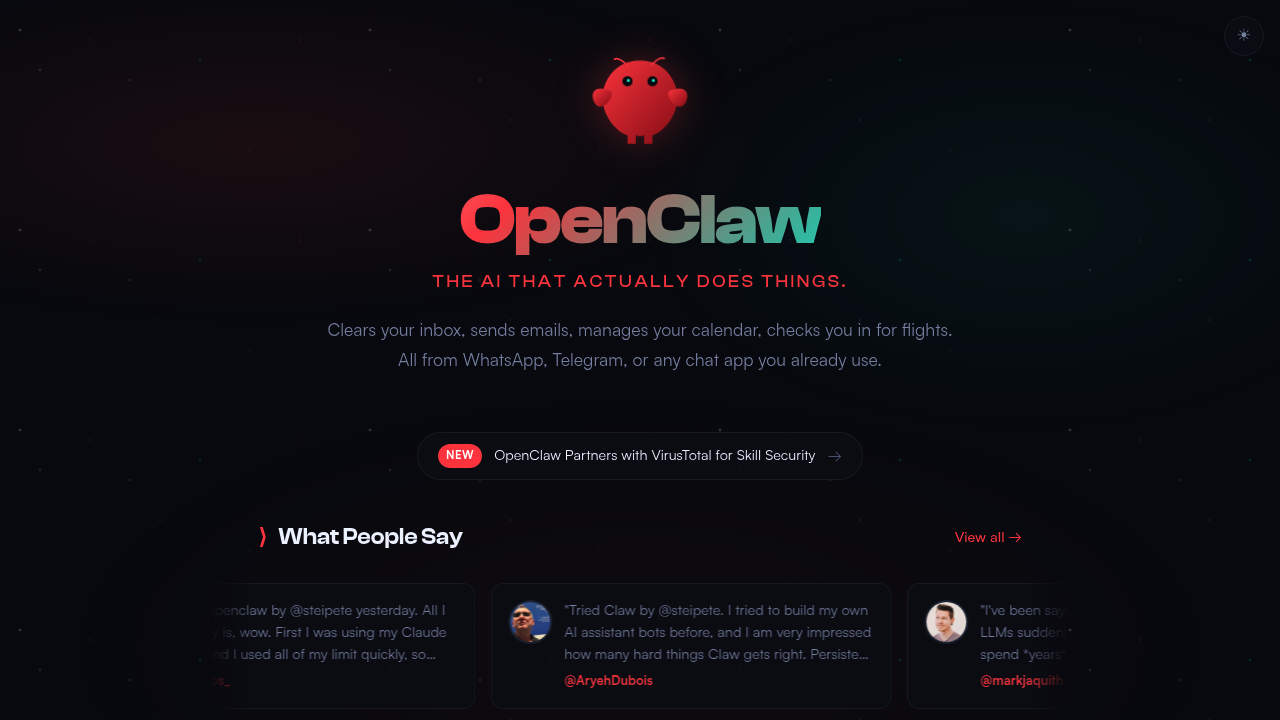
Your AI assistant lives in your chat app and actually does stuff. OpenClaw handles inbox cleanup, sends emails, manages your calendar, and even checks you in for flights. You message it through WhatsApp, Telegram, or Discord like you would a human assistant.
The difference? It runs on your own computer with full access to keyboard, mouse, and files. Not trapped in some cloud service. It's open source and stores everything locally, which means your data stays yours. The assistant remembers context across conversations and can execute tasks in the background without you watching.
What makes this notable: OpenClaw can improve itself through conversation. It reviews code, runs tests autonomously, fixes errors it finds, and opens pull requests. Connect it to Sentry and it'll catch errors through webhooks. It even builds what it calls a "second brain" while you chat, learning your preferences and workflow patterns.
The integration list is practical. Gmail for email. Calendar apps for scheduling. It talks to other development applications and can control things like a Winix air purifier if you're into home automation. Skills get checked through VirusTotal for security before running.
Does it actually work? The persistent memory and scheduled tasks suggest real utility. Background execution means you're not babysitting it. But there's a catch. You need your own subscription to an AI model service. This software will burn through those limits fast according to user reports. One testimonial mentioned exhausting a Max subscription quickly.
The self-hosting requirement is both strength and weakness. Great for privacy and control. Also means you're handling setup and maintenance yourself. This isn't a polished SaaS product you sign up for in thirty seconds. You're running infrastructure.
The hackable nature appeals to developers who want customization. Less appealing if you just want something that works out of the box. Only nineteen days old according to available testimonials, so you're looking at early-stage software with all that implies.
Best fit for technical users comfortable with self-hosting who need an AI assistant that integrates with their existing tools. Teams running their own infrastructure could benefit from the on-premises deployment. Families might find it useful but the technical barrier is real. Not ideal if you want managed service reliability or if you're not ready to provide your own AI model access. The lack of a hosted option means everyone's a system administrator here.