
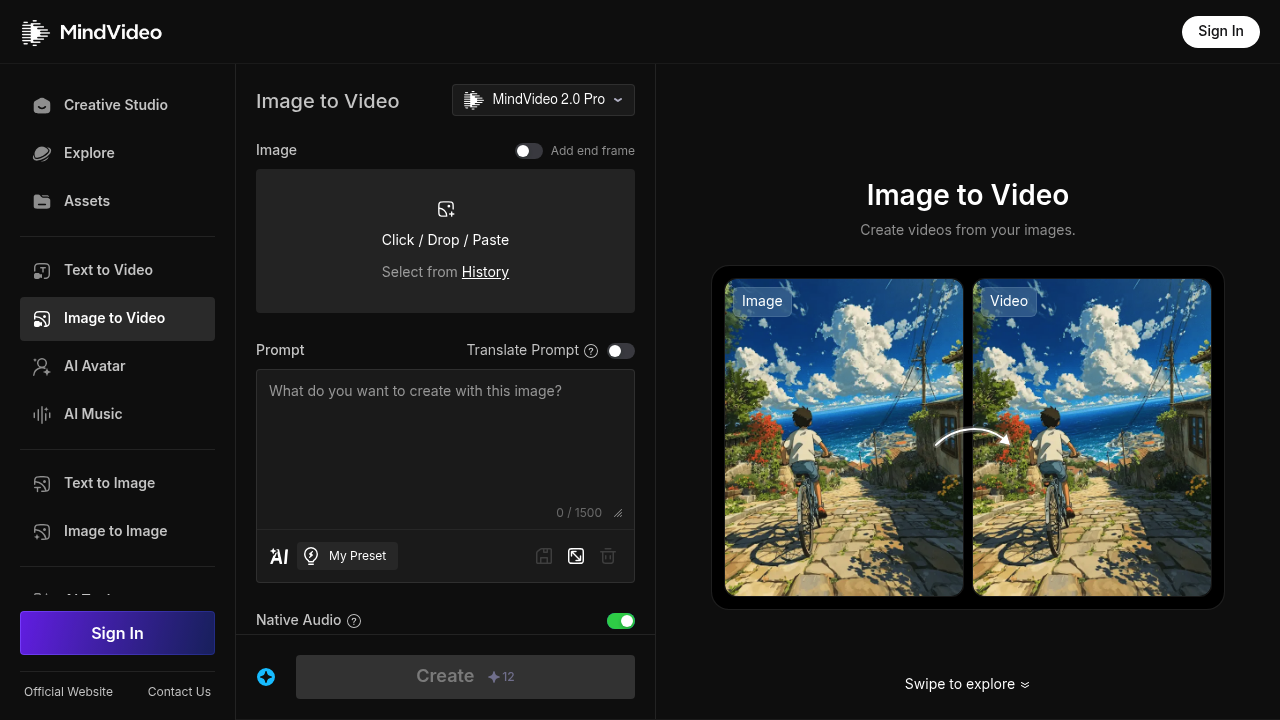
MindVideo's image-to-video tool turns a still photo into a short animated video. You upload an image, choose a video template, add filters and text if you like, then press generate, preview and download. The prompt can describe the motion, for example a girl blinking while the camera stays still. The company describes MindVideo as completely free to use with no subscriptions or hidden fees and says output reaches 4K resolution with improved detail and cinematic transitions. Uploads and results are protected with encryption, and you keep ownership of your content. No technical skill is needed to produce a clip.
Social media creators use it to bring portraits, scenery and artwork to life for posts and stories. Small business owners and online sellers make eye-catching product ads with animated visual effects, without hiring a video team. Indie game developers and filmmakers generate quick effects such as battle scenes, fantasy scenery and cinematic textures from a description. Hobbyists and families animate personal photos for fun. Marketers testing creative angles produce several versions in minutes. Beginners benefit most, since the three-step flow of upload, customize and generate removes any need for editing software, while testimonials on the page come from everyday creators.
A seller uploads a product shot, picks a template and adds text to create a short promotional clip for social media. A designer animates an illustration to show motion in a pitch. A game artist describes a magical effect and generates it from concept art. Photographers add subtle movement such as blinking or drifting camera to portraits, and families animate old pictures for sharing. Teams preview the result, adjust the settings and download the video to post on their channels. The generator also serves animators who want rough motion tests of a still frame before committing to full production in another tool.


