Maskr.io logo
AI Background Remover FREEMIUM from $10/mo

Maskr.io

Twenty free credits each month won't last long if you're processing high-res images

Maskr.io burns through 1 to 4 credits per operation (resolution determines the cost). A single 8K image? That'll cost you four credits. Five images and you're done for the month. Background removal comes bundled with…

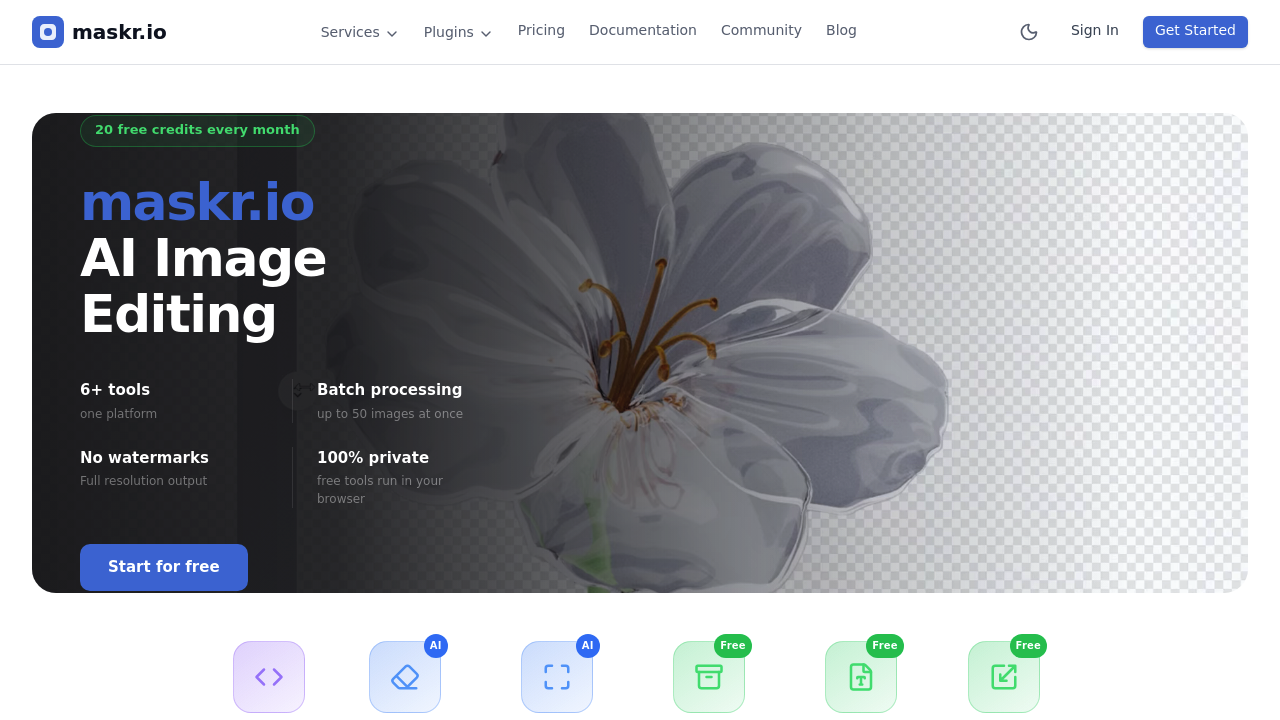
Maskr.io screenshot

Twenty free credits each month won't last long if you're processing high-res images. Maskr.io burns through 1 to 4 credits per operation (resolution determines the cost). A single 8K image? That'll cost you four credits. Five images and you're done for the month.

Background removal comes bundled with upscaling and compression tools. Format conversion and resizing are included too. Batch processing handles up to 50 images at once. There's a REST API for automation needs. Free browser-based tools run locally—privacy stays intact. No watermarks appear on any output.

Here's what matters: your data vanishes fast. Source images delete instantly after upload. Results auto-delete after five minutes. Maskr.io randomizes filenames and never trains AI models on your uploads. For product photographers juggling client work, that's worth something.

Paid plans start at $9.99 monthly (1,000 credits included). Pro+ gives you 4,000 credits at $29.99. Ultra costs $99.99—16,000 credits come with it. Credit math matters more than dollar amounts. Smaller images or lower resolutions? Credits stretch further.

Figma and Adobe plugins let you process images without leaving your design environment. Photoshop integrates directly. Illustrator does too.

Occasional use? The free tier works fine. Regular production work demands a paid plan. Those 20 monthly credits won't survive a Tuesday afternoon.


Maskr.io alternatives

See all →

Frequently asked

7 questions
How much does Maskr.io cost?
Maskr.io offers 20 free credits monthly, which is enough for casual use. Paid plans start at $9.99/month for 1,000 credits, $29.99 for 4,000 credits, or $99.99 for 16,000 credits. Each operation costs 1-4 credits depending on your image resolution, so a single 8K image uses 4 credits while smaller files cost less.
Does Maskr.io work with Figma and Photoshop?
Yes, Maskr.io has plugins for Figma, Adobe Photoshop, and Adobe Illustrator. You can process images directly inside your design tools without switching apps. There's also a REST API if you need to automate workflows.
Are my images private on Maskr.io?
Your images get deleted fast—source files are removed instantly after upload, and results auto-delete after 5 minutes. Maskr.io randomizes filenames, never uses your images for AI training, and the free browser-based tools run locally on your computer. It's about as private as image processing gets.
How many images can I process at once?
You can batch process up to 50 images at a time. Just remember that each image still costs credits based on its resolution, so processing 50 high-res photos will burn through your monthly allowance quickly.
What can I use Maskr.io for?
It's built for designers and developers who need quick image processing. You can remove backgrounds, upscale images, compress files, convert formats, resize photos, or extract and remove objects. The tools work great for product photography, web design, or any project where you're handling lots of images.
How long do the free credits last?
The 20 free monthly credits go fast if you're working with high-resolution images. A single 8K image eats 4 credits, so you'd only get 5 operations before running out. Lower resolution files cost fewer credits, but for regular production work, you'll probably need a paid plan.
Does Maskr.io add watermarks to images?
Nope, all output is watermark-free, even on the free plan. You get full resolution results without any branding or marks on your processed images.

Traffic

Estimated monthly website visits · last 0 months

Not enough historical data for a chart yet.

Reviews (0)

Write review

No reviews yet. Be the first to share your experience.