
KissGen AI logo

KissGen AI

Upload a photo and this service starts analyzing the faces to figure out positioning and angles for the kiss animation

38 views
KissGen AI screenshot

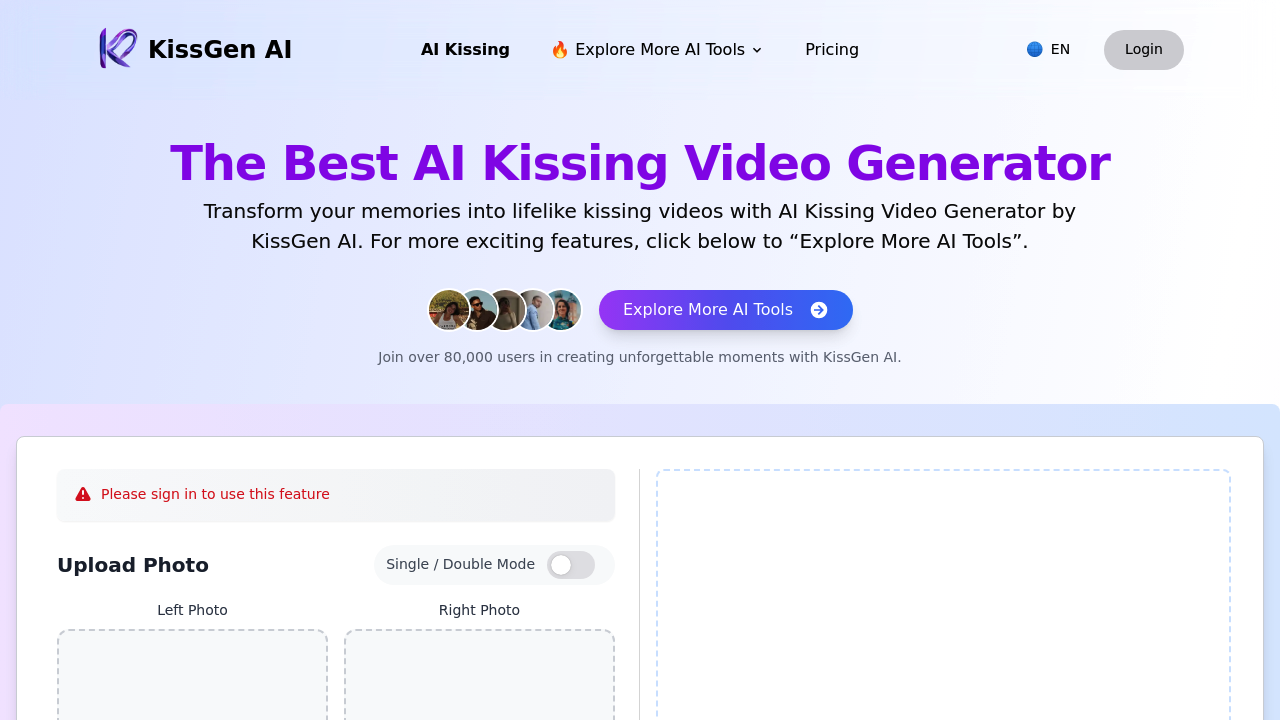
Upload a photo and this service starts analyzing the faces to figure out positioning and angles for the kiss animation. You can drop in a single portrait or two separate photos if you want the AI to merge two people into one scene. The interface asks for a text description of what kind of kiss you're after — romantic sunset backdrop, playful cheek kiss, dramatic movie-style moment. That description drives how the AI builds the scene around the faces.

Processing takes a few minutes. The system generates movement, lighting adjustments, and facial expressions that match your written prompt. Output comes in high definition, ready to download or share directly from the website. Over 80,000 users have tried it, mostly for personal romantic videos or content creation.

The text prompt feature separates this from basic face swap tools. You're not just animating a static action. You're directing the mood and setting through words, and the AI interprets that into visual choices. Works well when you know exactly what aesthetic you want.

Privacy measures are built in, though this software doesn't specify what happens to uploaded photos after processing or how long they're stored. That's where things get murky. You're handing over personal images to generate intimate content, and the transparency around data handling isn't clear from the interface. No obvious option to permanently delete source photos from their servers once you've downloaded your video.

The service itself is straightforward — no confusing menus or hidden features. Upload, describe, wait, download. Speed is solid for what it's generating. Quality depends heavily on photo resolution and lighting in your source images. Blurry uploads produce blurry kisses.


Frequently asked

6 questions
How does KissGen AI work?
You upload one or two photos and the system analyzes faces to map out angles for the kiss animation. Then you type a description of the kiss style you want — like romantic sunset or playful cheek kiss — and the AI builds the scene based on those words. Processing takes a few minutes while it generates movement, lighting, and facial expressions matching your prompt. The video downloads in high definition once it's done.
Is KissGen AI free?
The pricing structure isn't clearly listed on the platform. You can access the tool and start creating videos, but whether there's a completely free tier or usage limits isn't specified upfront. This lack of transparency means you might hit a paywall after uploading photos or generating your first video.
Can I use KissGen AI for client work?
Content creators use it to produce personalized romantic videos for clients, and the platform supports that kind of commercial use. You upload client photos, describe the scene they want, and deliver the finished kiss video. Quality depends on the source photo resolution, so blurry client selfies will produce blurry results no matter how good the AI is.
What happens to my photos after using KissGen AI?
The platform mentions privacy and security protection but doesn't explain what happens to uploaded photos after you download your video. There's no visible option to permanently delete source images from their servers once processing finishes. That's a real gap when you're handing over personal or client photos to generate intimate content.
What kind of kissing styles can KissGen AI create?
You describe the style through text prompts and the AI interprets that into visual choices — romantic sunset backdrops, playful cheek kisses, dramatic movie-style moments. The system adjusts lighting, facial expressions, and scene composition based on your written description. This text-driven approach sets it apart from basic face swap tools that just animate one fixed action.
How long does it take to create a video with KissGen AI?
Processing runs for a few minutes after you upload photos and submit your scene description. The system generates all the movement, lighting adjustments, and expressions during that time. Speed stays consistent regardless of how detailed your text prompt is, though final quality depends more on your source photo resolution than processing time.

Reviews (0)

No reviews yet. Be the first to share your experience.

Similar tools

See all →