
IFTTT logo
AI Workflow FREEMIUM from $3/mo

IFTTT

IFTTT links apps, smart home devices and online services through simple trigger-and-action automations called Applets.

You pick a trigger, such as a new Instagram post or a missed call, choose an action, such as saving it to Google Sheets or sending a Telegram message, and the rule runs on its own. More than 1,000 services are…

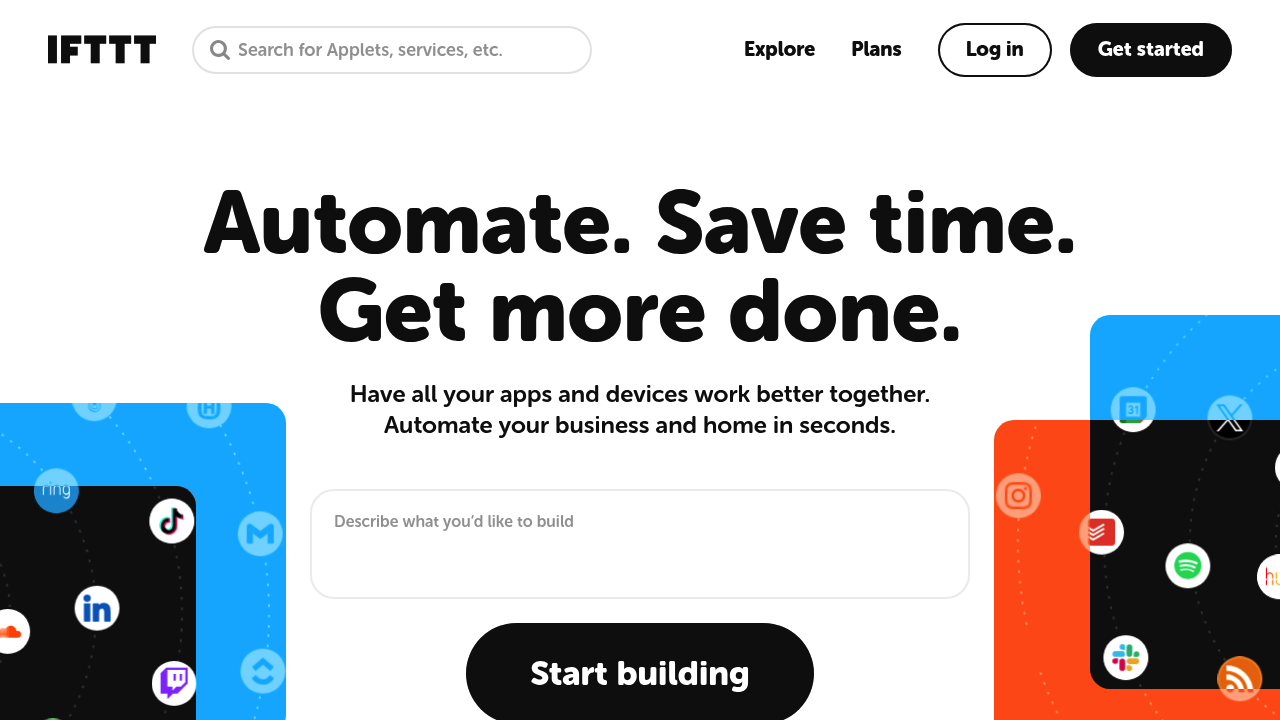
IFTTT screenshot

IFTTT links apps, smart home devices and online services through simple trigger-and-action automations called Applets. You pick a trigger, such as a new Instagram post or a missed call, choose an action, such as saving it to Google Sheets or sending a Telegram message, and the rule runs on its own. More than 1,000 services are supported, and a Chat Create feature builds an automation from a typed prompt. Plans start with a free tier limited to 2 Applets, then Pro at $2.99 per month and Pro+ at $8.99 per month when billed annually.

People who want their apps to work together without writing code get the most out of it: freelancers syncing tasks and calendars, small business owners onboarding clients with multi-step workflows, social media managers cross-posting content, and homeowners who run lights, garage doors and cameras from one place. Beginners can enable ready-made Applets in a minute, while more technical users add webhooks, queries and filter code on the top plan. Teams that juggle several accounts for the same service can connect them side by side. Developers can also expose their own products as services that others connect to.

Typical automations include posting new YouTube videos to a Discord channel, saving liked videos to bookmarks, logging weight or time entries to a spreadsheet, and forwarding Android SMS messages to email. In the home, Applets close a garage door when you leave, arm a camera system, start a robot vacuum or toggle Philips Hue lights from a phone button. Business users build chains that create tasks from messages, send notifications to Slack and update records across several apps. The IFTTT MCP server also lets other AI assistants trigger these same services, so automations can be started from a chat conversation.

IFTTT alternatives

See all →

Frequently asked

6 questions
How do Applets trigger actions between apps?
Each Applet pairs a trigger in one service with an action in another. When the trigger fires, such as a new tweet or a location change, IFTTT runs the action automatically. Multi-action Applets on paid plans can chain several actions from one trigger.
Who is IFTTT meant for?
It suits individuals, small business owners and smart home users who want automations without code. Developers can also publish their own services for others to connect. Higher plans add filter code for people who want finer control.
Can IFTTT sync tasks between productivity apps?
Popular Applets add new Google Tasks items to TickTick or Todoist and copy reminders between iOS and Google Tasks. Others log entries to Google Sheets or post new items to Slack. Each one runs in the background once enabled.
What does IFTTT cost?
A free plan covers 2 Applets with unlimited runs. Pro is $2.99 per month billed annually at $35.88 and allows 20 Applets with webhooks. Pro+ is $8.99 per month billed annually at $107.88 and gives unlimited Applets plus AI services.
What is limited on the free plan?
Accounts without a subscription get only 2 Applets and standard speeds. Webhooks, multi-action Applets, Twitter Applets and increased rate limits require Pro or Pro+. Filter code and multiple accounts per service are reserved for Pro+.
Is there a mobile app?
Every plan includes a free mobile app, and iOS and Android widgets such as the Button and Note widgets trigger Applets from a tap. Setup happens online or in the app, and you can start by enabling a ready-made Applet.

Reviews (0)

Write review

No reviews yet. Be the first to share your experience.