#5 in AI Workflow Google Opal logo
AI Workflow FREEMIUM

Google Opal

This experimental platform from Google lets you build and run AI experiments with direct ties to their ecosystem

You get a workspace for testing AI concepts with built-in connections to Drive, Docs, Sheets, and Slides. Think of it as a sandbox where you can prototype AI workflows without starting from scratch. The setup creates a…

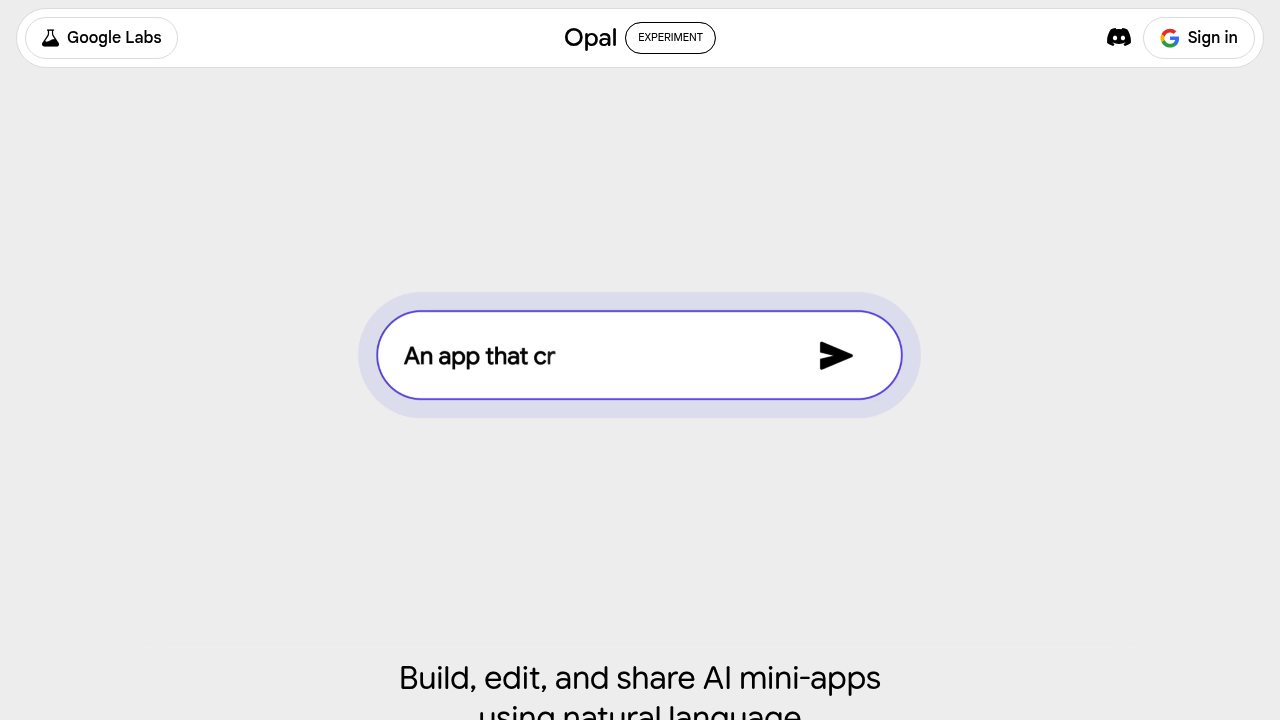
Google Opal screenshot

This experimental platform from Google lets you build and run AI experiments with direct ties to their ecosystem. You get a workspace for testing AI concepts with built-in connections to Drive, Docs, Sheets, and Slides. Think of it as a sandbox where you can prototype AI workflows without starting from scratch.

The setup creates a dedicated Opal folder in your Drive automatically. You can spin up experiments, cache context to save resources, and use agent mode to let AI handle multi-step tasks. There's a stream planner for sequencing actions and tools for generating webpages on the fly. The text editor includes remix features and a token counter if you need to track usage.

It lives on multiple Google domains. If you're on a google.com email, you'll likely use the corp.goog version. That domain restriction hints at who this really serves, internal Google employees first, wider Google users second. The system asks for consent before fetching or opening webpages, which adds friction but makes sense for security.

Now the limitations. Pretty extensive. Third-party modules aren't allowed. You can't publish experiments publicly if you're on a google.com domain. Several features are explicitly turned off — no MCP support, no NotebookLM integration, no output templates, no graph editor agent, no consistent UI mode. The list of disabled functionality is surprisingly long for a tool meant to encourage experimentation.

The agent mode can resume runs if something breaks, which is useful. The Drive picker works in lite mode only. You can share experiments with the underlying AI, though the specifics of how that works aren't detailed. There's a survey system baked in, probably for collecting feedback on experiments.

This makes sense for two groups. Google employees testing internal AI ideas will find the pre-built integrations valuable. Developers already deep in the Google workspace who want to prototype AI features without managing infrastructure might benefit too. But if you're outside that ecosystem or need third-party tools, the walls feel pretty high.

The disabled features suggest this is either still early or intentionally limited. It's not trying to be a full-scale AI development environment. More like a controlled setting for specific kinds of experiments. You won't get the flexibility of open platforms, but you also won't spend time wiring up Google API connections.


Google Opal alternatives

See all →

Frequently asked

5 questions
Is Google Opal free to use?
There's no pricing information available for Opal, which usually means it's either internal-only or in limited release. The tool primarily runs on corp.google.com domains, suggesting it's targeted at Google employees first. If you have a standard Google account, access might be restricted or simply not publicly available yet. No free trial is mentioned either.
Can I use Google Opal with third-party AI tools?
Third-party modules aren't allowed in Opal. The platform only integrates with Google's own services like Drive, Docs, Sheets, Slides, and their Gemini AI. This keeps everything within Google's ecosystem but limits flexibility if you need connections to external APIs or tools. You're working inside Google's walls exclusively.
What can you actually build with Google Opal?
You can create AI experiments that interact with Google Workspace files and use Gemini for processing. The agent mode lets you set up multi-step workflows, and there are tools for generating webpages and sequencing actions through a stream planner. It's meant for prototyping AI concepts rather than production apps. Think testing an idea for how AI might automate document workflows, not building a customer-facing product.
Does Google Opal work with NotebookLM or other Google AI tools?
NotebookLM integration is explicitly disabled in Opal, along with several other features. Google One and some Drive tools are also turned off. The platform seems intentionally stripped down, possibly because it's experimental or meant for specific use cases. You get Gemini integration and basic Workspace connections, but not the full range of Google's AI offerings.
Can I share or publish experiments I make in Google Opal?
Public publishing is disallowed if you're on a google.com domain. You can share experiments with Gemini internally, but there's no public distribution option mentioned. This reinforces that Opal is for internal testing or limited collaboration rather than releasing work to a wider audience. The sharing capabilities exist but stay within controlled boundaries.

Traffic

Estimated monthly website visits · last 9 months

1.2M visits/mo
Monthly visits
1.2M
↓ 6.1% MoM
Global rank
#37,425
IN #11,799
Category rank
#5
AI Workflow
3.5M 2.9M 2.3M 1.7M 1.2M Dec 2025: 3.3M visits Dec 2025 Jan 2026: 3.5M visits Jan 2026 Feb 2026: 2.6M visits Feb 2026 Mar 2026: 2.7M visits Mar 2026 Apr 2026: 3M visits Apr 2026 May 2026: 2.1M visits May 2026 Jun 2026: 1.6M visits Jun 2026 Jul 2026: 1.2M visits Jul 2026 Aug 2026: 1.2M visits Aug 2026

Reviews (0)

Write review

No reviews yet. Be the first to share your experience.