
Activepieces logo

Activepieces

Building workflows from scratch means coding everything yourself

47 views
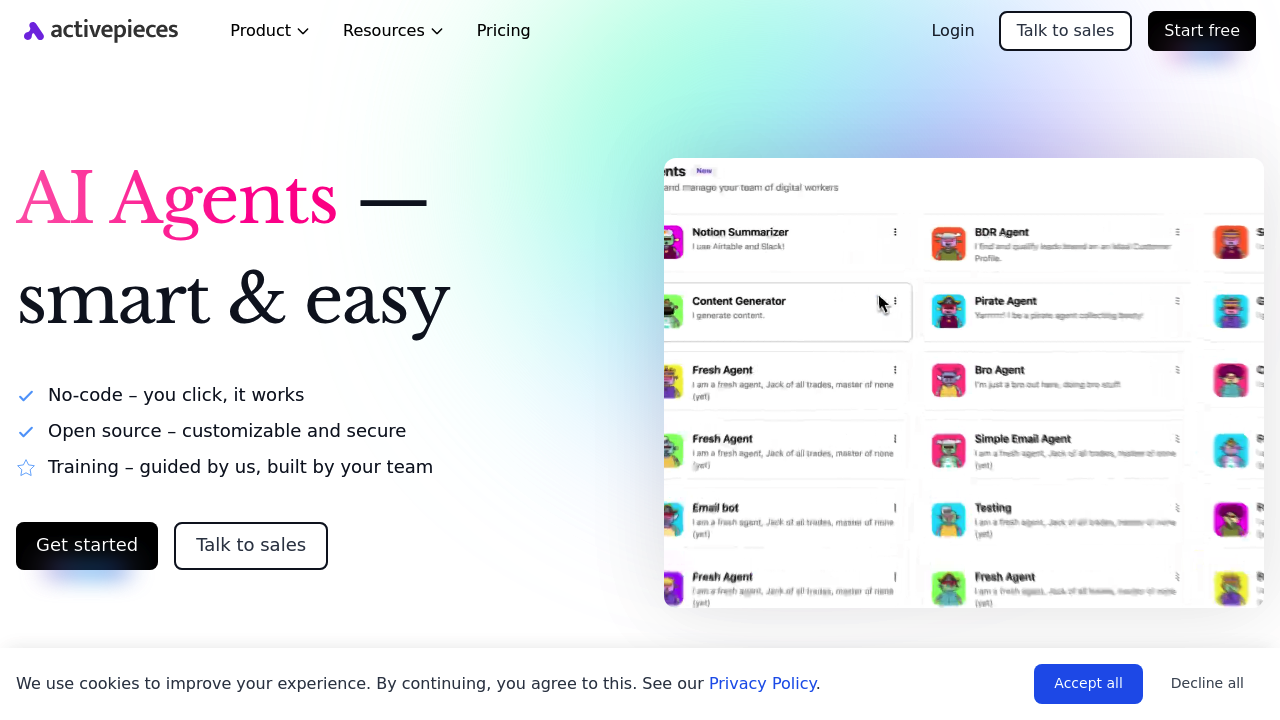
Activepieces screenshot

Building workflows from scratch means coding everything yourself. Takes forever. Activepieces fixes this with AI agents that think through tasks and execute them across 633 different apps. No code required.

The visual canvas works like building blocks — drag and drop your automations. Your AI agents get Gmail access. Salesforce too. Slack. Hundreds of other tools. They make decisions and take actions on their own. Built-in tables function like Google Sheets but plug directly into your automations and agents.

Marketing operations manager drowning in lead routing? Set up an agent that reads incoming emails. It checks lead quality against CRM data. Assigns scores. Routes qualified prospects to the right sales rep while updating multiple systems. The agent handles thinking — you handle approvals when needed.

Activepieces includes MCPs for external agents like Claude. Webhooks work out of the box. HTTP requests too. Auto retry keeps things running when connections hiccup. The todos system creates checkpoints where humans review and approve before agents continue.

Startups use it. Fortune 50 companies use it. Over 100,000 users are already building with it. You can start free or self-host with Docker if you need control. SOC 2 Type II compliance covers security.

Humans stay in the loop for approvals. This slows some workflows but prevents mistakes that happen when AI runs completely unsupervised.

Frequently asked

7 questions
How many apps can Activepieces connect to?
You can connect to 633 different apps -- Gmail, Salesforce, Slack, you name it. It also handles webhooks and HTTP requests for custom stuff. Can't find your app? No worries -- you can usually hook it up through their API.
What's the difference between Activepieces agents and regular automation tools?
Regular tools just do basic if-then stuff. Activepieces agents actually think. They'll analyze your CRM data, score leads, and figure out which sales rep should get what prospect -- all without you telling them exactly how to do it.
Can I review what agents do before they take action?
Yep! The todos system stops everything so you can check their work first. Sure, it slows things down a bit, but it saves you from expensive mistakes. You pick what needs approval and what can just run on autopilot.
Do I need to know how to code to use Activepieces?
Not at all. Just drag and drop stuff on the visual canvas. Even the complex AI workflows work without coding a single line.
What are MCPs in Activepieces and why would I use them?
MCPs connect outside AI agents (like Claude) to your workflows. So you can use different AI models for different jobs while keeping everything in one place. It's pretty flexible -- lets your agents handle various tasks better.
How does pricing work if I want to self-host Activepieces?
Self-hosting with Docker is totally free if you want full control over your data. There's also a cloud version you can try for free. Plus it's SOC 2 Type II compliant -- so enterprise security is covered.
What happens if my Activepieces workflows fail due to connection issues?
Auto retry kicks in when connections get wonky. The system just tries again and picks up where it left off. Your workflows won't completely break when third-party services have hiccups.

Reviews (0)

No reviews yet. Be the first to share your experience.

Similar tools

See all →