
Relay.app logo

Relay.app

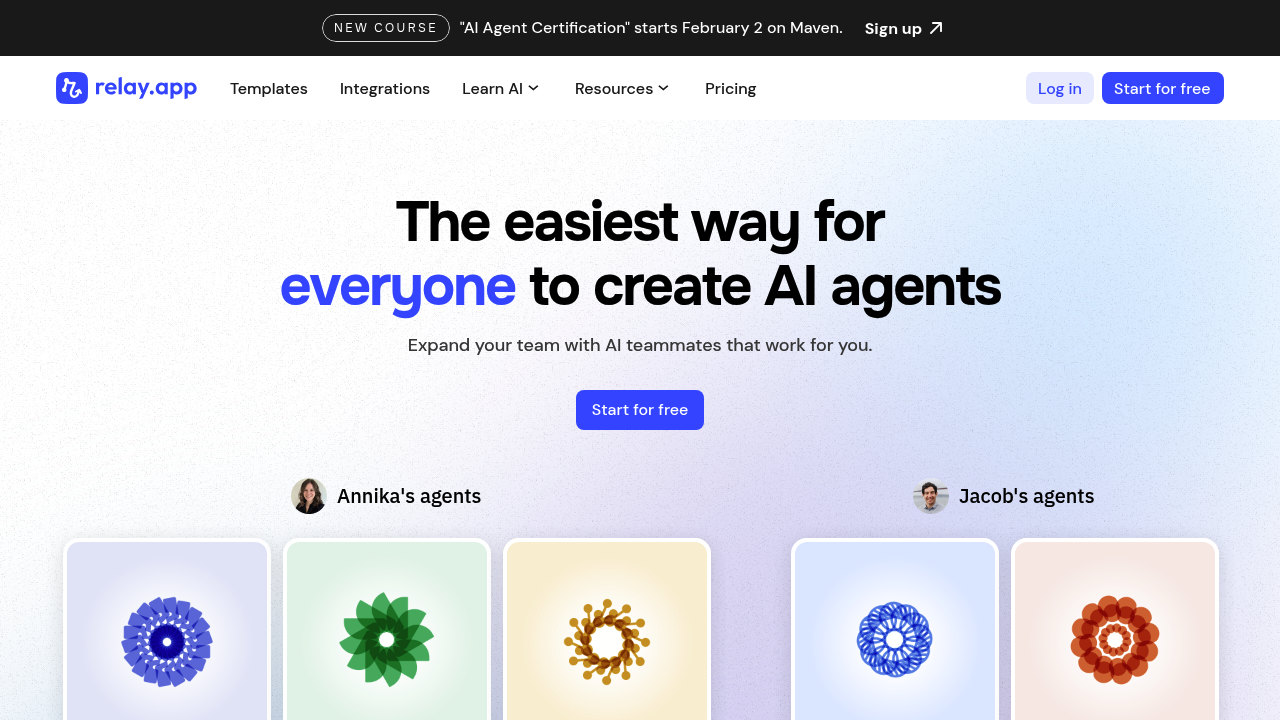
Relay.app is a platform to create AI Agents that work for you across Gmail, Notion, Salesforce, HubSpot, and 100+ other apps. Agents created in Relay.app are *actually* useful, as they're easy to cre

53 views
Relay.app screenshot

Pricing details aren't available for Relay.app. You'll need to check their website directly for current rates and plan options.

This workflow automation platform promises to "build an AI team that works for you." That's the marketing pitch anyway. The concept centers on creating AI-powered workflows that handle repetitive tasks without constant human oversight.

Relay.app targets users who want to automate business processes using AI agents. Picture a marketing director at a growing startup who's drowning in lead qualification tasks. They could set up AI workflows to score leads. Send follow-up emails. Update CRM records automatically.

Relay.app doesn't specify whether it's mobile-optimized or desktop-focused. Most workflow builders work better on desktop anyway. Building complex automation flows on a phone screen sounds like torture.

Without access to specific feature details, it's hard to judge what sets Relay.app apart from other workflow tools. The "AI team" branding suggests these aren't just simple if-then automations. You're supposedly getting AI agents that can make decisions and handle nuanced tasks.

The lack of transparent information about capabilities raises questions. What exactly can these AI agents do? How do they compare to established players like Zapier or Microsoft Power Automate? The website might have answers — but directory listings usually provide clearer feature breakdowns. Relay.app keeps things vague. Not inspiring in a crowded automation market.


Frequently asked

6 questions
How does Relay.app differ from Zapier or Microsoft Power Automate?
Relay.app says it's got AI agents instead of basic trigger automations. Zapier just connects apps with if-then rules -- but Relay claims their AI can actually make decisions and handle complex reasoning. They don't share clear tech details about what makes their AI agents better than regular workflow tools though.
What types of tasks can Relay.app's AI agents actually handle?
They mention lead scoring, automated email follow-ups, and CRM updates. Beyond basic data stuff, they say the AI handles 'nuanced tasks' that need decision-making. Without detailed docs, it's hard to know how smart these AI features really are compared to rule-based automation.
Can I try Relay.app for free before committing to a paid plan?
Relay.app doesn't show their pricing or trial info publicly. You'll need to hit their website directly or contact sales to learn about free trials. This lack of transparent pricing is pretty unusual for most SaaS workflow tools.
Does Relay.app work well on mobile devices for managing workflows?
The company doesn't specify mobile optimization details. Most workflow platforms work better on desktop since building complex flows needs screen space. You'll probably want to stick to desktop for creating workflows -- though mobile monitoring might work.
How quickly can I set up my first AI workflow in Relay.app?
Relay.app doesn't give specific setup timeframes or onboarding details. It'll depend on your use case and how many integrations you need. Simple workflows might take minutes, but complex multi-step automations with AI decision points could take hours to set up right.
What integrations does Relay.app support for connecting my existing tools?
They don't publish a full integration list publicly. Most workflow tools connect to popular business apps like Gmail, Slack, Salesforce, and HubSpot. You'll need to check their website or contact support to confirm your specific tools work before signing up.

Reviews (0)

No reviews yet. Be the first to share your experience.

Similar tools

See all →