EasyAI – AI Flow - No Code Content (Video/Image) Ge logo

EasyAI – AI Flow - No Code Content (Video/Image) Ge

The name won't tell you what this actually does

EasyAI builds multi-step AI workflows—you chain together chatbots, video tools and document processors without writing code. It's plumbing for AI operations. You connect different models and functions into pipelines…

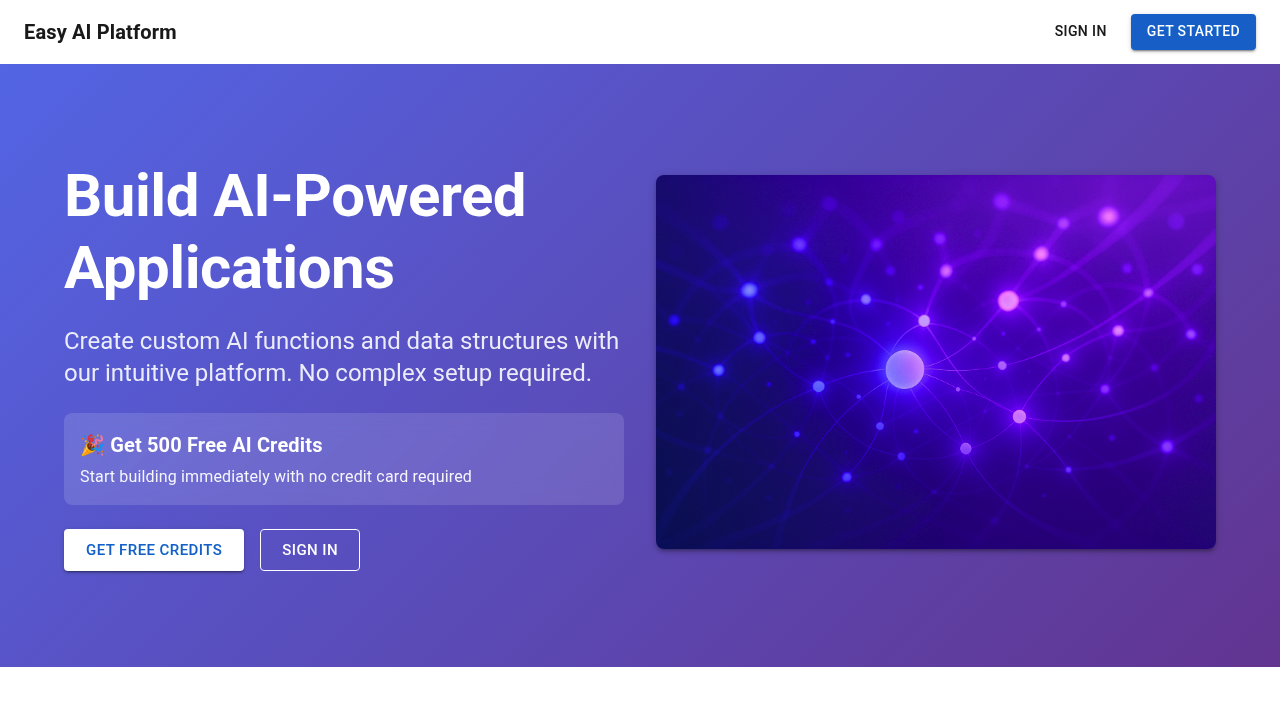
EasyAI – AI Flow - No Code Content (Video/Image) Ge screenshot

The name won't tell you what this actually does. EasyAI builds multi-step AI workflows—you chain together chatbots, video tools and document processors without writing code. It's plumbing for AI operations. You connect different models and functions into pipelines that run automatically.

You create what they call AI Functions using plain English instructions. Then you build Custom Objects (structured data models the AI knows how to fill in and manipulate). A marketing team could set up a workflow that takes a product description—then generates video scripts, creates images and outputs formatted social posts. All in one automated sequence. EasyAI handles scaling and caching so your workflows don't choke under load.

It's built for developers and businesses deploying production apps. The team behind EasyAI worked on AI systems for MyFitnessPal and InsideTracker—which explains the enterprise focus. You get Firebase authentication with role-based access control built in. Multi-model support means you can tap GPT-4, Claude or Gemini. Automatic fallback kicks in if one model goes down.

Solo builders get 500 free AI credits to start. No credit card required.

EasyAI runs on Google Cloud with a 99.9% uptime guarantee. That matters if you're running customer-facing applications. For teams, role-based access lets different people build and manage workflows without permissions chaos. It's less about quick experiments—more about building repeatable AI processes you can trust to run without babysitting.


EasyAI – AI Flow - No Code Content (Video/Image) Ge alternatives

See all →

Frequently asked

7 questions
How do I create automated AI workflows without coding?
EasyAI lets you chain together different AI tools into automated sequences using plain English instructions. You create AI Functions by describing what you want in natural language, then connect them with chatbots, video tools, and document processors into workflows that run automatically. For example, you could build a pipeline that takes a product description, generates video scripts, creates images, and outputs formatted social posts—all without writing a single line of code.
Does EasyAI work with multiple AI models like GPT-4 and Claude?
Yes, EasyAI supports GPT-4, Claude, and Gemini with automatic fallback between models. If one model goes down or hits capacity, the system automatically switches to another so your workflows keep running. This multi-model approach helps prevent disruptions in production applications.
Can I try EasyAI without paying anything?
You get 500 free AI credits to start, and there's no credit card required. That's enough to test workflows and see if it fits your needs before committing to anything.
What are the limitations of using EasyAI for content generation?
The main constraint is working within the credit system for AI processing. Since EasyAI relies on external AI models like GPT-4 and Claude, your usage depends on available credits. However, the platform handles scaling and caching automatically, so performance shouldn't be an issue as your workflows grow.
What can I actually build with EasyAI workflows?
Marketing teams often build content pipelines that generate multi-format campaigns from a single input. You could automate customer onboarding sequences that process documents, answer questions via chatbot, and create personalized video messages. Basically anything that involves chaining multiple AI tasks together—document analysis feeding into content creation, or chatbot responses triggering automated follow-ups.
Is EasyAI reliable enough for customer-facing applications?
It runs on Google Cloud with a 99.9% uptime SLA, which is pretty solid for production use. The team previously built AI systems for MyFitnessPal and InsideTracker, so they've dealt with scale before. Plus the automatic model fallback means your workflows won't break if one AI service has issues.
How does team access work in EasyAI?
EasyAI includes Firebase authentication with role-based access control built in. You can give different team members specific permissions to build, manage, or just use workflows without everyone having full admin access. It helps avoid the usual permissions chaos when multiple people are working on the same AI pipelines.

Traffic

Estimated monthly website visits · last 0 months

Not enough historical data for a chart yet.

Reviews (0)

Write review

No reviews yet. Be the first to share your experience.