
Hexabot logo

Hexabot

Build chatbots without coding

64 views
Visit hexabot.ai
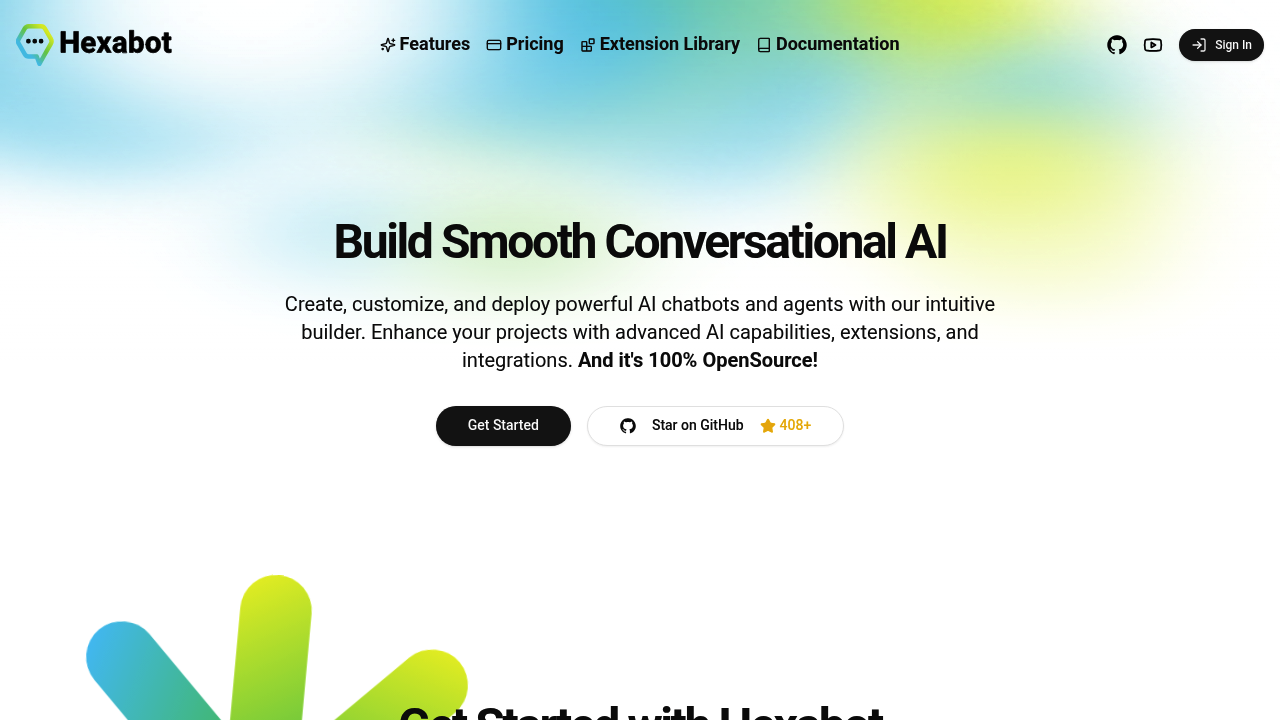
Hexabot screenshot

Connecting to multiple messaging platforms gets messy fast. Hexabot handles website integration. Social media platforms. Various messaging apps. No usual headache. You'll also find Ollama and ChatGPT integration built right in.

The visual flow editor makes conversation design surprisingly straightforward. Drag and drop your way through chatbot logic instead of wrestling with code. You'll still need some technical chops for advanced customizations though.

Customer support managers at SaaS companies will appreciate this setup. Picture deploying the same bot across WhatsApp — your website chat widget — Facebook Messenger while maintaining consistent responses. Knowledge base management keeps everything contextually relevant.

Being open-source means no monthly fees eating into your budget. The Extension Library offers pre-built channels from the community. Plugins too. Helpers as well. With 408+ GitHub stars, there's decent momentum behind the project.

Multi-language support expands your reach globally.

You can host everything on-premise if data privacy matters to your organization. Custom channel development gives you flexibility when standard integrations don't cut it.

Visual design meets developer extensibility. That's what sets Hexabot apart from typical no-code chatbot builders. You get the speed of low-code development but won't hit walls when you need something specific. Enterprise teams building conversational AI applications will find this balance useful — especially when they need both rapid prototyping and custom functionality.


Frequently asked

7 questions
How does Hexabot's visual flow editor work for building conversations?
It's all drag-and-drop -- no coding required for the basic stuff. You just connect nodes visually to create conversation paths. Pretty straightforward, really. But here's the thing -- you'll still need some tech know-how if you want to get fancy with advanced customizations.
Can I host Hexabot on my own servers for data privacy?
Absolutely! Since it's open-source, you can host it wherever you want. Your data stays completely under your control. This is huge for companies with strict privacy rules or compliance stuff they've got to deal with.
What's the difference between Hexabot and other no-code chatbot builders?
Here's what sets it apart -- you get visual design AND developer flexibility. Other no-code tools? They box you in when you need something custom. Hexabot doesn't do that. You can build custom channels, extend core features -- basically go as deep as you need. It's like getting the best of both worlds.
Does Hexabot cost anything to use since it's open-source?
Nope, zero monthly fees. It's completely free since it's open-source. You'll only pay for hosting if you self-host (which isn't much). The Extension Library and community plugins? Also free.
Which messaging platforms can Hexabot connect to simultaneously?
It handles WhatsApp, Facebook Messenger, website chat widgets -- pretty much all the major ones from one dashboard. Same bot logic works everywhere, so your responses stay consistent. The Extension Library has even more channel integrations that the community's built.
How do I add AI capabilities to my Hexabot chatbot?
Super easy -- it's got built-in connections to Ollama and ChatGPT. No extra coding needed. Just plug them in directly through the platform. The knowledge base system keeps your AI responses relevant to whatever topic you're discussing.
What technical skills do I need to get started with Hexabot?
You can build basic bots with zero coding skills using the visual editor. But if you want advanced stuff -- custom channels, complex integrations -- you'll need some technical background. It's designed to bridge that gap between simple no-code and full developer power.

Reviews (0)

No reviews yet. Be the first to share your experience.

Similar tools

See all →