
Happy Scribe logo
AI Transcription FREEMIUM from €9/mo

Happy Scribe

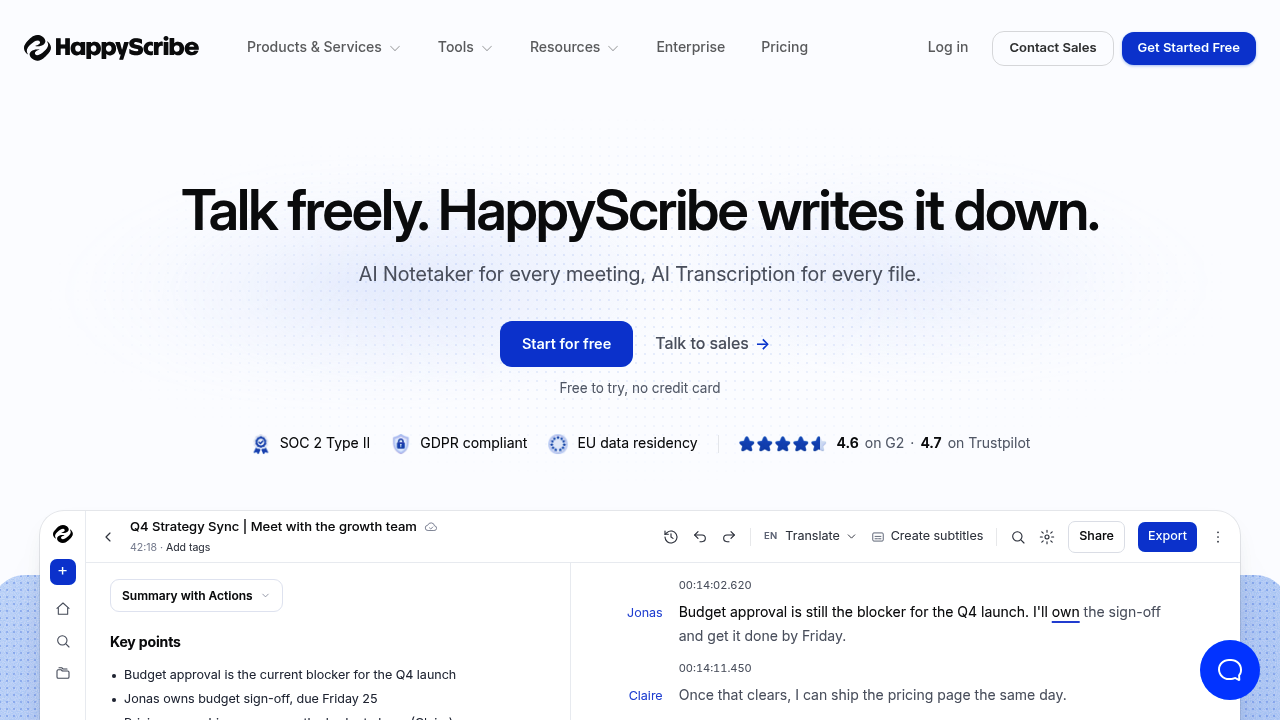
Happy Scribe is an AI transcription service and meeting notetaker that works in more than 150 languages and dialects.

It turns recordings, uploaded files and live calls into text with speakers named automatically, adds summaries and action items, and lets you ask questions of your meetings through AI Chat and an MCP connection. Zoom,…

Happy Scribe screenshot

Happy Scribe is an AI transcription service and meeting notetaker that works in more than 150 languages and dialects. It turns recordings, uploaded files and live calls into text with speakers named automatically, adds summaries and action items, and lets you ask questions of your meetings through AI Chat and an MCP connection. Zoom, Google Meet and Microsoft Teams calls can be recorded from a Mac or phone without a bot joining. A glossary keeps product names and acronyms spelled your way, and transcripts export to Word, PDF or subtitle files. Subtitles and human-checked transcripts are offered for work that needs extra precision.

The service is built for journalists on deadline, academic and market researchers with piles of interviews, sales and customer success teams reviewing calls, lawyers handling hearings and depositions, and educators making lectures accessible. Multilingual teams benefit from automatic language detection and one-click translation, and enterprises can rely on SOC 2 Type II compliance, GDPR compliance and EU data residency. More than 41,000 teams use it, and ratings of of 4.6 on G2 and 4.7 on Trustpilot. Starting is free and no credit card is needed to try it.

Common workflows include transcribing a recorded expert interview and searching for an exact quote with its speaker and timestamp, capturing a Zoom sales call and sending the summary into other tools, and generating subtitles for a video in several languages. A newsroom can cut hours from interview write-ups, a research agency can check quality across multilingual interviews, and a legal team can transcribe proceedings in the original language. Extra utilities such as an audio converter, trimmer, joiner and video compressor handle file preparation, and a mobile app covers in-person meetings.


Happy Scribe alternatives

See all →

Frequently asked

6 questions
What does Happy Scribe do with a recording?
It converts audio or video into text with speakers identified, then produces summaries and action items. You can also translate the transcript, create subtitles and export to Word, PDF or subtitle formats.
Who uses Happy Scribe?
Journalists, researchers, sales teams, legal professionals and educators are the audiences highlighted. Over 41,000 teams, from newsrooms to law firms, are cited.
How can Happy Scribe help with interviews?
Researchers can make interviews searchable and find an exact quote across hundreds of recordings. Each quote is tied to the right speaker and timestamp.
Which languages does Happy Scribe support?
More than 150 languages and dialects are supported for transcription, subtitling and translation inside one workspace. The spoken language is detected automatically before transcribing.
Is there a limitation to Happy Scribe's desktop recording?
The desktop app is labelled as coming soon, so recording currently relies on the iOS and Android apps, a Mac recorder and uploaded files. Calls from Zoom, Meet and Teams can still be captured without a bot.
How do I start with Happy Scribe?
Sign up for free, with no credit card required, then upload a file or connect a calendar so the notetaker joins calls. Integrations send results to the apps you already use.

Reviews (0)

Write review

No reviews yet. Be the first to share your experience.