Google Drive logo
AI Files FREE TRIAL from €7/mo

Google Drive

Google Drive is Google Workspace's cloud storage and file sharing service, where files are stored securely online and shared with others.

Documents, PDFs and media sit in one place, an AI-based search finds what is needed, and Google's built-in AI surfaces insights from files. An activity view shows recent changes, PDFs can be commented on, and paper…

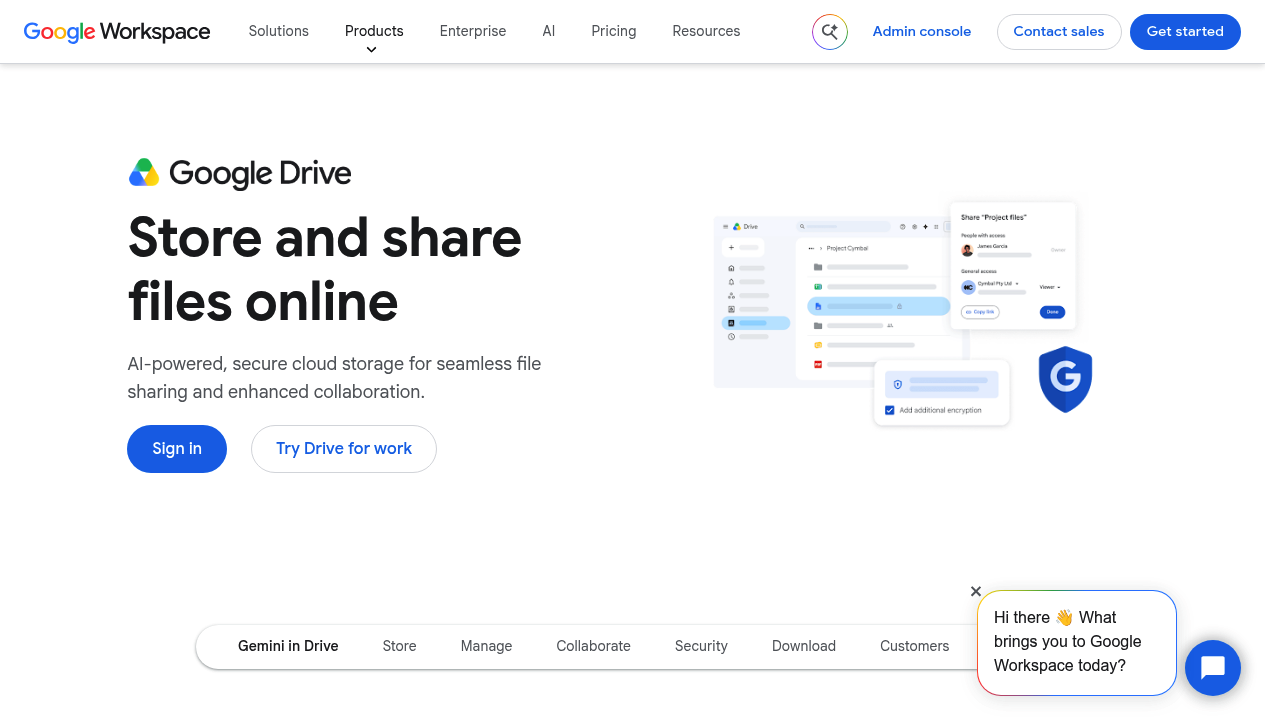
Google Drive screenshot

Google Drive is Google Workspace's cloud storage and file sharing service, where files are stored securely online and shared with others. Documents, PDFs and media sit in one place, an AI-based search finds what is needed, and Google's built-in AI surfaces insights from files. An activity view shows recent changes, PDFs can be commented on, and paper documents can be scanned with the mobile app. Drive for desktop keeps folders on a computer in sync, and storage is described as growing with a customer's needs.

Individual professionals, small businesses, start-ups and large enterprises all fall within its audience, and Workspace offers separate plans for each. Teams use shared drives so files belong to the group instead of a single person, administrators set access and zero-trust controls, and security teams rely on AI-based protections and the ability to limit ransomware spread from synced desktop files. Frontline staff can reach content from phones and tablets.

Common uses include saving Gmail attachments straight to Drive, collecting scanned receipts or contracts, circulating a PDF for team comments, and managing access when a project changes hands. Electronic signatures can be requested inside Drive, and third-party integrations connect it to other business applications. Because Drive sits beside Docs, Sheets, Slides, Meet and Chat, a file can be opened and edited in the right app and shared with a link. Cloud-native design and a single place for company files help reduce siloed content and duplicate copies across departments.


Google Drive alternatives

See all →

Frequently asked

6 questions
How does Google Drive let teams share files?
Files are stored online and shared with chosen people, with access managed per file or folder. Shared drives keep team content in a common space so it is not tied to one person.
Who is Google Drive intended for?
Google offers it to individuals, small and new businesses, start-ups, large enterprises and frontline staff through Workspace plans. Education and nonprofit organizations are also served.
Can I scan paper documents into Drive?
Paper documents can be scanned directly into storage with the Drive mobile app. Gmail attachments can also be saved straight to Drive.
How does AI help inside Drive?
AI-based search helps locate files, and Google's built-in AI can pull insights from stored documents. AI-based security features also help protect content.
What security controls does Drive provide?
Zero-trust settings let administrators manage who can access content. Drive for desktop includes protection against ransomware spreading through synced files.
Does Drive work on a computer and phone?
Syncing from a computer is handled by Drive for desktop, and Drive for mobile covers phones and tablets. Third-party apps connect through integrations from Google Workspace Marketplace.

Reviews (0)

Write review

No reviews yet. Be the first to share your experience.