
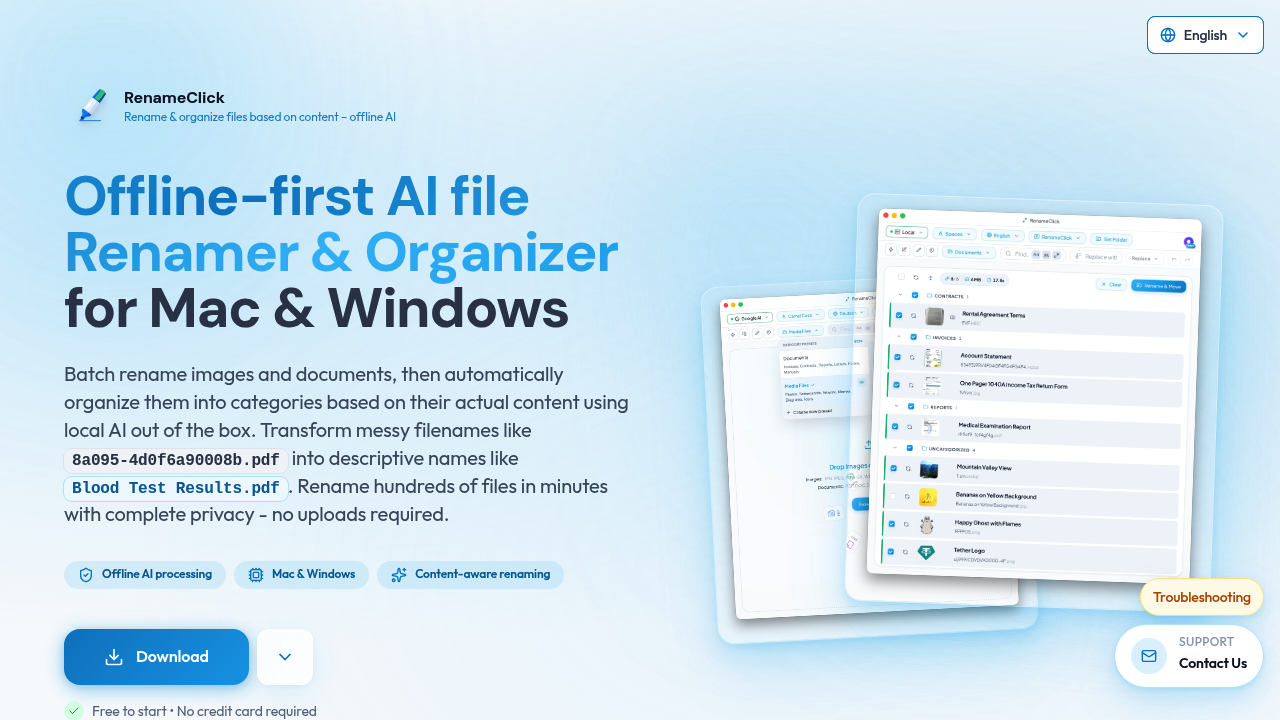
RenameClick runs entirely on your machine, keeping everything private while transforming gibberish filenames into something useful without requiring cloud uploads.
Your desktop AI processes files locally. No uploads required. RenameClick looks at actual content rather than guessing from existing names. It turns "8a095-4d0f6a90008b.pdf" into "Blood_Test_Results.pdf" automatically.
Batch processing handles hundreds of files at once. RenameClick supports 11 image formats. It handles 8 document types. Works across 14 languages. You can set custom naming conventions or let the AI decide based on content analysis.
A medical office manager dealing with scanned patient documents would find this useful. Instead of manually sorting through cryptically named files from different scanners, they could process entire folders and have everything properly labeled within minutes.
Semantic search lets you find files by describing what you're looking for rather than remembering exact names. Free users get unlimited processing but only 30 credits monthly for applying changes. That limitation forces you to be selective about which renames you actually commit.
Setup requires 4GB of disk space for the local AI model and similar RAM when running. GPU acceleration makes everything 10-20x faster — if your hardware supports it. Pro plans start at $8 monthly or $48 lifetime, removing the credit restrictions entirely. RenameClick works with Ollama. LM Studio. OpenAI and Google AI for flexible model choices.